
Project settings are where you adjust how a project is wired up after it is created: its Dev Hub and source control, scratch-org and package configuration, review automation and policy, work-item imports, and who can work in it.
Open project settings in Serpent
Open the Project Settings screen with the "Try it in Serpent" button above, then move through its tabs:
-
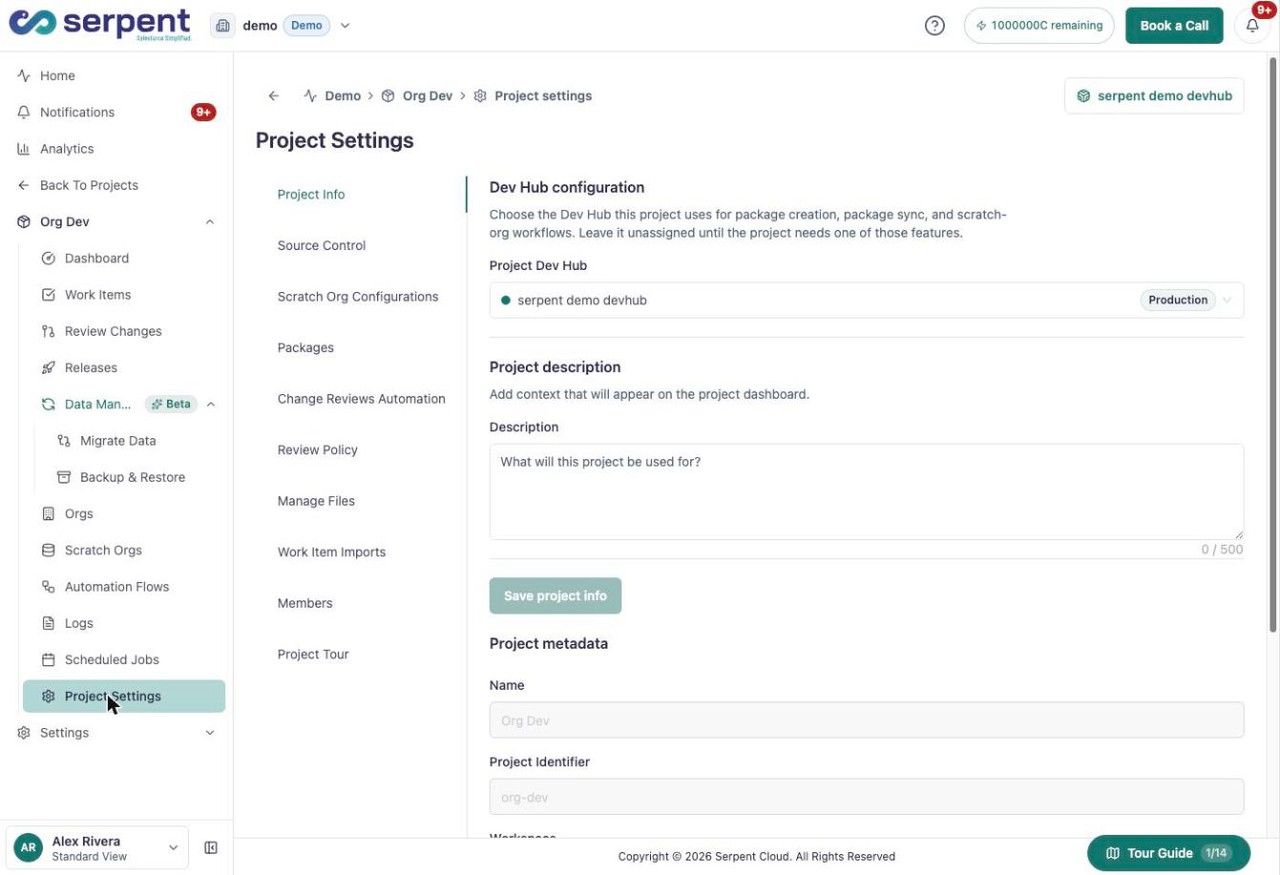
Open Project Info
Open the Project Info tab to set the Dev Hub the project uses, add a description that appears on the dashboard, and view the project name and identifier.
-
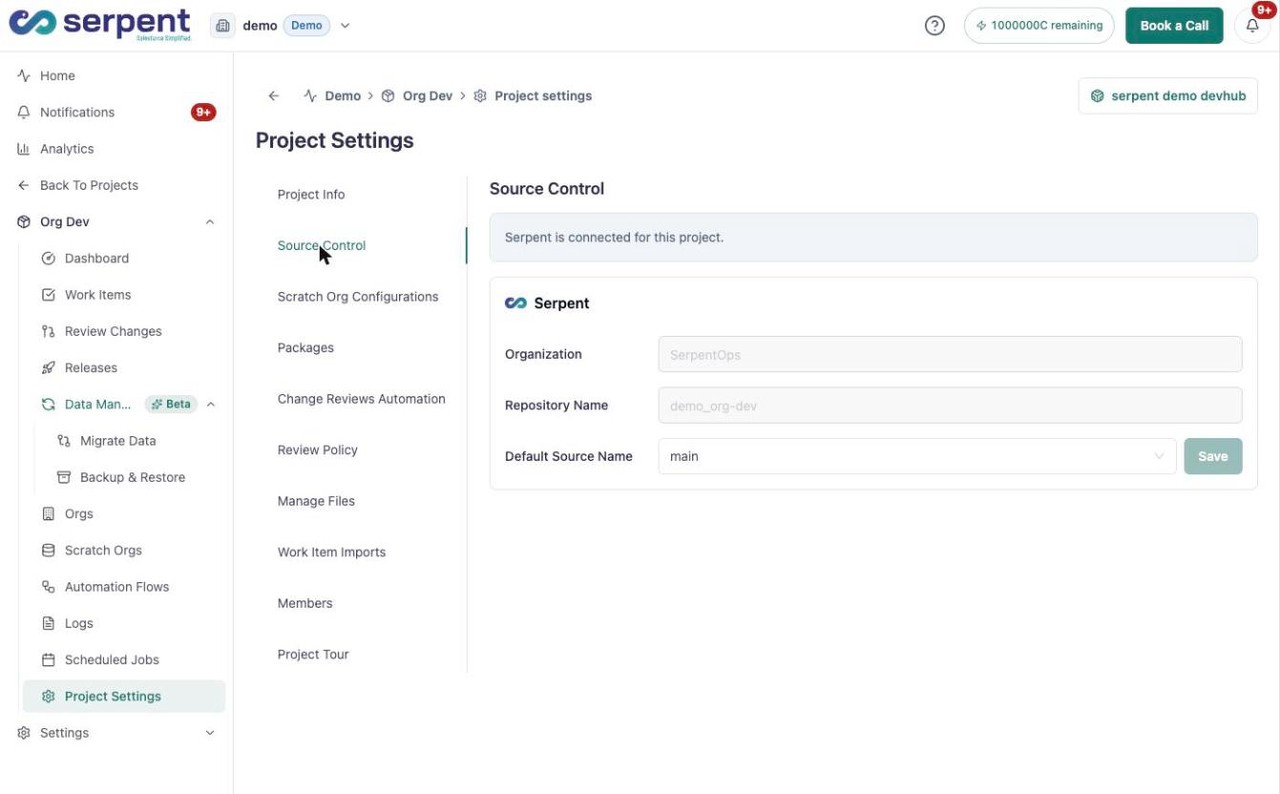
Open Source Control
Open the Source Control tab to see which provider stores the repository and set the default source branch.
-
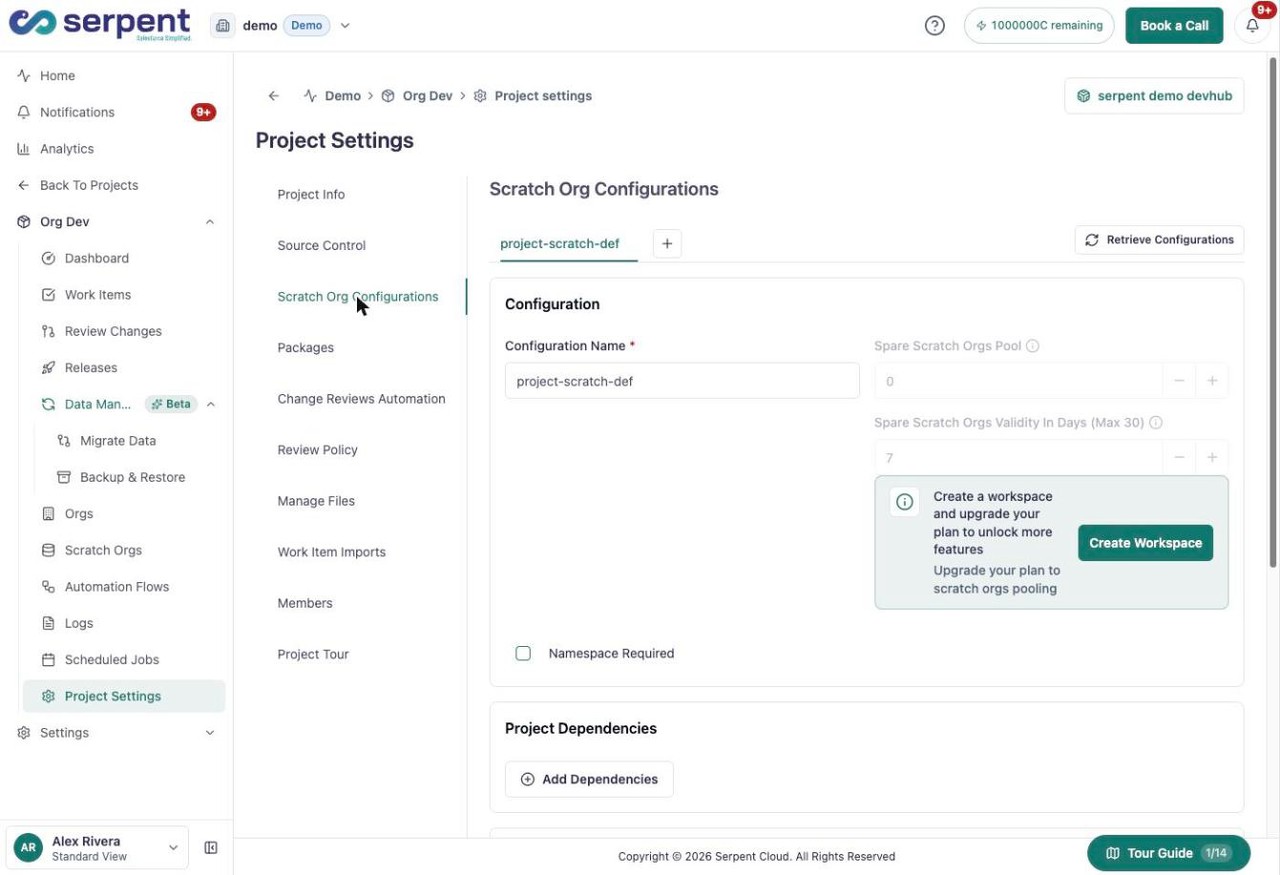
Open Scratch Org Configurations
Open the Scratch Org Configurations tab to manage scratch-org definitions, the spare-org pool, and project dependencies.
-
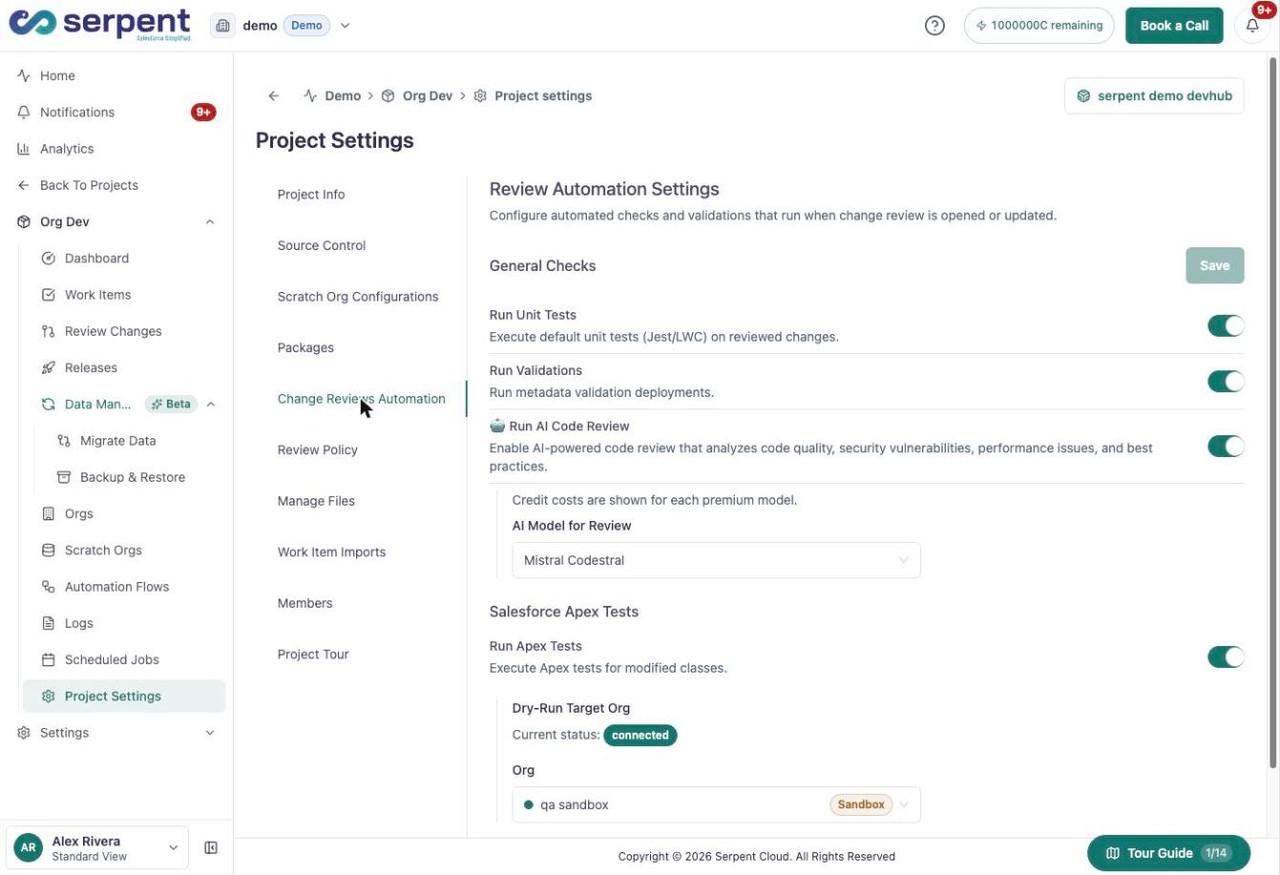
Open Change Reviews Automation
Open the Change Reviews Automation tab to choose the checks that run when a change review opens: unit tests, validations, AI code review, and Apex tests.
-
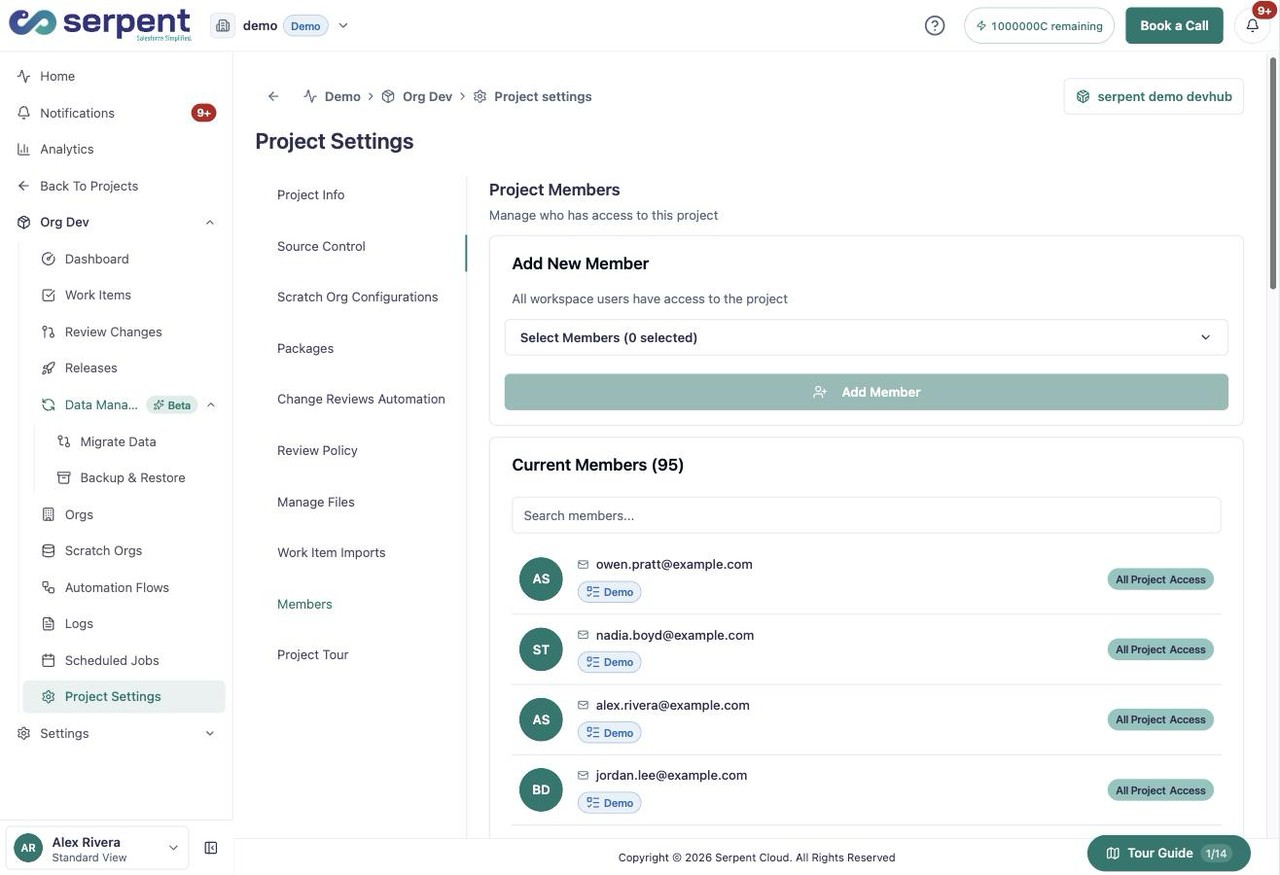
Open Members
Open the Members tab to add project members and see everyone with access and their access level.
-
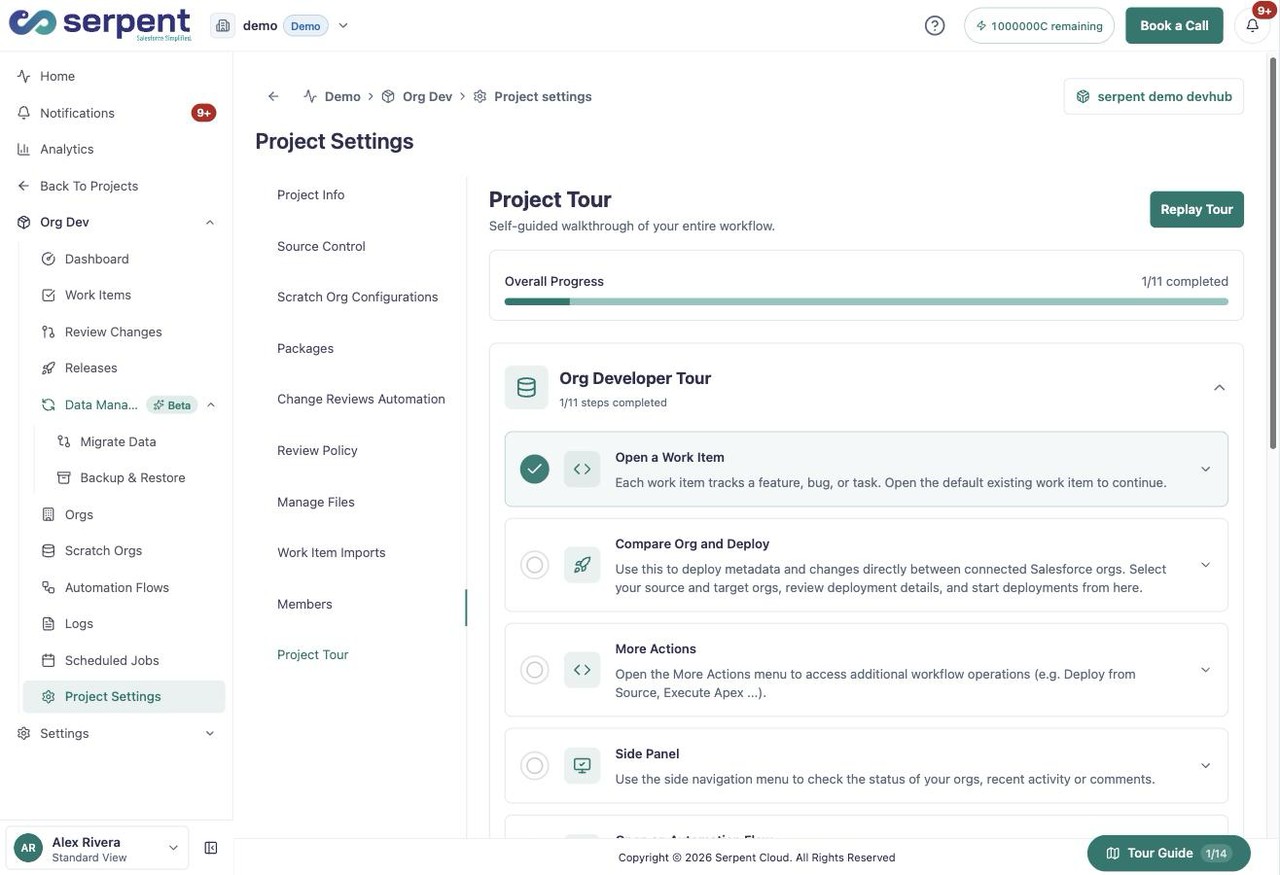
Open Project Tour
Open the Project Tour tab to follow a self-guided walkthrough of the project workflow, or replay it any time.
When to revisit settings
Revisit project settings when you assign a Dev Hub, adjust the scratch-org pool, change how reviews are checked, or bring new members onto the project. Workspace-wide roles are covered under Workspace, Team & Billing.