
Every project opens on its dashboard, a fast overview of what is moving before you dig into any single Work Item, release, or org.
What the dashboard shows
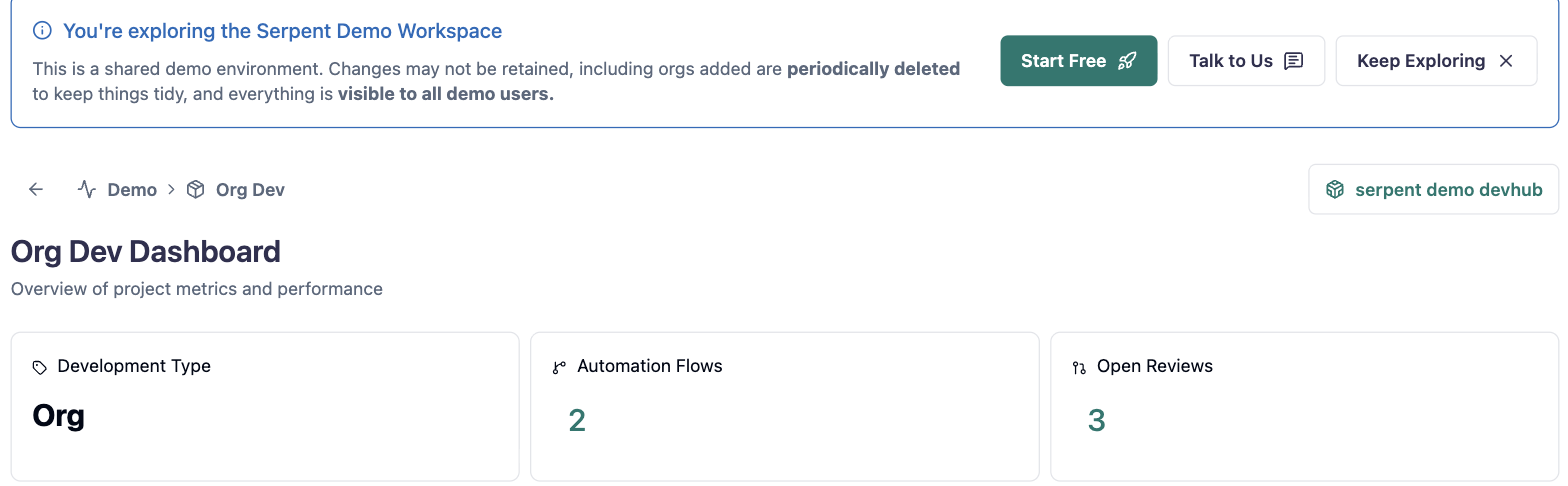
Open a project with the "Try it in Serpent" button above to see its dashboard. At the top, metric tiles cover the project's development type, active automation flows, and open reviews. Below that, connected orgs and scratch orgs list what the project delivers to, alongside a feed of recent activity.
Where to dig deeper
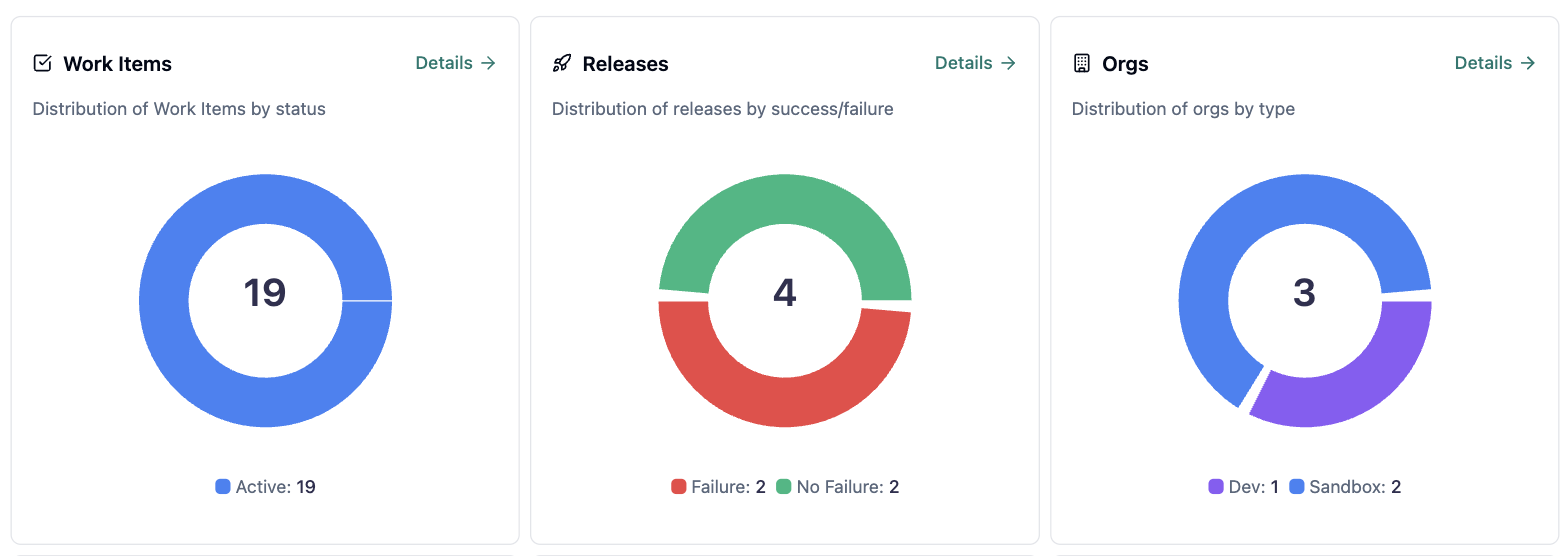
Further down, Work Items, Releases, and Orgs each get a distribution chart with a Details link into the full list. Use the dashboard to spot what needs attention, then follow a Details link to act on it.