
Signing up creates your Serpent account and the workspace that everything else lives under. Once you are in, you connect your Salesforce orgs and source control and start organizing work, without touching the CLI or Git directly.
Create your account
-
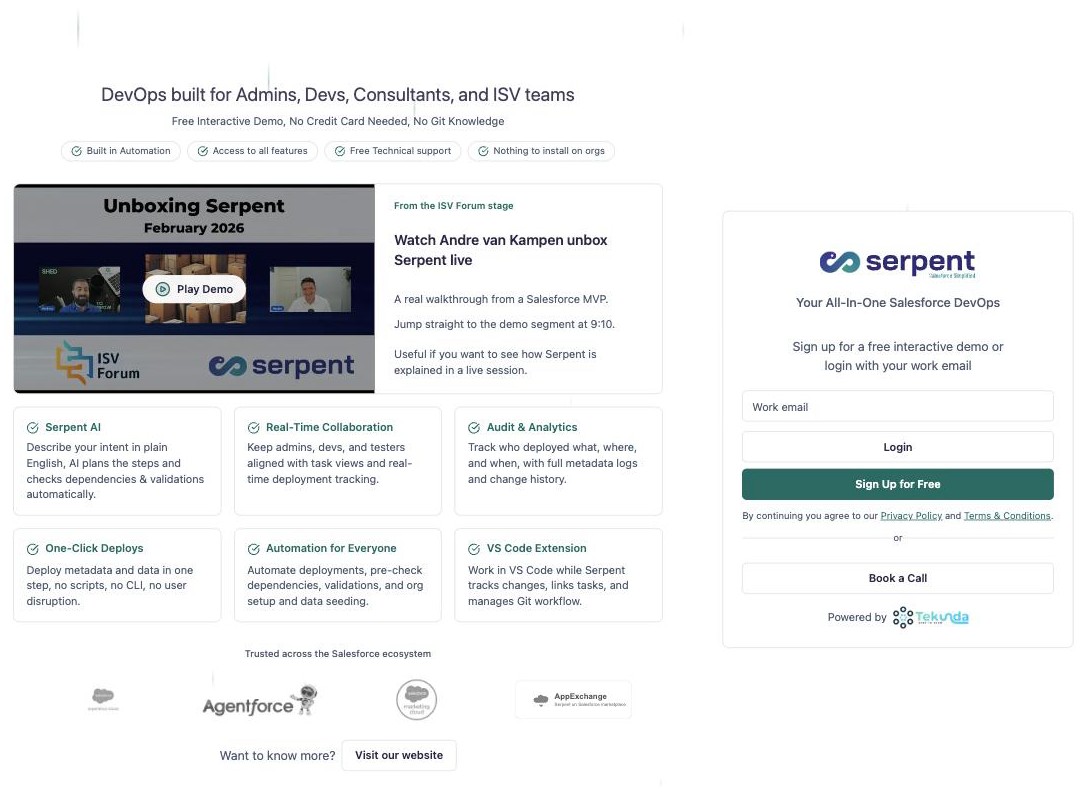
Sign up and confirm your email
Sign up with your work email and confirm it. This account is the identity you use across every project and org you connect in Serpent.
-
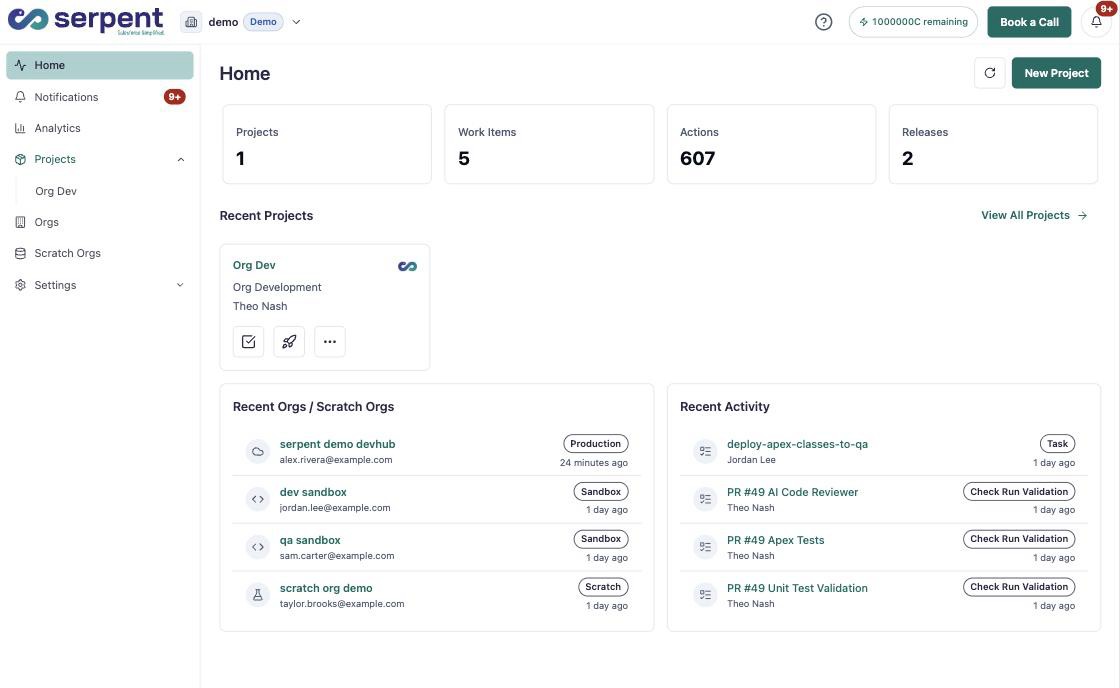
Land in your workspace
After confirming, you land in your workspace home, where your projects, orgs, and recent activity live.
What you set up first
-
Create a workspace
Set up a workspace to hold your team, projects, and connected environments.
-
Create your first project
Add your first project and link it to the source control repository it delivers from.
-
Connect your orgs
Connect the Salesforce orgs you develop against and release to.
Next steps
-
Book an onboarding session
New teams usually book an onboarding session and create their first workspace before inviting everyone else. The Start Here guides walk through that path in order.