
Andrew Hanna

Serpent Team
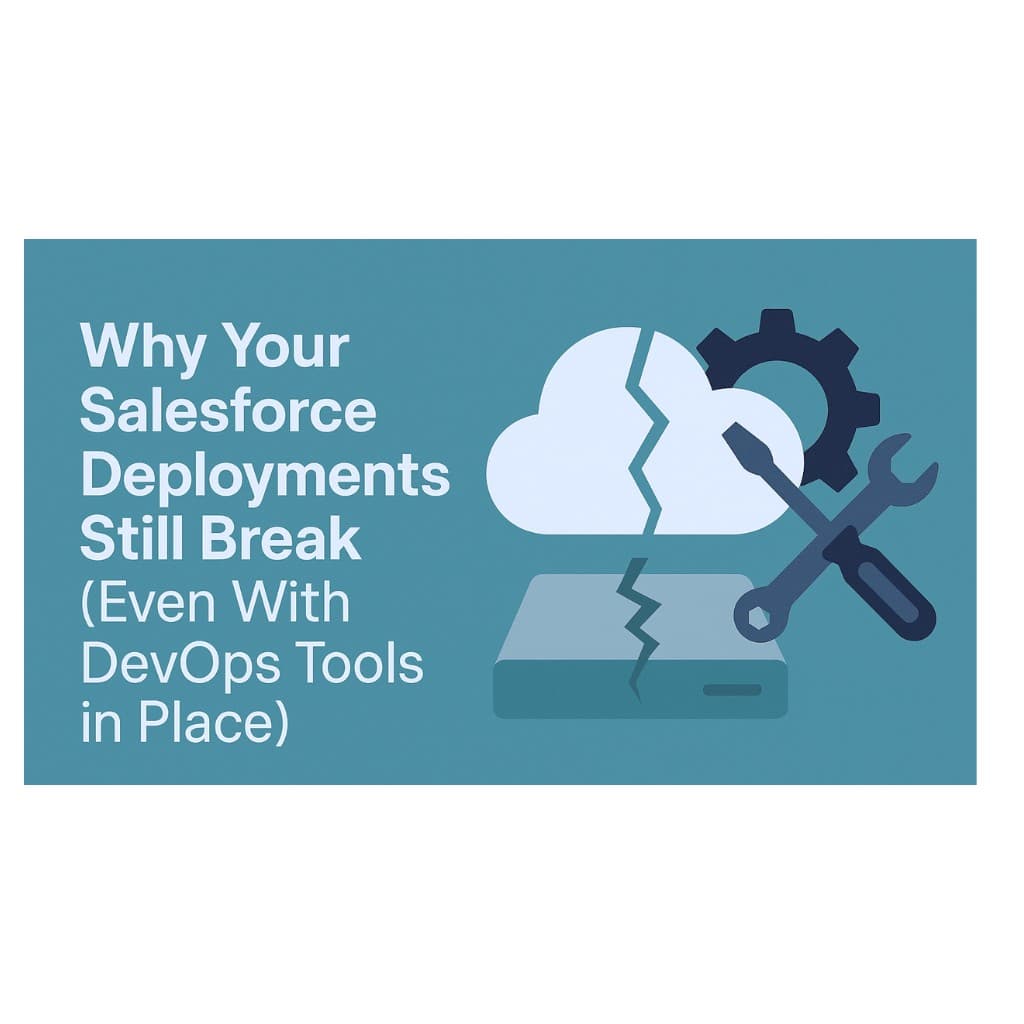
You’ve moved past change sets. You’ve implemented pipelines, version control, and maybe even a full CI/CD setup through tools like Copado or Gearset. Yet every release still feels fragile - metadata breaks, sandboxes drift, and “deployment day” still means blocked users and late nights.
That’s the paradox of modern Salesforce DevOps:
despite automation, reliability hasn’t caught up.
The tools changed, but the workflow problems
stayed.
Your environments look aligned - until you try to deploy.
Hotfixes, permission tweaks, and admin-side edits rarely make it back to Git.
That hidden drift between sandboxes and production is what breaks your next release.
Most DevOps tools push metadata forward without verifying what’s diverged.
Over time, environments become disconnected snapshots of reality - similar names,
different states.
Pipelines move fast, but not necessarily smart.
When builds run without clear links to stories or business logic, you’re
deploying in the dark.
Automation without context doesn’t prevent human error - it scales it.
Jobs succeed while dependencies fail quietly, leaving teams chasing broken
components after the fact.
Version control solved history tracking, not cross-role coordination.
Developers commit to Git; admins and testers still work directly in orgs.
Without two-way sync, Git becomes a partial record - not a true source of truth.
Teams end up debugging not the code, but whose version of the org they just deployed from.
Salesforce delivery depends on multiple roles - developers, admins, testers, release
leads.
But most tools treat them as separate
users, not as one workflow.
Work often jumps between spreadsheets, Jira, Slack, and CI jobs.
That manual coordination means:
Stories marked “Done” before merge
Commits missing test coverage
Releases coordinated in chat threads
The problem isn’t the lack of automation - it’s the lack of connected context.
Legacy DevOps platforms were designed for control, not clarity.
Instead of simplifying release management, they added configuration layers, manual
approvals, and permission hierarchies - turning DevOps into another system teams must
maintain.
These tools excel at executing pipelines, but not at
aligning people and environments.
They focus on deployment
execution, not workflow
continuity.
That’s why even the most disciplined setups still end up fighting rollback
errors, broken dependencies, and inconsistent metadata.
The new generation of Salesforce teams is moving toward task-based DevOps - where every change is linked directly to its user story, developer, and target org.
Instead of tracking files, you track work units:
Each change knows why it exists.
Each org stays automatically aligned.
Each deployment is traceable from task to production.
This approach bridges what older tools couldn’t: the context between Git, tasks,
and orgs.
It’s not about replacing
pipelines - it’s about making them aware of what they’re actually
deploying.
Serpent was built around this
shift.
Its
task-based UI and
GitFlow integration connect user
stories, metadata, and orgs in one continuous flow - so every deployment reflects the
real work completed, not assumptions.
Teams using Serpent report up to 80% faster release cycles with fewer rollback events and complete visibility from story to deployment.
Continuously compare and sync environments.
Drift should trigger alerts - not be discovered mid-deployment.
Work tracked by context, not by component.
If a
change isn’t linked to a task, it shouldn’t ship.
Post-deployment analytics and rollback tools should be part of your standard workflow - not emergency protocols.
Why do Salesforce deployments still fail even with CI/CD?
Because pipelines automate execution, not alignment. Environments drift, changes lose the link to the work that created them, and roles coordinate outside the tool, so the same failures keep returning.
What is metadata drift in Salesforce?
It is the gap between what sits in Git and what is actually in each org. Hotfixes, permission tweaks and admin-side edits rarely make it back into source control, so sandboxes and production diverge quietly until a deployment exposes it.
Is version control enough for Salesforce release management?
No. Developers commit to Git while admins and testers still work directly in orgs. Without two-way sync, Git is a partial record rather than a source of truth.
What is task-based DevOps?
Every change is linked to its user story, its author and its target org, so you track work units instead of files. Each deployment is traceable from task to production, and nothing ships without context.
Most Salesforce release failures come from workflow misalignment, not tool
deficiencies.
When teams, tasks, and orgs stay
in sync, reliability follows.
That’s what Serpent delivers - DevOps that’s workflow-aware, context-driven, and measurable.
Commitment free!