VS Code
VS Code Extension
while Serpent tracks changes, links them to tasks, and handles GitFlow behind the scenes.
 Start free
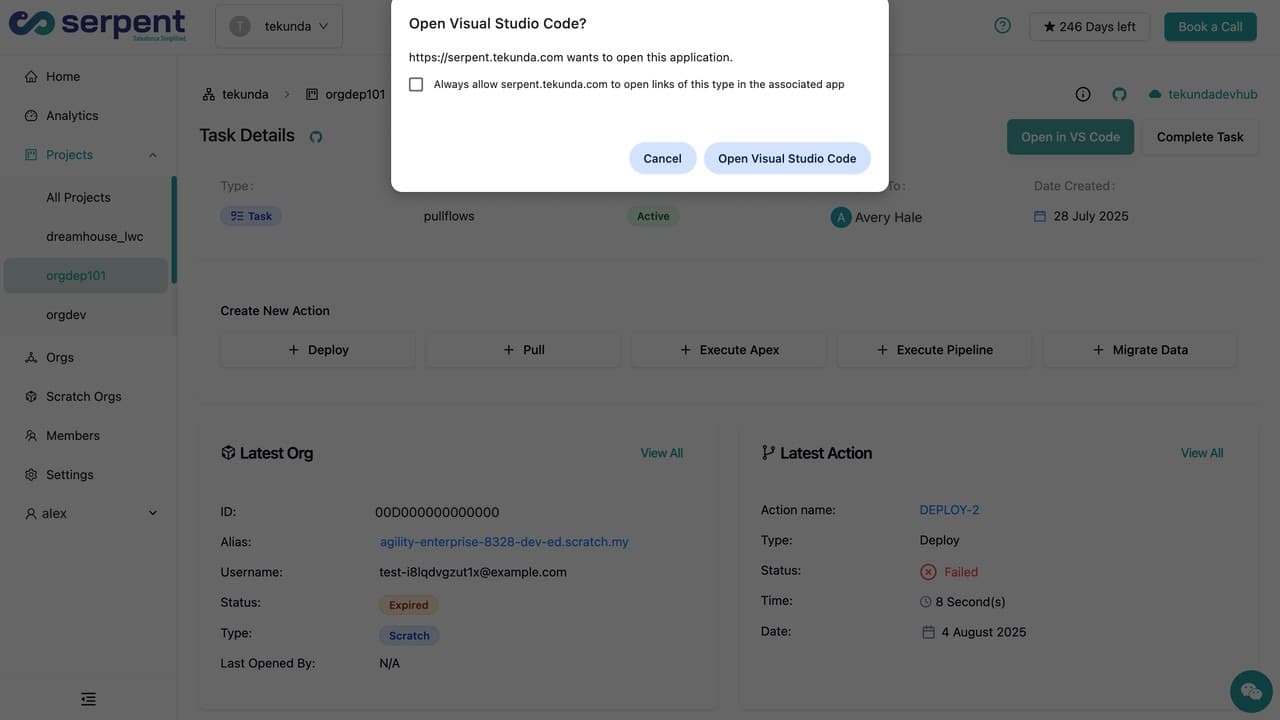
Deploy and manage changes without leaving your IDE
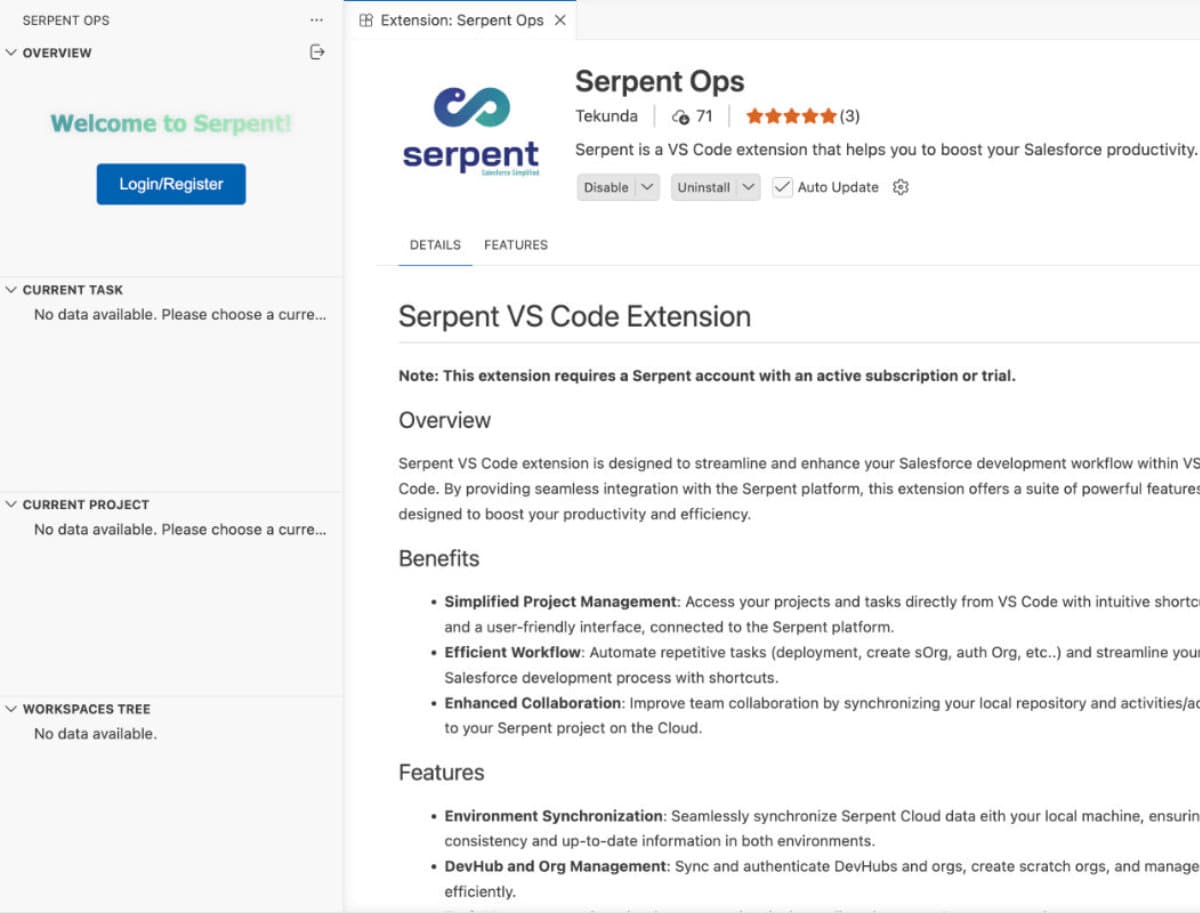
The best DevOps is the kind you don't notice
Write your code - Serpent tracks what's changed, links it to the right task, and handles the Git flow in the background. No CLI commands, no branch management.
Run anonymous Apex from the editor context menu.
Vibe code with any AI assistant via MCP
Serpent's native MCP server lets any agentic IDE - Cursor, Claude Code, Windsurf - pull changes, check org status, and interact with your workflow directly, with the same guardrails and audit trail as every other change.

For ISVs: your IDE, your package workflow, fully connected
Package source, scratch org connections, dependency tracking, and version management are all accessible from inside VS Code - no bouncing between tools to manage a single development cycle.
Backed by Salesforce partners.
Salesforce MVPs, Trainers, ISV partners, community leaders, and consultancies who deliver on Salesforce alongside Serpent every day.