
Inside a Work Item you run actions to move its changes forward: pulling metadata from an org, committing what you have, and handing the Work Item off for review. Serpent runs the underlying Git and Salesforce operations for you.
Run actions in Serpent
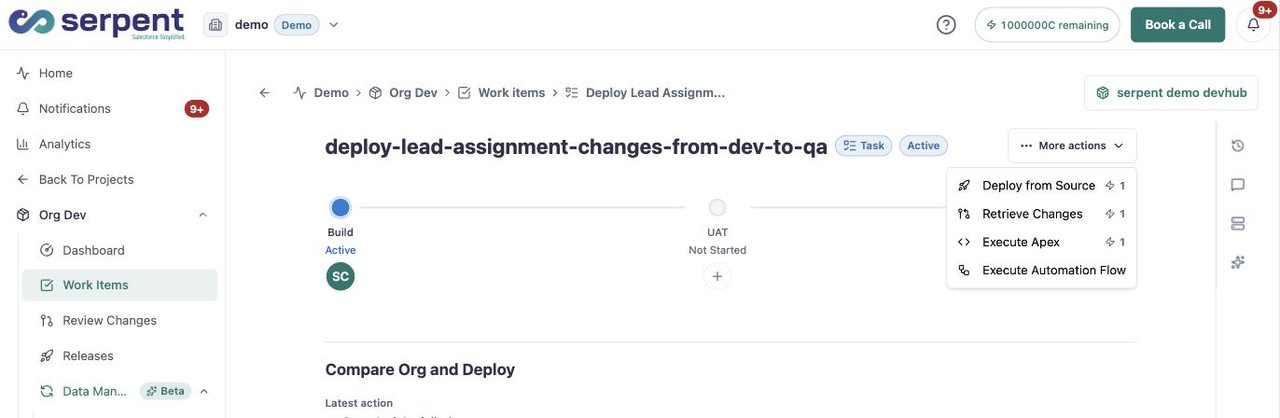
Open a Work Item with the "Try it in Serpent" button above, then open its More actions menu:
- Choose Retrieve Changes to pull Salesforce metadata into the Work Item.
- Commit what you have so it is captured on the Work Item's branch.
- Request a review once the change is ready.
Tracking what ran
Each action a Work Item runs is recorded, so you can see what happened and follow up if something needs attention. Broader delivery actions are covered under Deployments, Actions & Releases.