
Creating a review opens a Work Item's changes for your teammates to inspect before the work moves forward. Serpent creates the underlying pull request for you.
Do it in Serpent
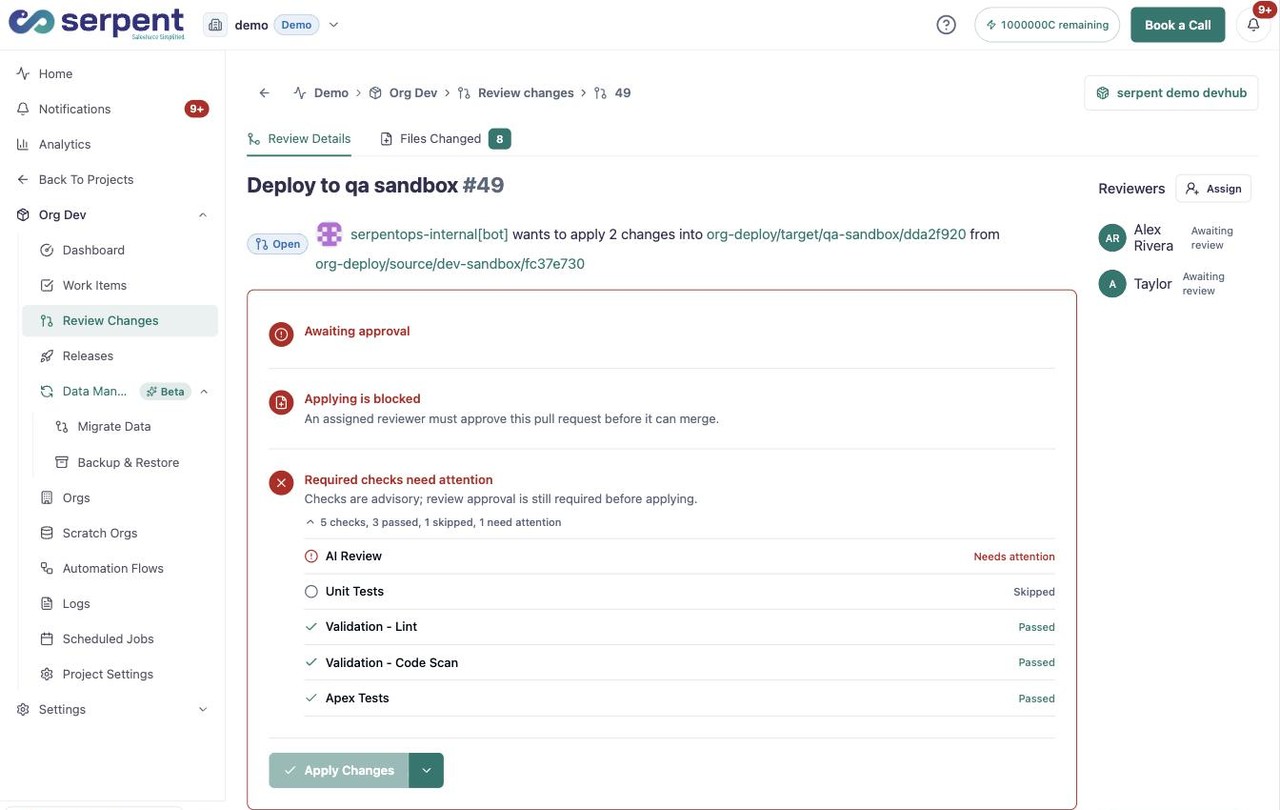
Open the review screen with the "Try it in Serpent" button above, then:
-
Open a ready Work Item
Pick a Work Item whose changes are finished, so reviewers see the final diff.
-
Request the review
Hand the Work Item off for review. Serpent creates the pull request behind the scenes.
-
Assign reviewers
Choose who should inspect the change. They can comment or approve without any CLI or branch commands.
What happens next
- Reviewers leave comments tied to the specific changes.
- Approvals are recorded against the Work Item.
- Once approved, the change is ready to be scoped into a release.