
Serpent lets you review the pull request behind a change without switching tools. Comments, approvals, and updates stay tied directly to the Work Item and its changes.
Do it in Serpent
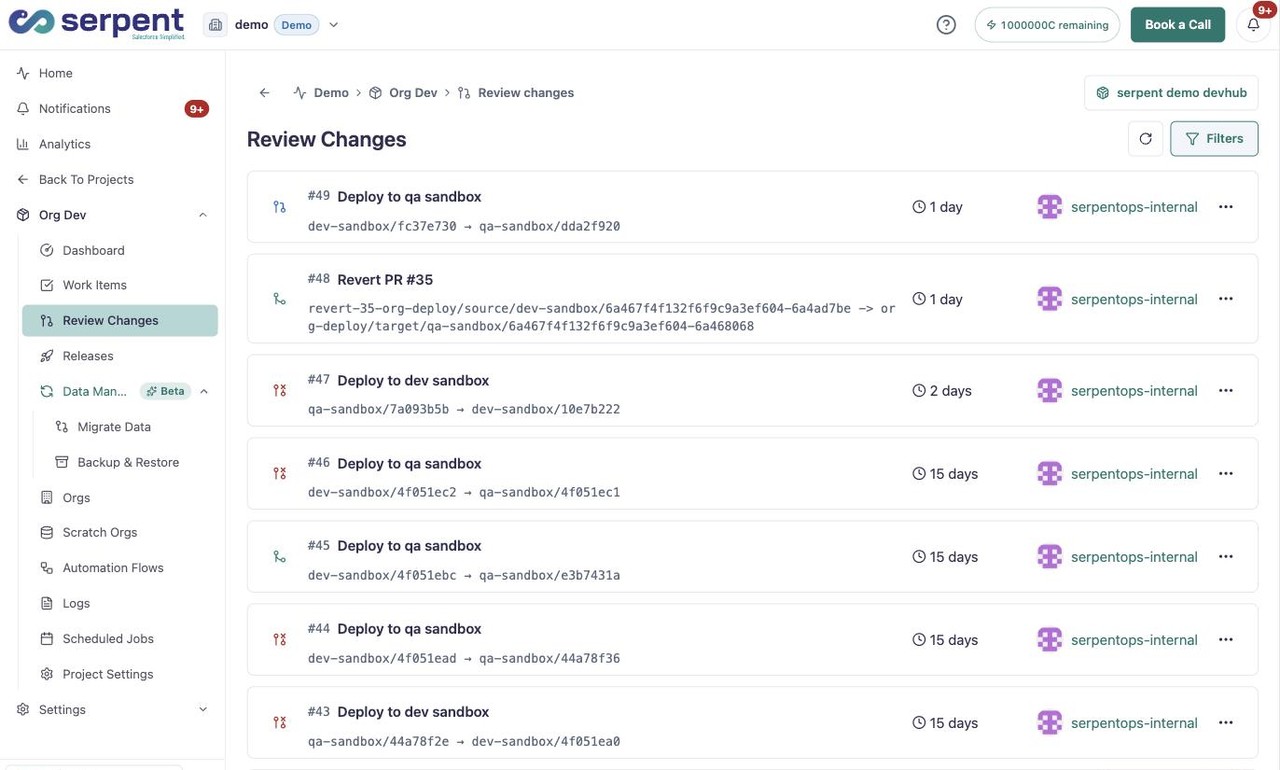
Open the Review Changes screen with the "Try it in Serpent" button above, then:
-
Pick a change to review
Choose a pull request from the list to see its source and target branches, age, and status.
-
Inspect what changed
Open the change to see exactly what it modifies, all in one place.
-
Leave feedback and approve
Comment on the change, then approve it. The context stays attached to the work.
Keep the team aligned
- Developers, admins, consultants, and testers review in the same flow.
- Feedback moves without waiting for a synchronous meeting.
- Every approval is recorded as part of the change's history.