
Back-promote keeps open Work Items current with what has already been merged. When changes land on a base branch, Serpent merges them back down into in-progress Work Item branches, so developers keep building on the latest baseline instead of drifting out of sync.
Find it in Serpent
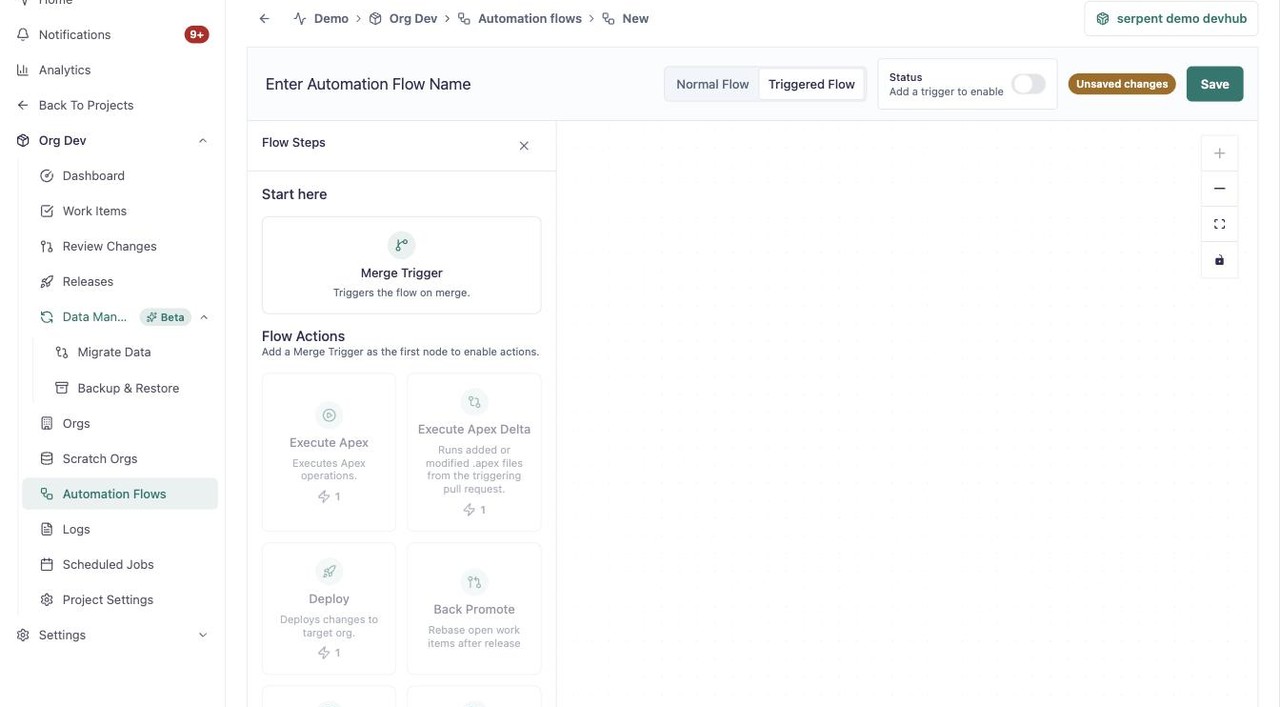
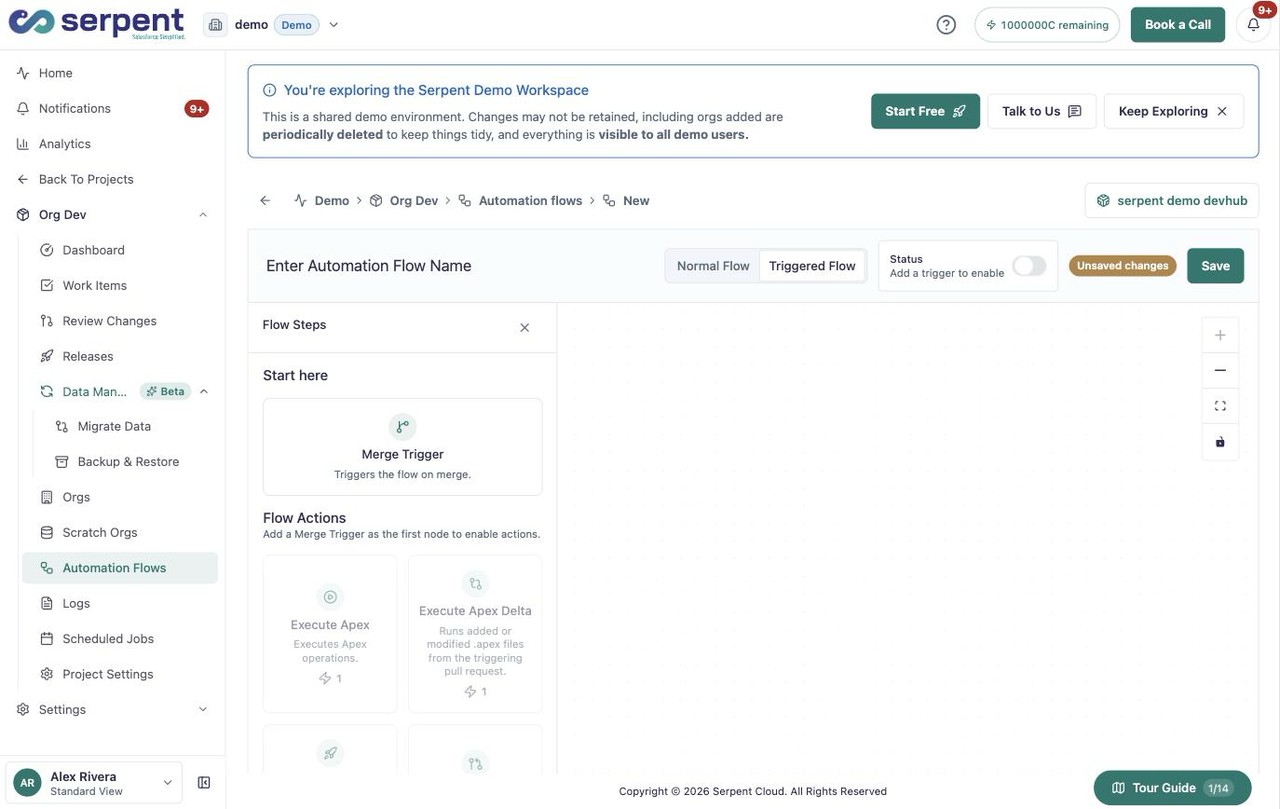
Back Promote lives in a triggered automation flow. Open Automation Flows with the "Try it in Serpent" button above, then:
-
Start a new flow
Click New Automation Flow, then switch it to Triggered Flow.
-
Add the Merge Trigger
Add the Merge Trigger start node so the flow runs when changes merge.
-
Add Back Promote
From the Flow Actions palette, add Back Promote, alongside Create Release and other steps.
Why it matters
- In-progress work stays current with what has already shipped.
- Fewer conflicts surface at review, because branches are not stale.
- Everyone builds on the same baseline rather than an old snapshot.
How it runs
Back-promote runs as a step in an automation flow. When changes merge into the base branch it targets, Serpent opens a pull request that merges those changes into each affected Work Item branch. If a Work Item already has everything, there is nothing to back-promote and it is left alone.
When to use it
Reach for back-promote after a release or a hotfix merges to the base branch, so open Work Items pick up those changes automatically instead of each developer merging the base in by hand.