
A rollback undoes a deployment that shipped a problem, restoring the previous state of the affected metadata or data. Salesforce has no native one-click rollback for metadata deployments, so recovering a bad release normally means manually redeploying the prior version of every affected component.
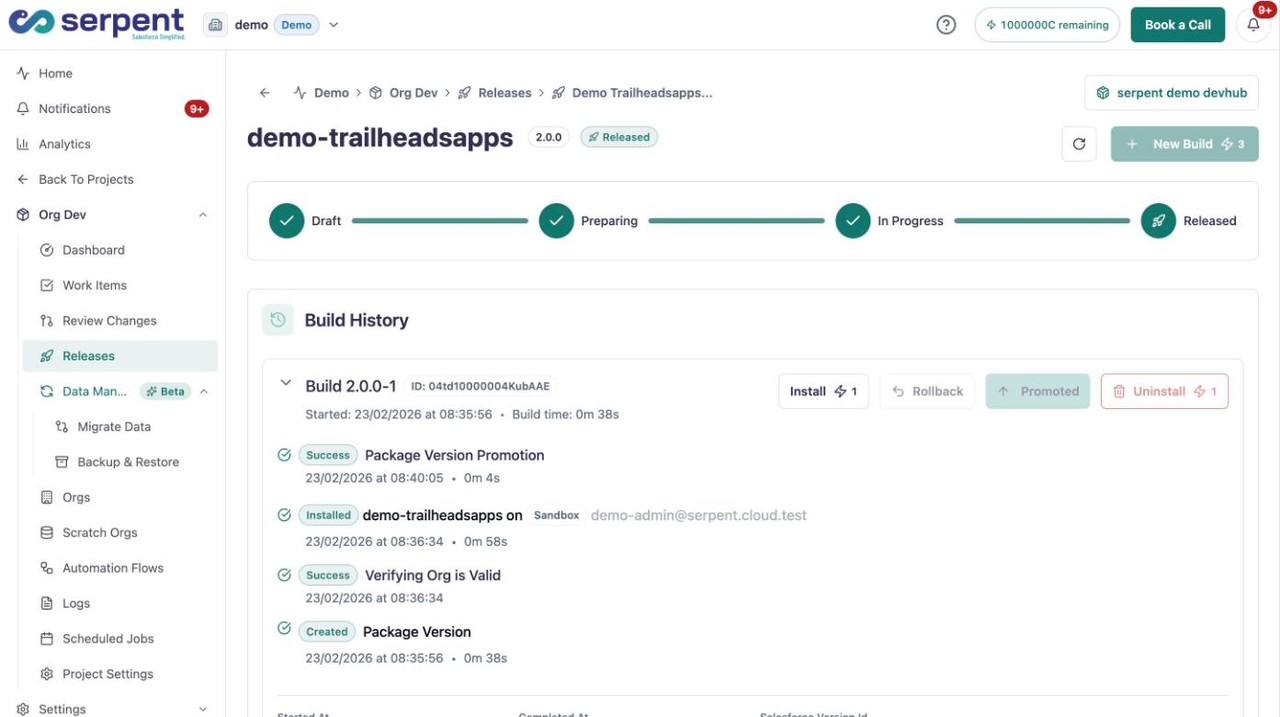
Roll back in Serpent
Open a released release with the "Try it in Serpent" button above, then:
-
Open the build history
Find the release you want to reverse and open its build history.
-
Choose what to roll back
Roll back a single component to keep it surgical, or the entire deployment when that is what the situation calls for.
-
Click Rollback
Click Rollback. Serpent restores the exact prior state it tracked, with no manual redeploy of old versions.
Handle with care
Data changes and destructive changes that already deleted metadata are harder to reverse cleanly, so plan those with extra care.