
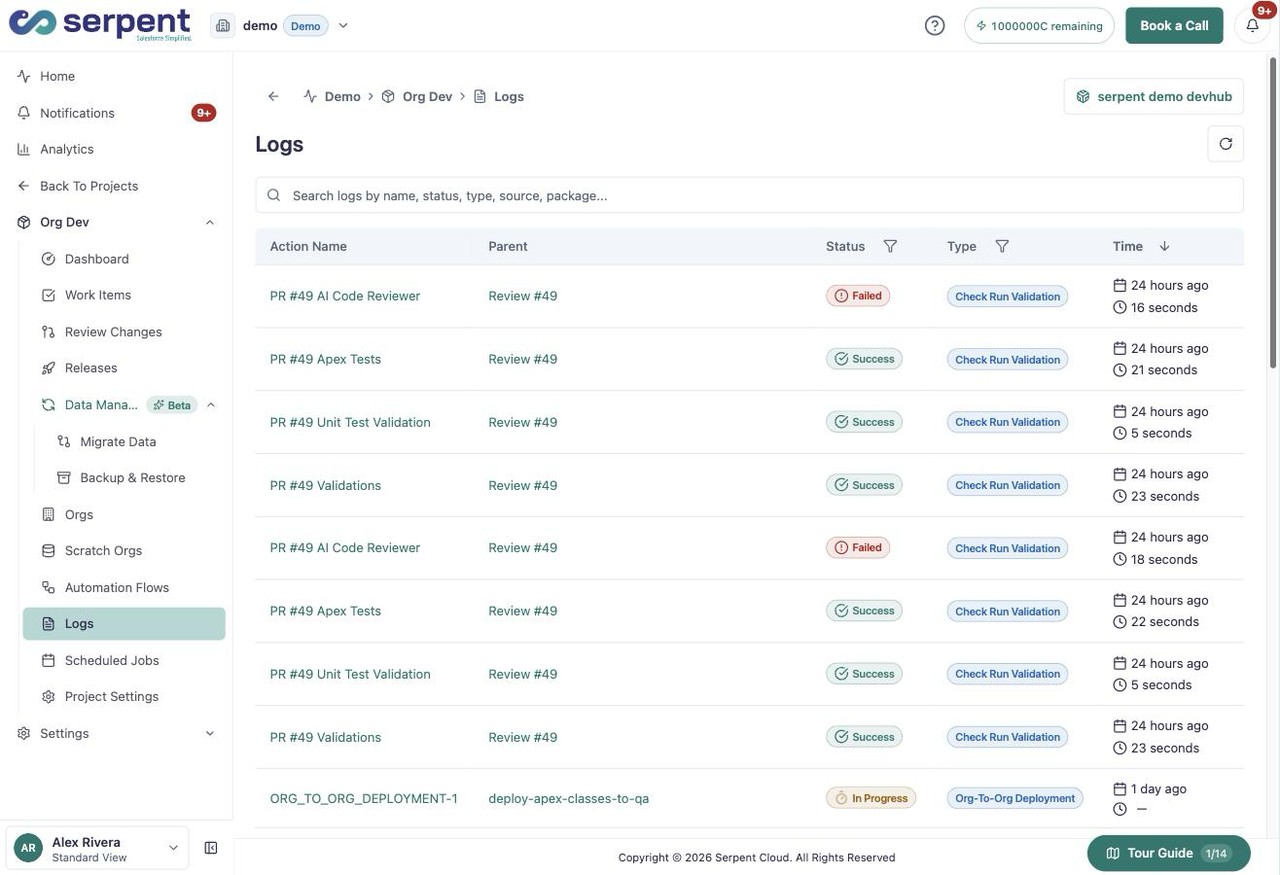
Every action produces a detailed log so you can see exactly what ran, in what order, and how it finished. When something fails, the log tells you where, instead of leaving you with a generic error.
Read a log in Serpent
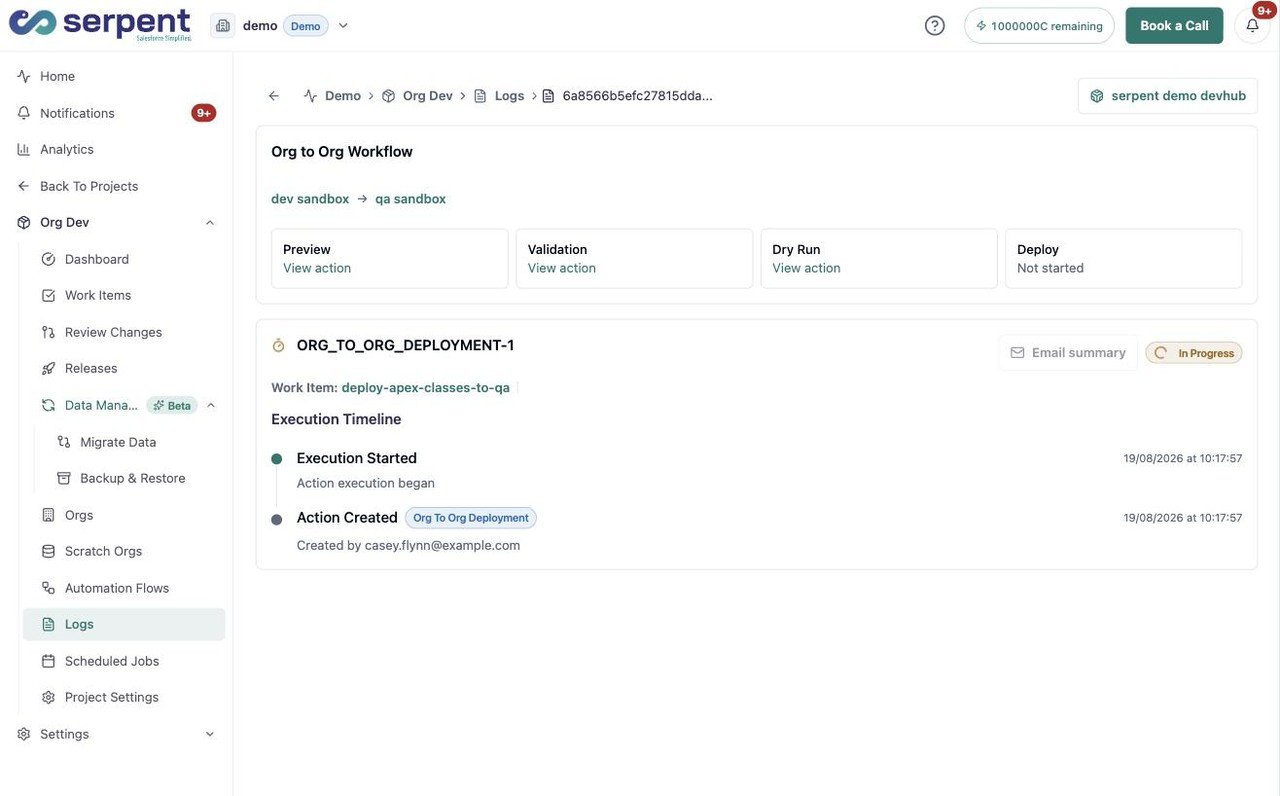
Open the Actions screen with the "Try it in Serpent" button above and open any action to see:
- The steps an action executed and their results.
- Test outcomes and validation results tied to the change.
- Which components deployed and when.
A built-in audit trail
Because logs are attached to the Work Item and its history, every change carries a complete, timestamped record of what was built, who reviewed it, what the tests showed, and when it deployed, automatically. For regulated industries, that audit trail is effortless.