

package.xml
The manifest file that tells the Metadata API exactly which components to retrieve or deploy in a release.
Definition
package.xml is the manifest file the Metadata API reads to know which components, by type and name, to include in a retrieve or deploy operation. Anything not listed simply isn't touched; deployed metadata that falls outside the manifest is left alone rather than removed, since destructive changes need their own separate manifest.
Hand-maintaining package.xml for a release is a common source of “it worked on my machine” bugs: a developer adds a new custom field or Apex class locally, forgets to add the corresponding entry to the manifest, and the deployment succeeds without error while quietly missing a component the release depended on.
Source-tracked orgs and CLI tooling can generate a package.xml automatically from a diff, which is why most Salesforce DevOps pipelines have moved away from manually edited manifests toward tooling that builds the list from what actually changed. Our Salesforce DevOps guide covers manifest generation as part of a build.
How it works in Serpent
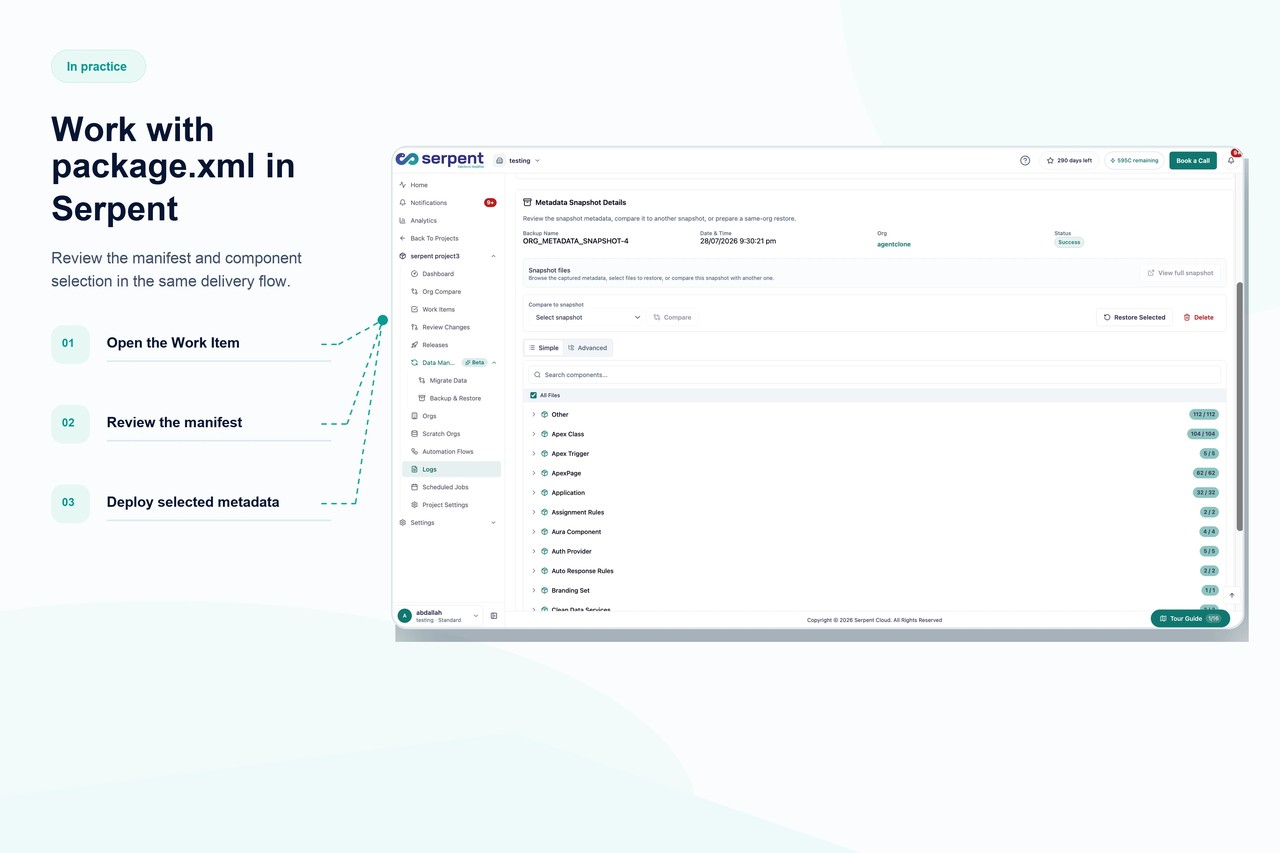
Serpent builds its deployment manifest automatically from the metadata a Work Item actually touched, source-tracked rather than hand-maintained, so a component can't get silently left off a release the way a manually edited package.xml can. Every Work Item's component list stays visible before deployment, so reviewers can confirm exactly what's included without cross-checking a manifest by hand. See release management in Serpent for how delta deployments are scoped.
package.xml, answered
Start free. No credit card, no install, no commitment.
Set up in under 15 minutes. No DevOps hire needed.