

Source Tracking
Salesforce's built-in way of detecting what metadata changed in a scratch org or supported sandbox.
Definition
Source tracking is Salesforce's mechanism for detecting what metadata changed in a scratch org or Developer/Developer Pro sandbox since the last sync, so tools like Salesforce CLI can pull only the delta rather than the entire org's metadata. It underlies commands like sf project retrieve start and is what lets IDEs such as VS Code show real-time diffs of local versus org state, reading and writing through the Metadata API under the hood.
Source tracking only works in orgs that support it; Partial Copy and Full sandboxes, along with production, don't track source natively, which is why teams still rely on manual comparisons or third-party diff tools for those environments; the Serpent and Salto comparison covers where a dedicated analysis tool fits against a delivery platform. Tracked changes are stored on disk in source format rather than the older metadata format.
When source tracking gets out of sync, usually from a metadata change made outside the tracked flow, retrievals can miss or duplicate changes until a reset. Our Salesforce DevOps guide explains how source tracking fits into a Git-based release process.
How it works in Serpent
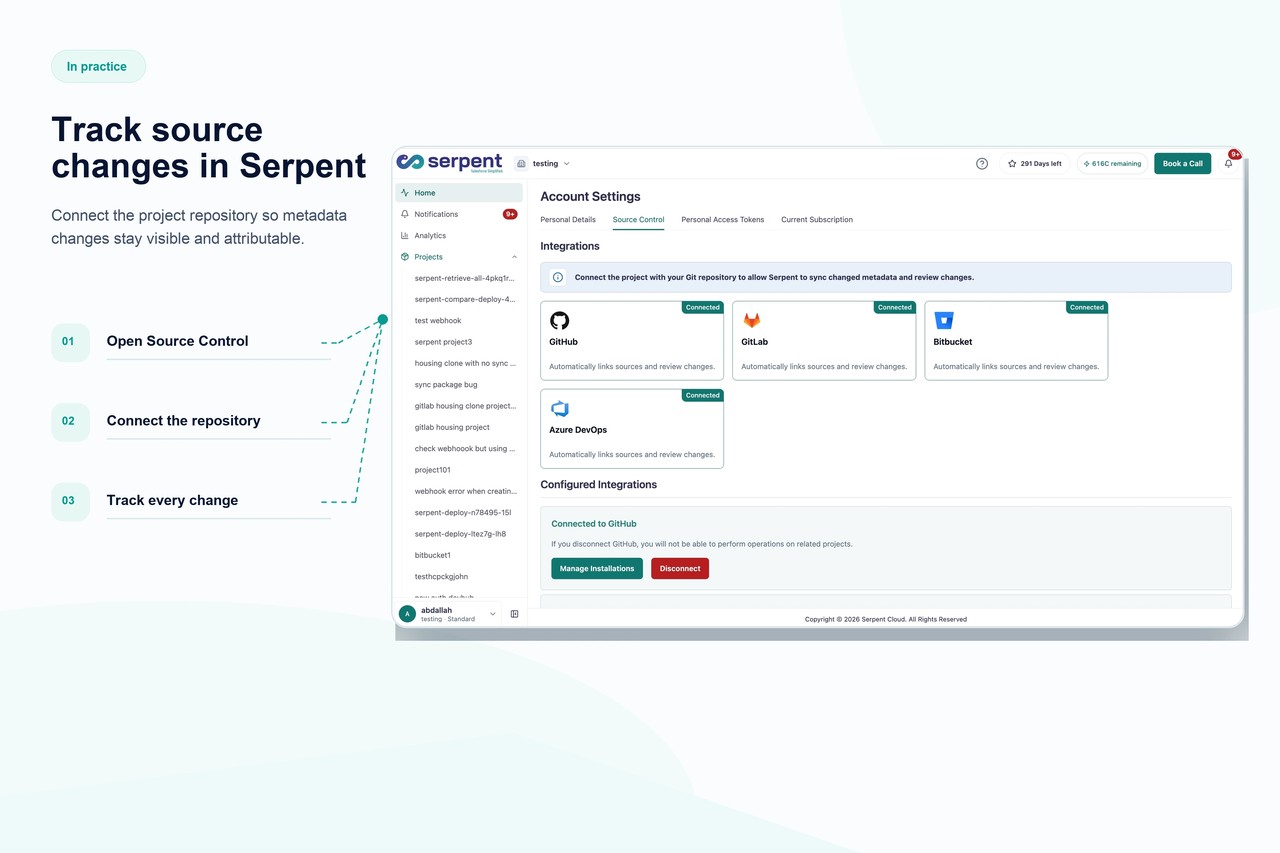
Serpent extends change tracking to environments Salesforce doesn't natively support, so drift between sandboxes, scratch orgs, and production is visible regardless of source tracking limitations. Every metadata change made through a task is captured and linked back to its commit and deployment history, giving developers the same real-time visibility in Serpent's dashboard that source tracking gives inside an IDE. This means teams aren't stuck manually diffing Partial Copy or Full sandboxes to figure out what changed. See Serpent's task-based workflow for how source tracking connects to day-to-day work.
Source Tracking, answered
Start free. No credit card, no install, no commitment.
Set up in under 15 minutes. No DevOps hire needed.