

Change Set
Salesforce's native, point-and-click way to move metadata between connected orgs, one manual upload at a time.
Definition
A change set is Salesforce's native, point-and-click way to move configuration changes, fields, objects, flows, layouts, between two orgs joined by a deployment connection in the same production hierarchy, like sandbox to production. Only metadata types change sets support can be included, and Apex classes without sufficient test coverage can block the whole set from deploying.
Every step is manual: an admin opens Setup, builds an outbound change set component by component, uploads it, and an admin in the target org validates and deploys it. There's no built-in scheduling and no dependency resolution beyond Salesforce's own validation, so a missed component usually surfaces as a deployment error rather than getting pulled in automatically.
Change sets also have no rollback mechanism; undoing a bad deployment means building and deploying a second change set by hand. That's workable for small, infrequent releases with a stable org list, but it breaks down fast once teams add more environments or ship more often. Teams that need everything to stay inside Salesforce often look at native tooling first, which is what the Serpent and Flosum comparison weighs up. See our Salesforce DevOps guide for how teams typically outgrow it.
How it works in Serpent
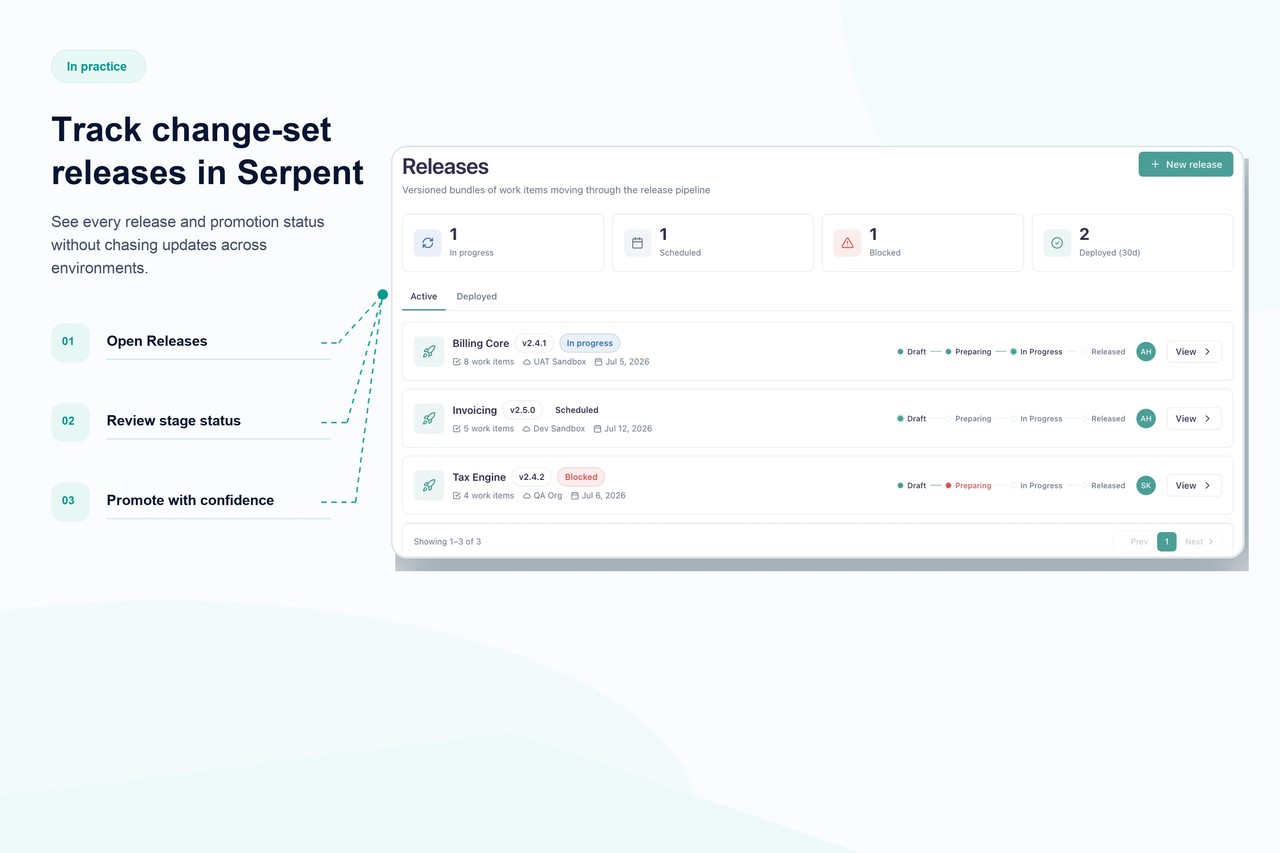
Serpent replaces the manual change-set-building step with a task-based workflow: pick the components a task touched, and Serpent tracks them automatically using source tracking rather than a hand-built manifest. Deployments run through a scheduled, auditable pipeline with dependency ordering, so changes land in the same sequence across sandboxes, staging, and production every time. Every release keeps a full history: what deployed, when, by whom, and a one-click rollback if something breaks. Because Serpent talks to orgs over standard Salesforce APIs, it scales past the two-or-three-org limit where change sets get painful, without asking teams to learn Git first. See the full change sets vs Serpent comparison for a side-by-side.
Change Set, answered
Start free. No credit card, no install, no commitment.
Set up in under 15 minutes. No DevOps hire needed.