

How to fix UNABLE_TO_LOCK_ROW in Salesforce deployments
A record the deployment needs to update is locked by another transaction running at the same time.
Surfaces during: runtime DML, a timing collision rather than a metadata or data problemWhat it means
UNABLE_TO_LOCK_ROW means Salesforce could not acquire a lock on a record because another transaction, a batch job, a scheduled flow, or a concurrent Apex test, was already updating it. This is a timing problem, not a metadata problem: the deployment or its tests are correct, but they collided with something else running in the org.
It's especially common with master-detail relationships, since updating any child record acquires a lock on the parent for roll-up summary recalculation, so two child inserts racing to update the same parent at once will contend for that lock.
Common causes
The fix
- Retry the deploymentRow locks are transient. Re-running the same deployment often succeeds once the competing transaction finishes.
- Deploy during a low-activity windowSchedule production deployments outside business hours or pause conflicting scheduled jobs first.
- Avoid shared record contention in testsRestructure Apex tests so they do not all update the same singleton settings record within the same transaction.
for (Account parent : [SELECT Id FROM Account WHERE Id IN :parentIds FOR UPDATE]) {
    // lock parents explicitly and predictably before child DML
}
How Serpent prevents this
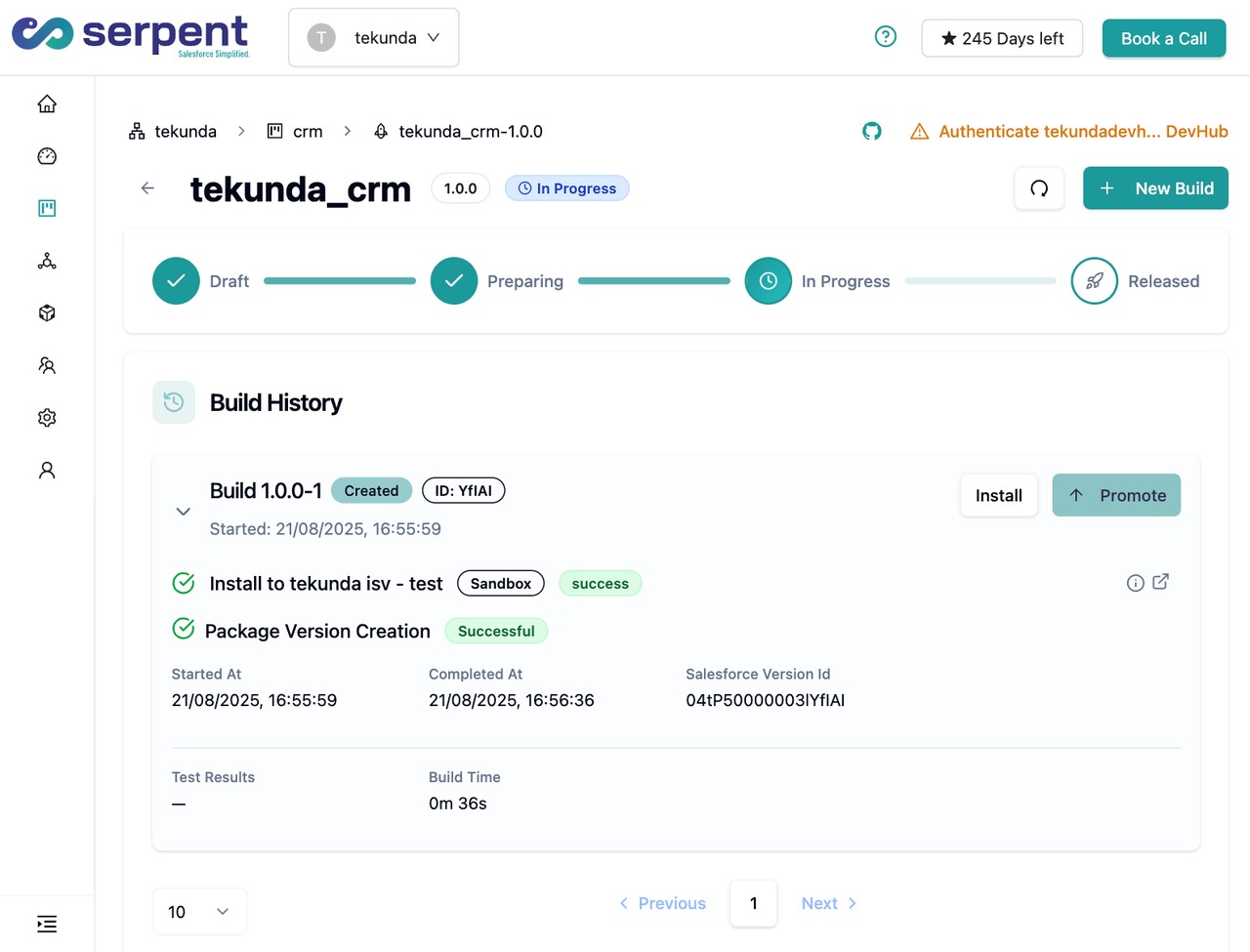
Serpent AI schedules deployments to avoid known conflicting jobs, and a locked row surfaces as a one-click retry on the same task instead of a failed release. See the Salesforce deployment error library.
Prevention
Related errors
UNABLE_TO_LOCK_ROW, answered
Start free. No credit card, no install, no commitment.
Set up in under 15 minutes. No DevOps hire needed.