

How to fix ALL_OR_NONE_OPERATION_ROLLED_BACK in Salesforce deployments
One bad record in a batch submitted with allOrNone=true rolled back every record in that batch, valid ones included.
Surfaces during: bulk DML operations, data loads, and Apex test setupWhat it means
ALL_OR_NONE_OPERATION_ROLLED_BACK means a DML operation was submitted with allOrNone set to true, and at least one record in the batch failed validation, so Salesforce rolled back the entire batch rather than committing the records that were individually valid. It's the expected behavior of allOrNone, not a bug, but it can be costly on large batches.
It shows up wherever bulk DML runs: a Database.insert(records, true) call in Apex, a Bulk API job with the allOrNone job option set, or a Data Loader session with "Insert null values" and partial-success both disabled. A single bad row anywhere in the batch takes the whole transaction down with it.
Common causes
The fix
- Validate records client-side before submissionCheck obvious failure conditions, required fields, picklist values, against the object's rules before sending the batch.
- Set allOrNone=false during migration passesRun migrations with allOrNone=false so individual failures don't block the rest of the batch, then review and fix the failed records.
- Chunk large batches into smaller groupsSplit a large data operation into smaller batches so a single bad record only affects a small subset of the total load.
List<SObject> chunk = new List<SObject>();
for (Integer i = 0; i < records.size(); i++) {
    chunk.add(records[i]);
    if (chunk.size() == 200 || i == records.size() - 1) {
        Database.insert(chunk, false);
        chunk.clear();
    }
}
How Serpent prevents this
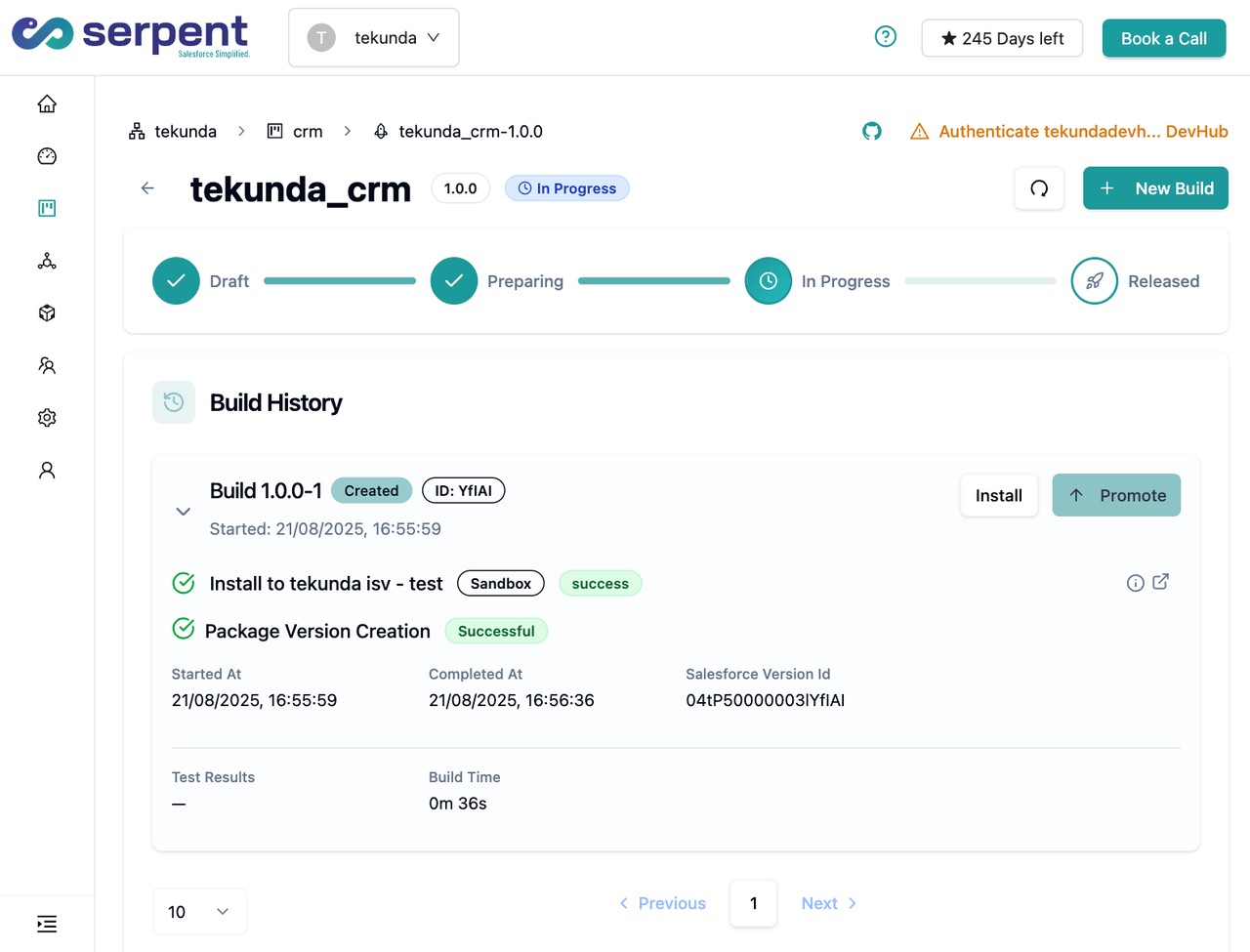
Serpent's data operations are chunked and validated as part of the pipeline, so a single bad record in a migration surfaces early against a small batch instead of rolling back a large one deep into a deployment. See the Salesforce deployment error library.
Prevention
Related errors
ALL_OR_NONE_OPERATION_ROLLED_BACK, answered
Start free. No credit card, no install, no commitment.
Set up in under 15 minutes. No DevOps hire needed.