
Try Serpent Free

How to fix LIMIT_EXCEEDED in Salesforce deployments

A deployment's Apex tests, or the data load behind it, hit one of Salesforce's governor or org-wide limits.

Surfaces during: Apex test execution or bulk data operations, not metadata deploy validation itself

What it means

LIMIT_EXCEEDED covers a family of Salesforce limits, most commonly Apex governor limits like SOQL queries, DML statements, or CPU time, hit during the test execution a deployment requires. It can also mean an org-wide limit, like daily API calls or mass email recipients, was exceeded by automation the deployment triggers.

Per-transaction governor limits (100 SOQL queries, 150 DML statements, 10,000 CPU milliseconds synchronously) reset every transaction, so this almost always points at un-bulkified code inside one transaction rather than a genuine capacity ceiling on the org.

Diagnosis

Common causes

Apex test data setup does too much in one transaction
A test method inserts large volumes of records or triggers cascading automation that pushes SOQL, DML, or CPU usage past the per-transaction limit.
Bulk data load skips bulkification
A data migration processes records one at a time, or in small batches, and trips a trigger that wasn't written to handle bulk volumes efficiently.
Daily API or email limit already consumed
Other integrations or scheduled jobs in the org already used most of a shared daily limit before the deployment's own operations ran.

The fix

  1. Bulkify the code path hitting the limit
    Rewrite the trigger, class, or test to operate on collections instead of individual records, cutting SOQL and DML calls per transaction.
    // Bad: SOQL inside a loop
    for (Account a : accounts) {
        List<Contact> cons = [SELECT Id FROM Contact WHERE AccountId = :a.Id];
    }
    
    // Good: one query outside the loop
    Map<Id, List<Contact>> conMap = new Map<Id, List<Contact>>();
    for (Contact c : [SELECT Id, AccountId FROM Contact WHERE AccountId IN :accountIds]) {
        if (!conMap.containsKey(c.AccountId)) conMap.put(c.AccountId, new List<Contact>());
        conMap.get(c.AccountId).add(c);
    }
  2. Reduce test data volume to the minimum needed
    Scale back Apex test setup to the smallest data set that still exercises the logic being tested.
  3. Check org limits before large deployments
    Review API and other daily limits in Setup before running a bulk data load or deployment that adds to usage already consumed that day.
In practice

How Serpent prevents this

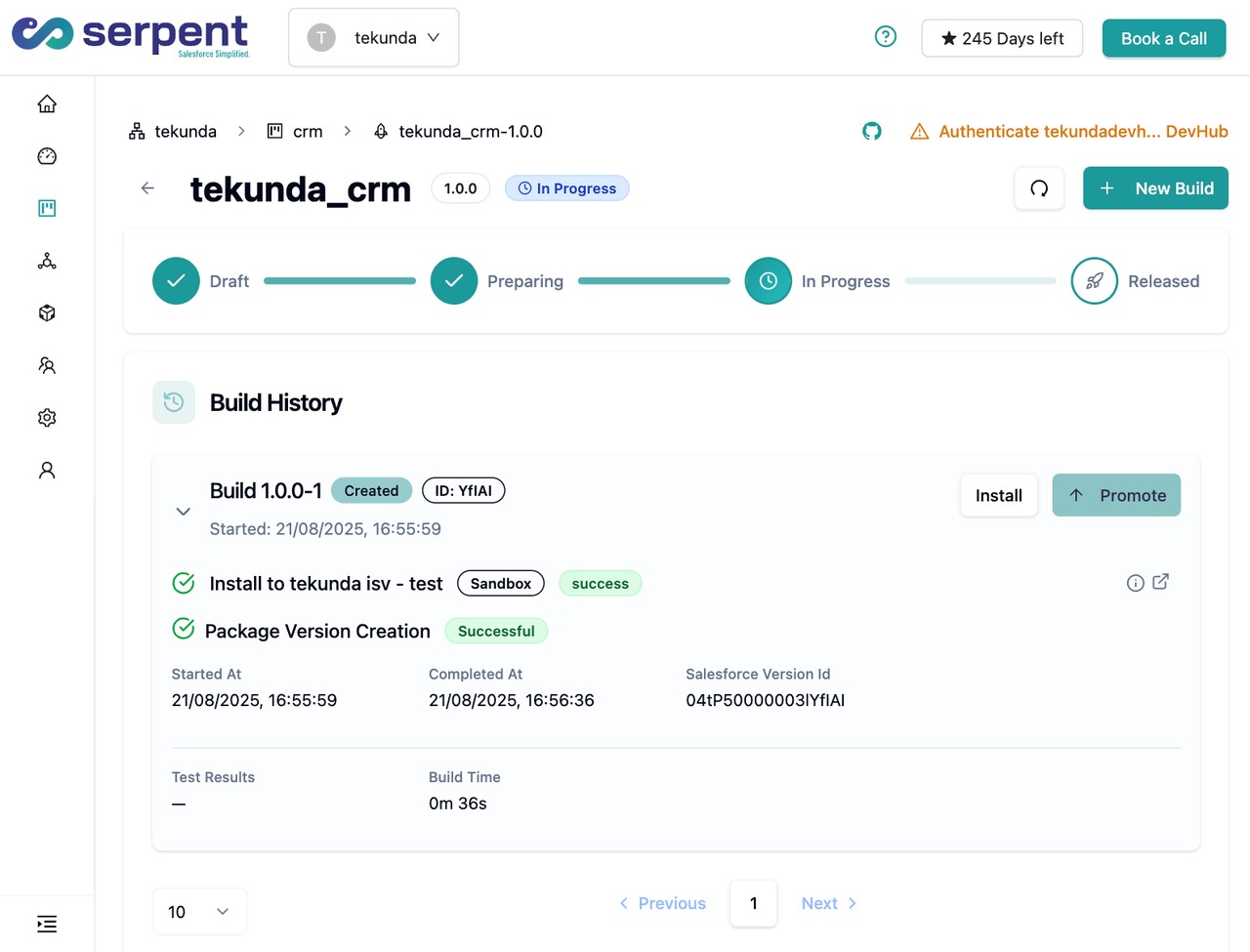
Serpent pools pre-warmed scratch orgs for test runs, so a bulk test or data load hits a clean set of limits instead of competing with everything else already running in a shared sandbox. See the Salesforce deployment error library.
Release dashboard with conflict alerts in Serpent

Prevention

Write every trigger bulk-safe from the first line, not as a retrofit
Query and DML on collections by default in new triggers, so bulk safety is the starting design, not a fix applied after the first LIMIT_EXCEEDED failure.
Load-test with realistic batch sizes before production
Run migration and bulk-load scripts against production-scale data volumes in a scratch org or sandbox before scheduling the real load.
Monitor org-wide limits, not just per-transaction ones
Track daily API call and mass email usage over time so a deployment's own operations aren't the ones that finally tip a shared limit over.
Common questions

LIMIT_EXCEEDED, answered

Is LIMIT_EXCEEDED the same as a governor limit exception in Apex?
They're closely related. Governor limits throw a System.LimitException inside Apex, which surfaces as a test failure; LIMIT_EXCEEDED is the broader API error for exceeding org-wide limits like API calls or mass email recipients.
Do governor limits reset between Test.startTest() and Test.stopTest()?
Yes. Test.startTest() gives the code that follows a fresh set of governor limits, separate from whatever the test's own setup consumed, which is why moving heavy setup before it matters.
Are governor limits the same across all Salesforce editions?
Most per-transaction Apex limits are the same across editions, but some org-wide limits like API calls per day scale with edition and user license count, so two orgs can hit REQUEST_LIMIT_EXCEEDED at very different volumes.

Start free. No credit card, no install, no commitment.

Set up in under 15 minutes. No DevOps hire needed.

Curious about faster shipping before you dive in? Let's talk

Commitment free!