

How to fix STORAGE_LIMIT_EXCEEDED in Salesforce deployments
The target org has hit its data or file storage limit, so the deployment cannot insert the records it needs.
Surfaces during: runtime DML, most often Apex test setup in a small sandboxWhat it means
STORAGE_LIMIT_EXCEEDED means the target org, usually a Developer or sandbox org with a small storage allocation, is full. Most deployments that hit this are blocked by Apex test setup data trying to insert records into an org that has no room left, not by the deployment's own metadata.
Salesforce tracks data storage and file storage as separate allocations, so a full org can be hit by either a large number of records or a smaller number of records with large attached files; the error text doesn't always make clear which one is exhausted.
Common causes
The fix
- Purge unused data and filesDelete old attachments, files, and debug logs from the target org to free up storage.
- Use scratch orgs for CI validationRun test deployments against fresh scratch orgs instead of a shared sandbox that accumulates storage over time.
- Request a storage limit increaseIf the org is at its plan limit and cleanup is not enough, contact Salesforce to raise the allocation.
How Serpent prevents this
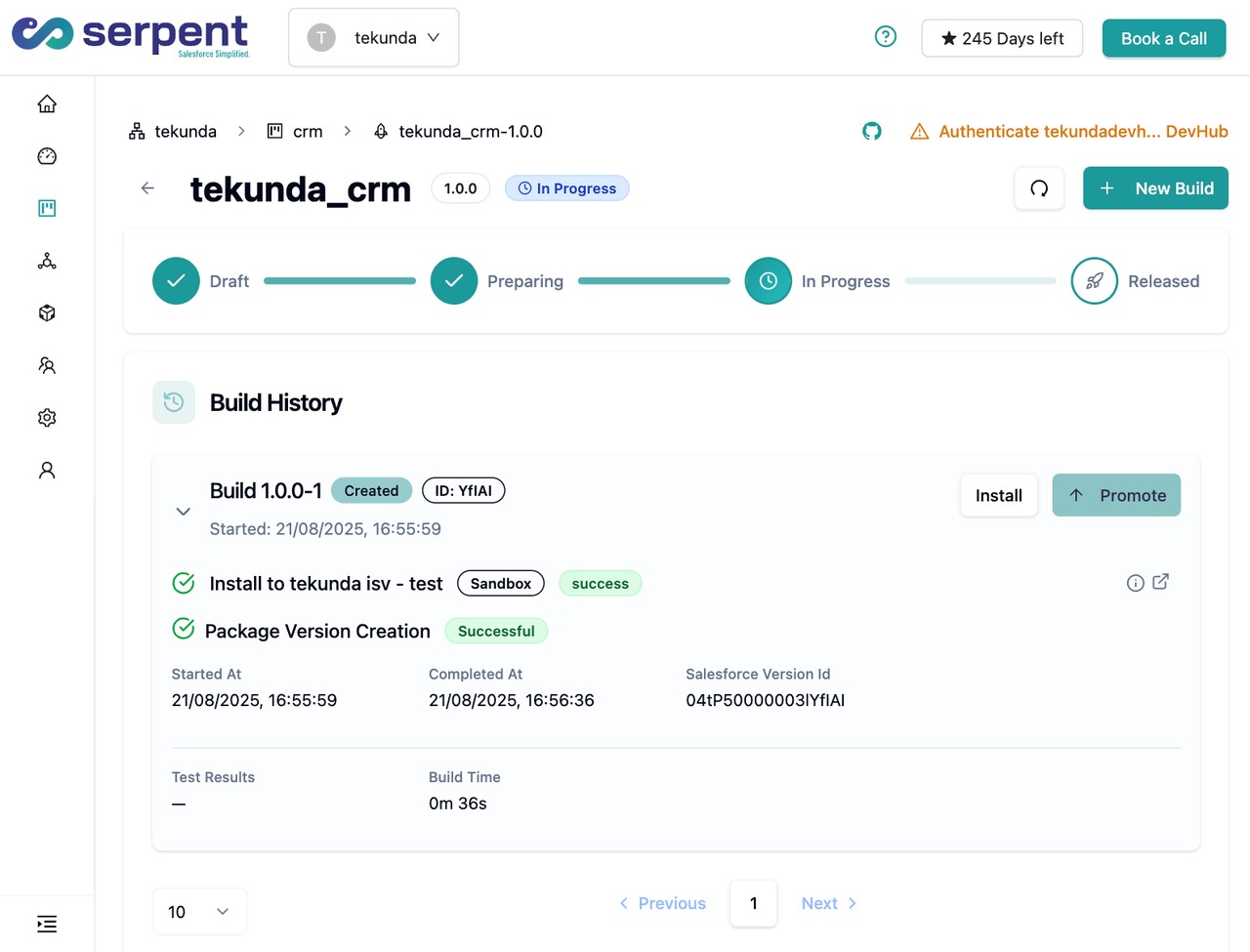
Serpent AI runs CI validation against scratch orgs by default, so storage never creeps up the way it does in a long-lived shared sandbox. See the Salesforce deployment error library.
Prevention
Related errors
STORAGE_LIMIT_EXCEEDED, answered
Start free. No credit card, no install, no commitment.
Set up in under 15 minutes. No DevOps hire needed.