
Try Serpent Free

How to fix REQUEST_LIMIT_EXCEEDED in Salesforce deployments

The org has used up its API request allocation, so further calls, including deployment operations, are rejected until it resets.

Surfaces during: any API call, once the org's rolling 24-hour allocation is exhausted

What it means

REQUEST_LIMIT_EXCEEDED means the org has exhausted its API request limit, typically the rolling 24-hour allocation, so further calls over REST, SOAP, or Bulk API are rejected until usage resets or the limit is raised. It's an org-wide ceiling, so it can be triggered by any combination of integrations, not just the deployment pipeline itself.

The allocation scales with edition and licensed user count, so a scratch org or Developer Edition sandbox with a small fixed allocation can hit this ceiling from a CI pipeline sized for production, well before production itself ever would.

Diagnosis

Common causes

CI pipeline polls status with many small calls
A pipeline checks deployment or job status with frequent individual API requests instead of batching or spacing them out.
Other integrations share the same daily limit
Other systems connected to the org consume most of the shared API allocation before the deployment's own calls run.
Scratch org or sandbox has a lower limit than production
A lower-tier environment's smaller daily API allocation gets exhausted by a pipeline sized for production usage.

The fix

  1. Batch calls with Bulk API or composite requests
    Replace high-frequency individual REST calls with Bulk API or the Composite API to reduce total request count.
  2. Monitor usage and stagger heavy jobs
    Check API usage under Setup, System Overview, and schedule heavy jobs to avoid stacking on top of other integrations.
    sf data query --query "SELECT ApiCurrentUsage, ApiRequestsPerDay FROM OrganizationLimits" --target-org myOrgAlias --use-tooling-api
  3. Request a limit increase where usage is legitimately high
    For orgs where genuine, sustained usage regularly approaches the ceiling, request an API limit increase from Salesforce.
In practice

How Serpent prevents this

Serpent pools and reuses connections across a team's environments rather than opening a fresh, chatty session per task, which keeps API usage lower than a set of independently scripted CI jobs hitting the same org. See the Salesforce deployment error library.
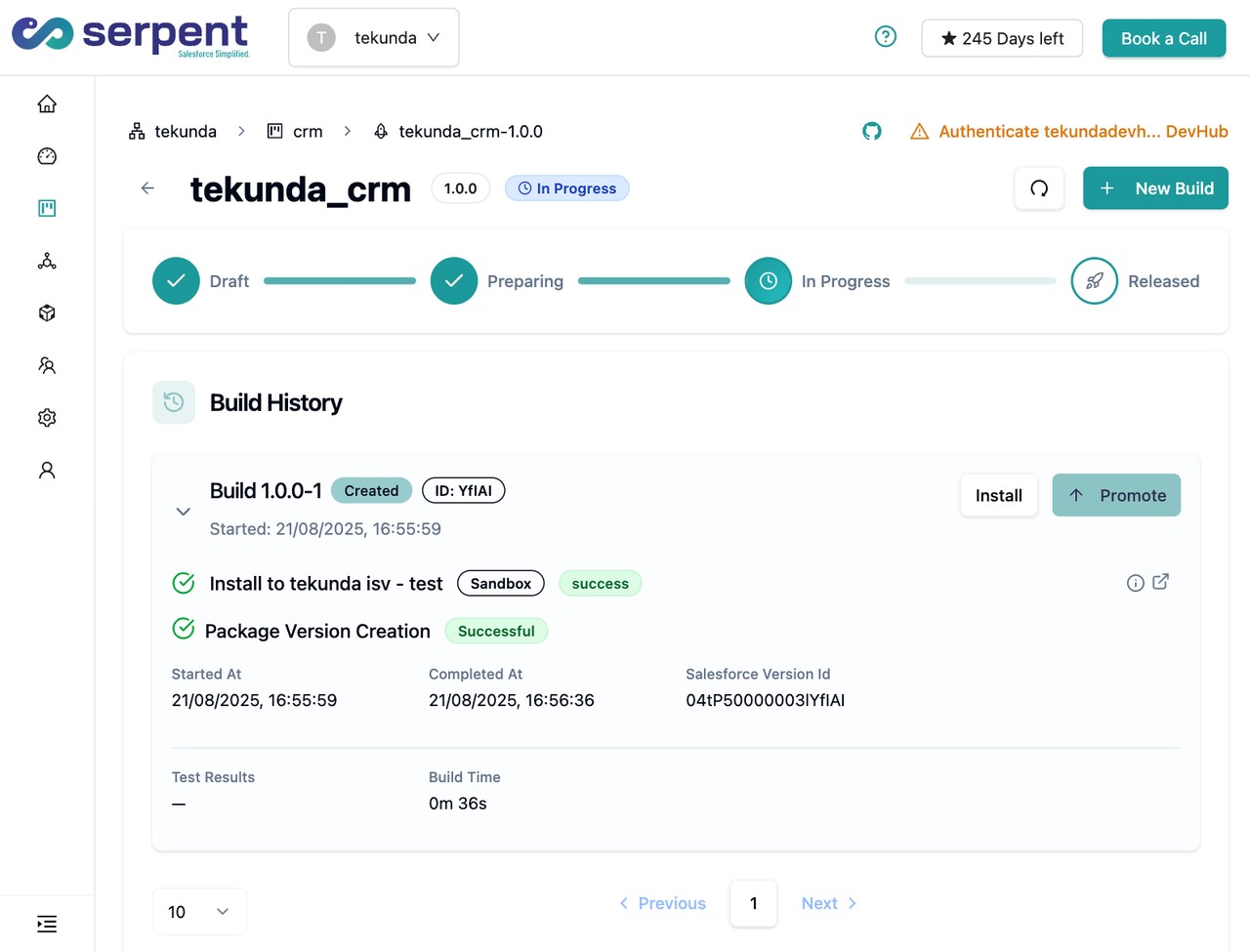
Release dashboard with conflict alerts in Serpent

Prevention

Poll deployment status with exponential backoff, not fixed short intervals
Space status-check calls out with increasing delay instead of polling every few seconds, which burns through the daily allocation fast on long-running deploys.
Track API usage per integration, not just org-wide
Break down which connected app or service account consumes the most calls, so a runaway integration is identified before it starves the deployment pipeline.
Size CI call volume to the environment's actual allocation
Check a scratch org or sandbox's specific daily API limit before assuming a production-sized pipeline will fit inside it.
Common questions

REQUEST_LIMIT_EXCEEDED, answered

Does this limit reset at midnight in my org's time zone?
It's a rolling 24-hour window based on usage, not a fixed midnight reset, so the exact reset time depends on when the calls were originally made.
Does the Metadata API used for deployments count against the same limit as REST API calls?
Yes. Metadata API, REST, SOAP, Bulk, and Tooling API calls all draw from the same org-wide daily allocation, so a heavy data integration can exhaust the limit a deployment then can't use.
Can I check remaining API calls before a deployment starts?
Yes, query the OrganizationLimits object via the Tooling API, or check Setup, System Overview, for the current usage and daily allocation before kicking off a large job.

Start free. No credit card, no install, no commitment.

Set up in under 15 minutes. No DevOps hire needed.

Curious about faster shipping before you dive in? Let's talk

Commitment free!