
Try Serpent Free

How to fix INVALID_SESSION_ID in Salesforce deployments

The session ID used to authenticate an API call has expired, been revoked, or was never valid.

Surfaces during: any API call, most often mid-way through a long-running deploy or test job

What it means

INVALID_SESSION_ID means the access token authenticating an API or Metadata API call is no longer valid, whether because it expired, was revoked, or wasn't a real session to begin with. Salesforce rejects the call outright before attempting the requested deployment or data operation, since authentication is checked first.

Unlike INVALID_LOGIN, which blocks the very first authentication attempt, this error strikes mid-job: the pipeline authenticated successfully, started working, and the session died somewhere in the middle of a long-running deploy, test run, or Bulk API job.

Diagnosis

Common causes

A long-running job outlives the session timeout
A deployment or Apex test run takes longer than the org's configured session timeout, and the session expires mid-job.
A connected app's token was revoked or forces re-authentication
An OAuth policy change or manual revocation invalidates the token partway through a pipeline run.
A CI job reused a cached session from a previous run
A pipeline step reuses a session ID stored from an earlier job instead of authenticating fresh, and that session has since expired.

The fix

  1. Authenticate fresh immediately before long-running jobs
    Re-authenticate or refresh the token right before kicking off a deploy or test run rather than reusing an older session.
  2. Extend session timeout settings where legitimate
    Increase the session timeout in Setup for orgs where CI runs genuinely take longer than the default window.
  3. Avoid caching session IDs across pipeline runs
    Re-authenticate per job instead of persisting and reusing a session ID between separate pipeline executions.
In practice

How Serpent prevents this

Serpent manages authenticated connections to every org centrally and refreshes them automatically, so a long-running deploy or test job doesn't die mid-run because a cached session expired underneath it. See the Salesforce deployment error library.
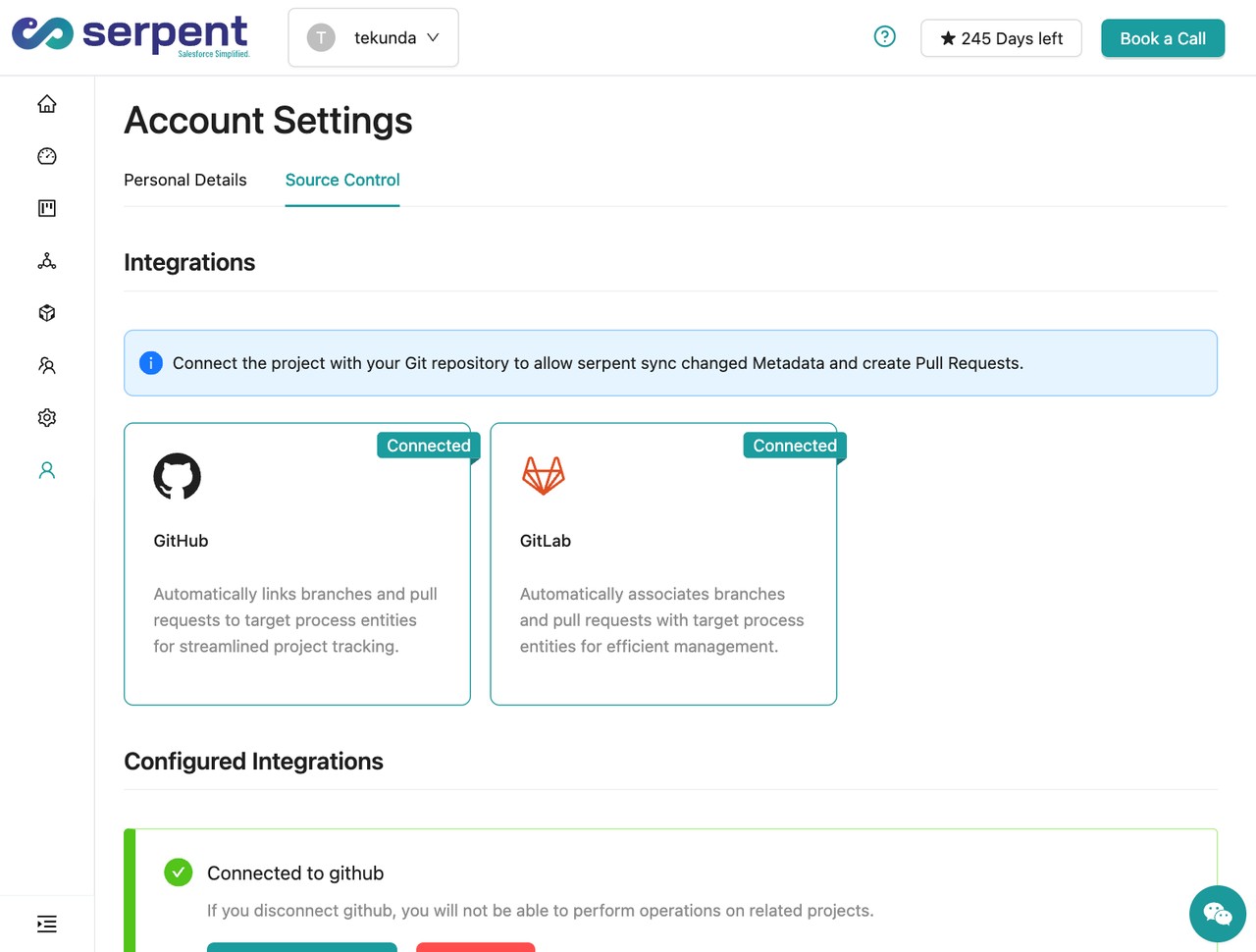
Org and Git connection settings in Serpent

Prevention

Use a refresh-token-based flow for anything that runs longer than a few minutes
Prefer OAuth flows that support silent token refresh over a static session ID for jobs with any real chance of running long.
Split very long deploy or test jobs into smaller chunks
Break a job that regularly approaches the session timeout into smaller sequential runs, each authenticating fresh.
Never persist a session ID as a long-lived CI secret
Treat a session ID as single-use and short-lived; store the refresh token or JWT credential as the durable secret instead.
Common questions

INVALID_SESSION_ID, answered

Is INVALID_SESSION_ID the same as an expired password?
No. It's specifically about the session token used for API authentication, not the user's login credentials, which stay valid independently of any one session.
Does logging in again in another browser tab invalidate my CI session?
It can, depending on the org's "Lock sessions to the IP address" and concurrent session policies; a session tied strictly to one login context can be invalidated by a second, conflicting login.
Does the Metadata API's asynchronous deploy pattern avoid this error?
Partially. Kicking off an async deploy and polling for status with a fresh session each poll reduces exposure, but the original session used to start the deploy can still expire if the deploy itself takes longer than the timeout.

Start free. No credit card, no install, no commitment.

Set up in under 15 minutes. No DevOps hire needed.

Curious about faster shipping before you dive in? Let's talk

Commitment free!