
Try Serpent Free

How to fix INVALID_LOGIN in Salesforce deployments

The credentials or session a CI pipeline uses to authenticate to Salesforce were rejected before the deployment could even start.

Surfaces during: authentication, before any deploy or DML logic runs

What it means

INVALID_LOGIN is an authentication error, not a metadata error: Salesforce rejected the login attempt itself, so no deployment logic ever ran. In a CI/CD context this almost always means an expired session, a revoked connected app, or an IP restriction blocking the pipeline's login request.

Because authentication happens before anything else, this error tells you nothing about the deployment's content, a package that's never failed a real deploy can still trip INVALID_LOGIN if the credential connecting to the org is bad.

Diagnosis

Common causes

Expired or revoked OAuth token or session
A refresh token, connected app authorization, or stored session used by the pipeline expired or was manually revoked in the target org.
IP restrictions block the CI runner
The org's login IP ranges or the connected app's IP restrictions don't include the CI/CD runner's current IP address.
Password or security token changed
The integration user's password or security token was reset, but the CI pipeline's stored credentials weren't updated to match.

The fix

  1. Re-authenticate and refresh the stored credential
    Reconnect the CI pipeline's OAuth authorization or generate a fresh session for the integration user.
    sf org login jwt --client-id $CONSUMER_KEY --jwt-key-file server.key --username [email protected] --instance-url https://login.salesforce.com
  2. Add the CI runner's IP range to trusted IPs
    Update the org's network access settings, or the connected app's IP relaxation policy, to allow the pipeline's IP range.
  3. Rotate credentials in the pipeline the same day they change in Salesforce
    Update the CI secret store immediately whenever the integration user's password, token, or connected app is changed.
In practice

How Serpent prevents this

Serpent manages org connections and re-authentication for its own pipelines, so an expired session surfaces as a clear reconnect prompt on the org instead of a cryptic login failure buried in CI logs. See the Salesforce deployment error library.
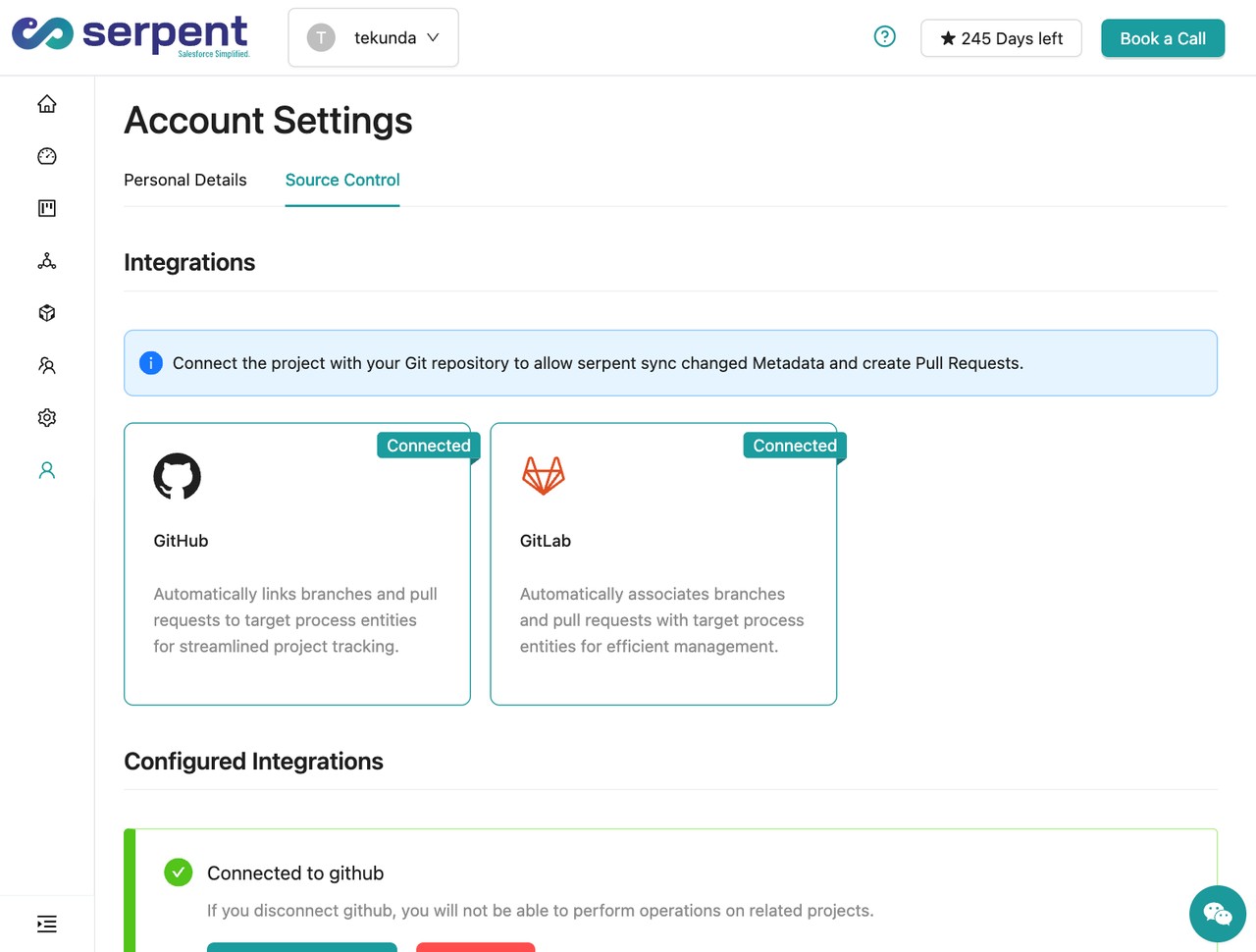
Org and Git connection settings in Serpent

Prevention

Use JWT bearer flow instead of a stored username and password
Authenticate CI with a connected app's certificate-based JWT bearer flow, which doesn't expire the way a session token or hardcoded password does.
Set the connected app's IP relaxation to relax for known automation
Configure IP relaxation appropriately for the connected app used by CI, rather than fighting IP restrictions with a hardcoded, rotating allowlist.
Alert on credential rotation, not just on pipeline failure
Wire password or security token resets in Salesforce to a notification that reminds the team to update CI secrets the same day, before the next scheduled run fails.
Common questions

INVALID_LOGIN, answered

Why does INVALID_LOGIN happen only in CI, not when I log in manually?
Manual logins go through the full browser MFA and session flow, while CI pipelines authenticate with a stored token or session that can silently expire, get revoked, or fall outside an IP restriction without anyone noticing until the next automated run.
Does enabling MFA on the integration user break CI logins?
It can, if the pipeline uses username-password authentication, since MFA challenges aren't scriptable. JWT bearer flow and certificate-based auth avoid this entirely because they don't go through the interactive login screen.
Does this error tell me specifically whether it's a credential or an IP problem?
Not always precisely. The message text often hints at which, but if you're unsure, check the connected app's login history and the org's IP restriction settings first, since both are quick to rule out.

Start free. No credit card, no install, no commitment.

Set up in under 15 minutes. No DevOps hire needed.

Curious about faster shipping before you dive in? Let's talk

Commitment free!