

How to fix INSUFFICIENT_ACCESS in Salesforce deployments
The user or integration making the API call doesn't have the object or field-level permissions the operation requires.
Surfaces during: runtime API calls, both REST/SOAP data operations and connected-app requestsWhat it means
INSUFFICIENT_ACCESS means the calling user, often an integration or CI service account rather than a person, doesn't have the object permission or field-level security needed to complete the request. It's a permissions failure rather than a data problem: the record and the operation are both valid, but the credential running it isn't authorized for it.
Because it covers the connected app and OAuth layer as well as object CRUD, it's the broadest of the access-related error codes; INSUFFICIENT_ACCESS_OR_READONLY and INSUFFICIENT_ACCESS_ON_CROSS_REFERENCE_ENTITY are both narrower, DML-specific variants of the same underlying idea.
Common causes
The fix
- Audit the integration user's permission setsConfirm the account executing deployments has explicit object and field-level access for everything the pipeline touches.
- Grant FLS on new fields to CI permission setsAdd field-level security for newly created fields to whichever permission set the pipeline's service account uses.
- Review connected app OAuth scopes and IP policiesCheck that the scopes and IP relaxation settings on the connected app cover the operation being attempted.
How Serpent prevents this
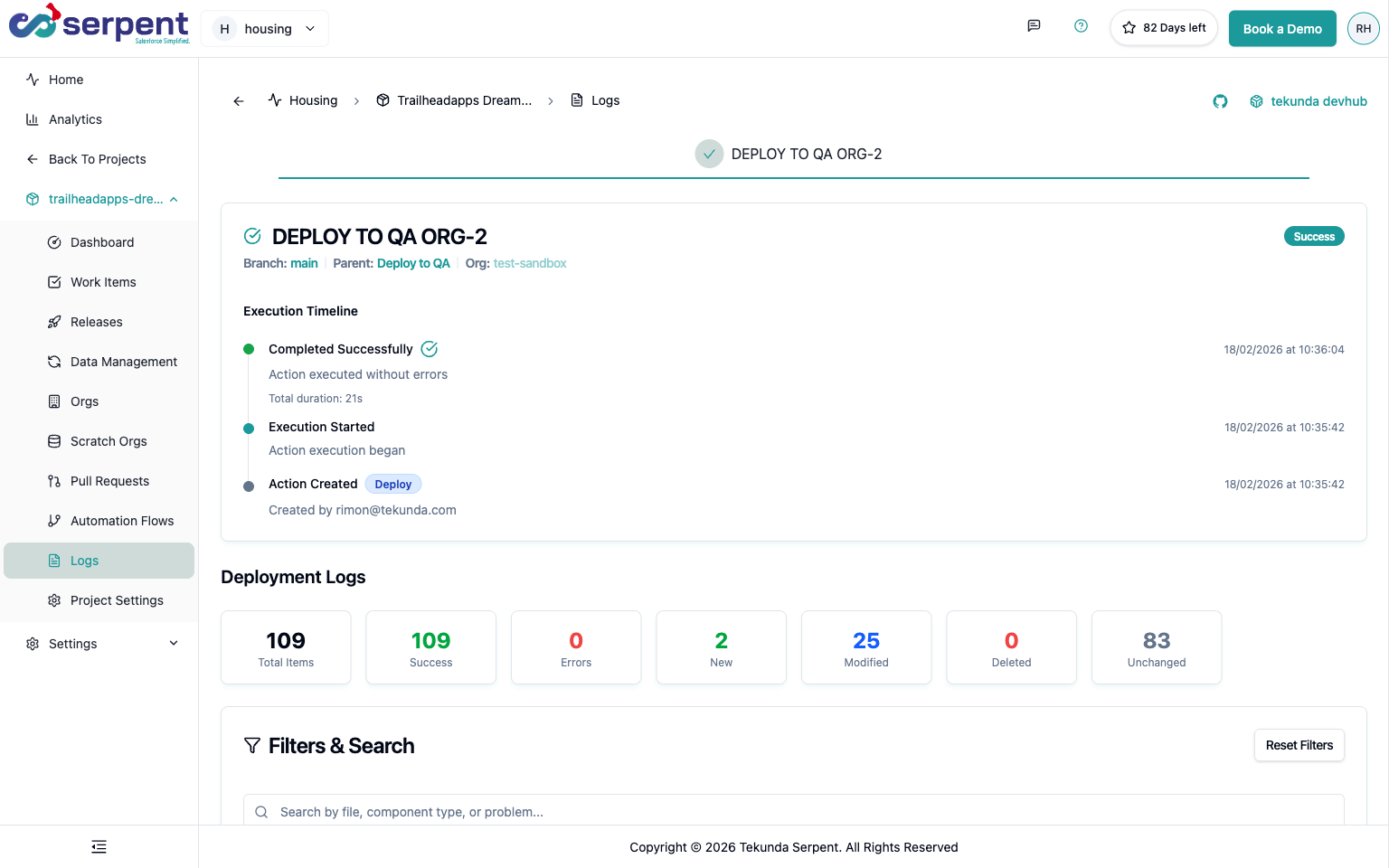
Serpent runs deployments through a scoped connection to each org, so a permission gap shows up as a clear failure on the task, rather than a silent partial deploy discovered later. See the Salesforce deployment error library.
Prevention
Related errors
INSUFFICIENT_ACCESS, answered
Start free. No credit card, no install, no commitment.
Set up in under 15 minutes. No DevOps hire needed.