
Try Serpent Free

How to fix INSUFFICIENT_ACCESS_OR_READONLY in Salesforce deployments

The user running the deployment or data load doesn't have create, edit, or delete permission on the object or field being written to.

Surfaces during: runtime DML, in data loads, API calls, and Apex tests

What it means

INSUFFICIENT_ACCESS_OR_READONLY means the running user's profile or permission set doesn't grant the access level the operation needs, most often field-level security or object CRUD permissions in the target org. This differs from INSUFFICIENT_ACCESS_ON_CROSS_REFERENCE_ENTITY, which is about a referenced record rather than the object being written directly.

This is the direct-object case: the record or field the DML statement is writing to is the one the running user lacks access to, not a related record touched along the way.

Diagnosis

Common causes

Integration or deployment user profile lacks object permission
The API or CI user's profile has read-only or no access on the object, often because it was scoped narrowly for security.
Field-level security hides the field from that profile
The object permission exists, but a specific field is set to invisible or read-only for the running user's profile or permission set.
Permission set wasn't deployed or assigned in the target org
A permission set that grants the needed access exists in source control but hasn't been deployed and assigned to the deployment user in the target org.

The fix

  1. Grant object and field permissions to the deployment user
    Update the deployment or integration user's profile or permission set to include the required object CRUD and field-level security.
  2. Deploy and assign missing permission sets
    Include permission set metadata in the deployment and confirm it's assigned to the running user in the target org, not just the source.
    sf org assign permset --name Integration_Data_Access --target-org myOrgAlias
  3. Use a dedicated integration user with a stable permission set
    Standardize deployment and API access on a purpose-built user and permission set instead of an individual admin's account that can change.
In practice

How Serpent prevents this

Serpent manages the permission sets it assigns to CI and integration users per org, so access gaps between environments surface as a task blocker instead of a failed pipeline run. See the Salesforce deployment error library.
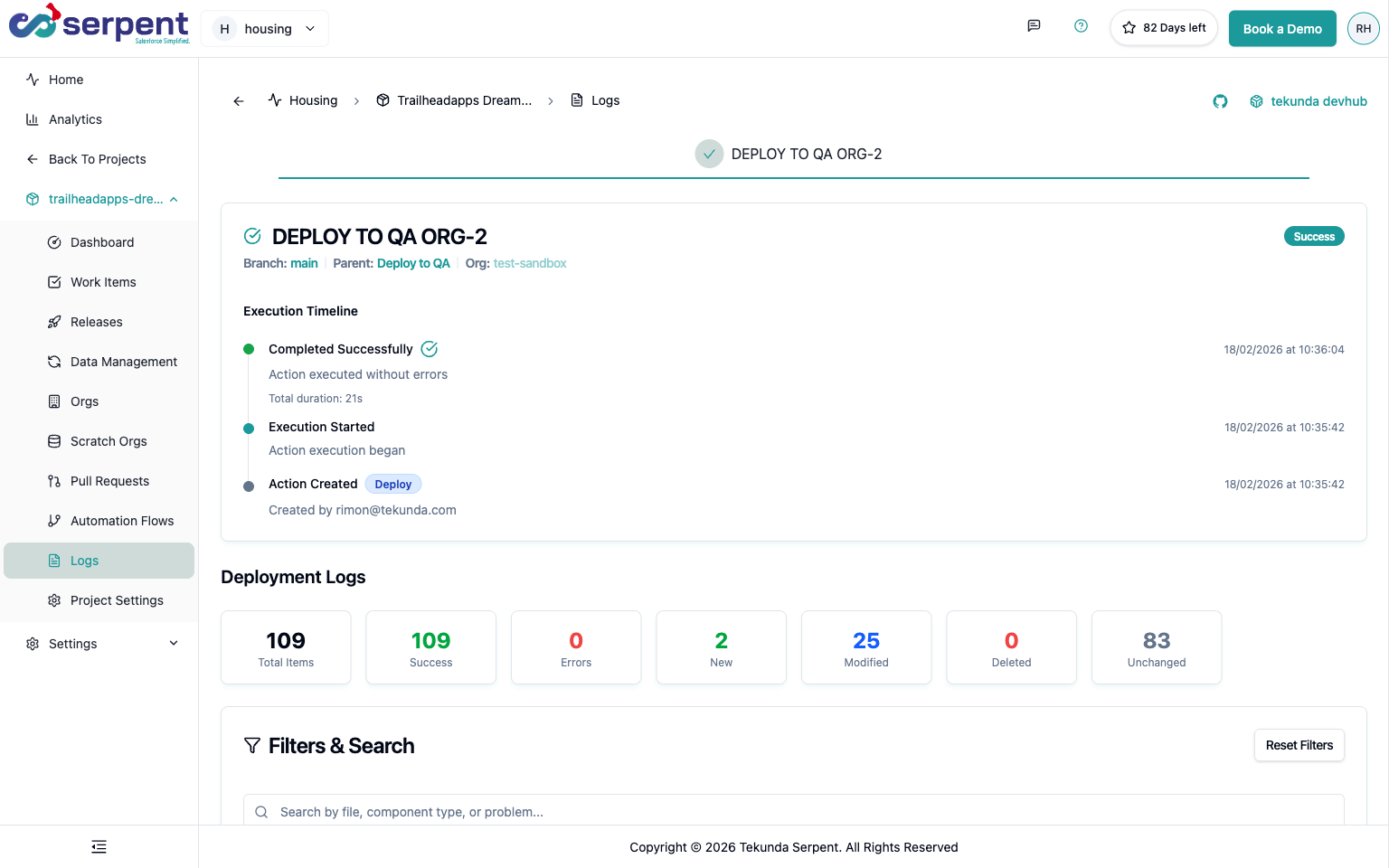
Approval and audit traceability in Serpent

Prevention

Deploy the permission set assignment alongside the permission set itself
Include PermissionSetAssignment metadata in the same deployment as a new permission set, so access lands in the target org, not just the definition.
Review integration-user access whenever a new field ships
Add field-level security review for the standing integration user's permission set as a checklist item on every schema change, not an afterthought.
Never share a personal admin login for scheduled integrations
Personal accounts get deactivated, MFA changes, and password resets; a dedicated integration user with a managed permission set avoids all three failure modes.
Common questions

INSUFFICIENT_ACCESS_OR_READONLY, answered

Why does the same deployment work for one admin but fail for the CI user?
The CI or integration user almost always has a narrower, more locked-down profile than an admin. Compare its object and field-level access against what the deployment actually writes to.
Does a permission set override a more restrictive profile setting?
For object and field permissions, yes; a permission set can grant additional access beyond the profile, but it can't grant more than the org's overall license and feature limits allow.
Does READONLY in the error name mean the field is a formula field?
Not necessarily. It usually means the user's Field-Level Security is set to read-only on an ordinary editable field, though it can also apply to genuinely non-writable fields like formulas.

Start free. No credit card, no install, no commitment.

Set up in under 15 minutes. No DevOps hire needed.

Curious about faster shipping before you dive in? Let's talk

Commitment free!