
Try Serpent Free

How to fix INSUFFICIENT_ACCESS_ON_CROSS_REFERENCE_ENTITY in Salesforce deployments

The user running the deployment lacks field or object access to a record referenced during an Apex test or automation.

Surfaces during: runtime DML, most often Apex test execution

What it means

INSUFFICIENT_ACCESS_ON_CROSS_REFERENCE_ENTITY fires when the profile or permission set running the deployment, usually while executing Apex tests, cannot see or edit a field or object that a trigger, flow, or approval process touches along the way. Salesforce is enforcing Field-Level Security or sharing rules exactly as configured; the deployment user simply does not have the access the automation assumes.

The "cross-reference" in the name is the tell: it's not about the object you're directly inserting or updating, it's about a related object or field that automation reaches out to touch on the side, a lookup's parent record, a related list, or a field the running user's profile restricts.

Diagnosis

Common causes

Missing Field-Level Security
The deploying user's profile lacks read or edit access to a field that an Apex test or trigger writes to during validation.
Flow or approval process running as a specific user
A 'run as' user configured on a flow or approval process does not have object or field access to the records it processes.
Sharing rules blocking test data
Org-wide defaults or sharing rules prevent the running user from touching records an Apex test creates or updates.

The fix

  1. Grant the missing permissions
    Add Field-Level Security and object permissions to the profile or permission set assigned to the deploying user.
  2. Review 'run as' settings
    Check any flow or approval process configured to run as a specific user, and confirm that user's permissions cover the objects involved.
  3. Adjust sharing for test context
    Use 'without sharing' Apex classes for test setup where appropriate, or extend sharing rules to cover the automated test path.
In practice

How Serpent prevents this

Serpent AI runs a preflight validation against the real target org before the actual deployment executes, so a permission gap surfaces as a readable review comment instead of a mid-deploy failure. See the Salesforce deployment error library.
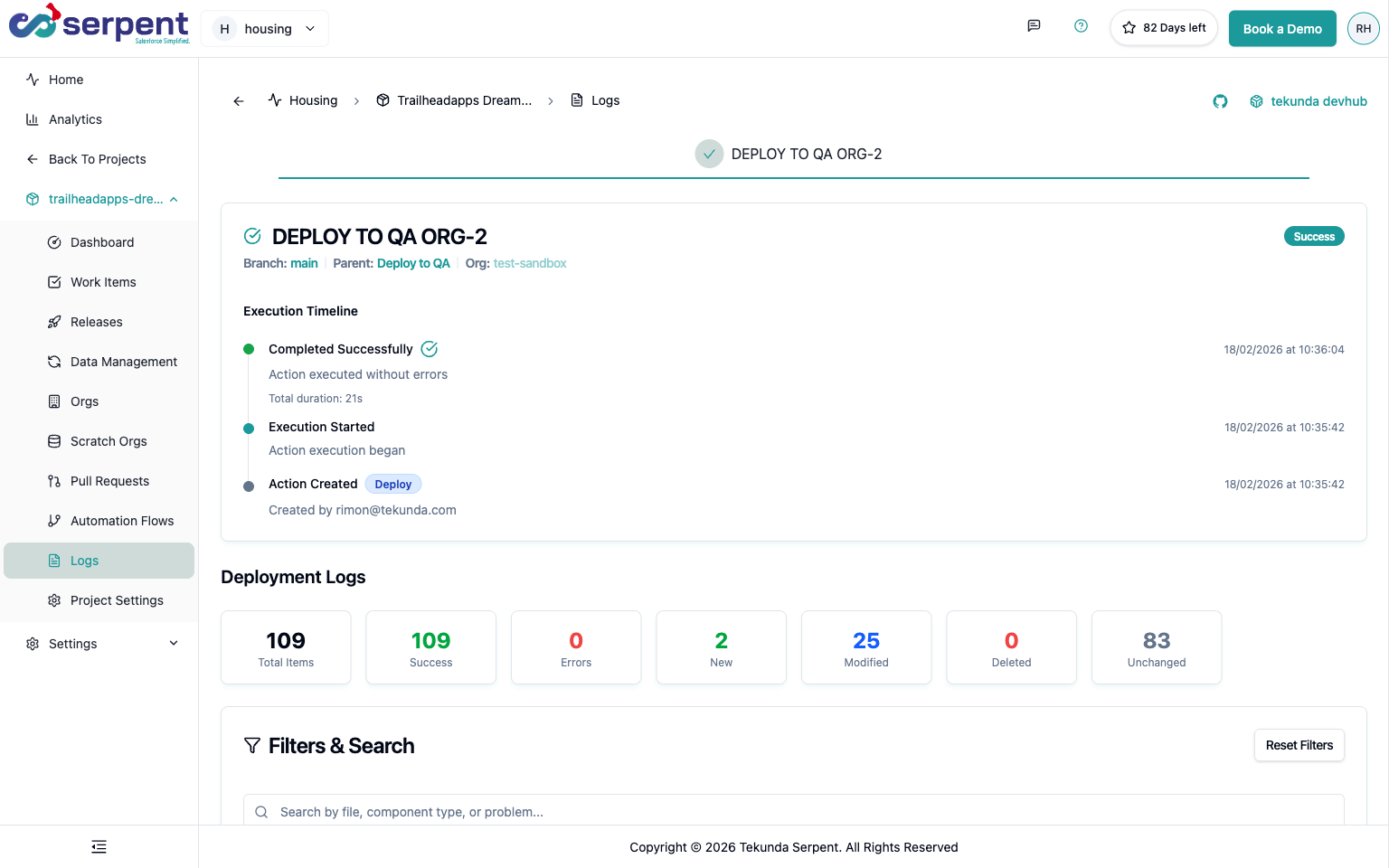
Approval and audit traceability in Serpent

Prevention

Give the deployment user a permission set covering every cross-referenced object
Map every related object your triggers and flows touch, not just the primary object, into the deployment or CI user's permission set.
Prefer 'run as user context' declaratively over hardcoded run-as users
Where a Flow or approval process must run as a specific user, document and periodically re-verify that user's access rather than assuming it stays correct.
Test with the least-privileged profile you expect in production
Run CI Apex tests as the actual deployment or integration user's profile rather than a full admin, so an access gap shows up in CI instead of on release day.
Common questions

INSUFFICIENT_ACCESS_ON_CROSS_REFERENCE_ENTITY, answered

Is this a bug in my code, or an org configuration issue?
Almost always configuration. The metadata is valid; the profile or permission set running the deployment just needs broader access in the target org.
Does the error tell me which object or field is the problem?
Not always by name. The message often names the entity generically; check every object your Apex test's triggers and flows touch as related records, not just the one being inserted.
Does running Apex tests as System Administrator avoid this error entirely?
It can mask it in CI, but that's a trap: production still runs with whatever profile actually deploys or triggers the automation, so masking the gap in tests just delays discovery to release day.

Start free. No credit card, no install, no commitment.

Set up in under 15 minutes. No DevOps hire needed.

Curious about faster shipping before you dive in? Let's talk

Commitment free!