
Try Serpent Free

How to fix MIXED_DML_OPERATION in Salesforce deployments

Apex tries to modify a setup object, like User or Group, and a non-setup object in the same transaction.

Surfaces during: Apex runtime, most often inside test execution required for a deploy

What it means

MIXED_DML_OPERATION is an Apex runtime exception: Salesforce doesn't allow DML on a setup object (User, Group, GroupMember, and similar) and a non-setup object (Account, Contact, custom objects) within the same transaction. It most often surfaces during the Apex test execution a production deployment requires, turning into a deployment-blocking test failure.

The restriction exists because setup objects can change record-level access and sharing, and Salesforce won't let a single transaction both alter who can see data and write that data at the same time, which is why the fix is always about transaction boundaries, never about the records' content.

Diagnosis

Common causes

Test setup creates a user and business records together
A test method inserts a User and then, in the same transaction, inserts an Account or other business record without isolating the DML.
Trigger assigns a queue or group membership
A trigger on a business object inserts a GroupMember or updates sharing while other business records are being saved in the same context.
Setup-object DML runs inline instead of isolated
Code that should isolate the setup-object DML into its own transaction runs it in the same context as business-object DML instead.

The fix

  1. Move setup-object DML into its own transaction
    Wrap the User or Group insert in a future method, or otherwise isolate it, so it commits before the business-object DML runs.
    @future
    private static void insertUserAsync(String jsonUser) {
        User u = (User) JSON.deserialize(jsonUser, User.class);
        insert u;
    }
  2. Use Test.startTest() and Test.stopTest() to split the transaction
    In tests, place the setup-object DML before Test.startTest() so it runs in its own transaction boundary before the business-object DML.
  3. Never combine setup and business object inserts in one trigger context
    Refactor automation so setup-object changes, like user provisioning or group membership, never share a transaction with business-record DML.
In practice

How Serpent prevents this

Serpent's CI pipeline runs the full Apex test suite on every task before it's eligible to merge, so a MIXED_DML_OPERATION test failure surfaces on the task that introduced it, not on a production release. See the Salesforce deployment error library.
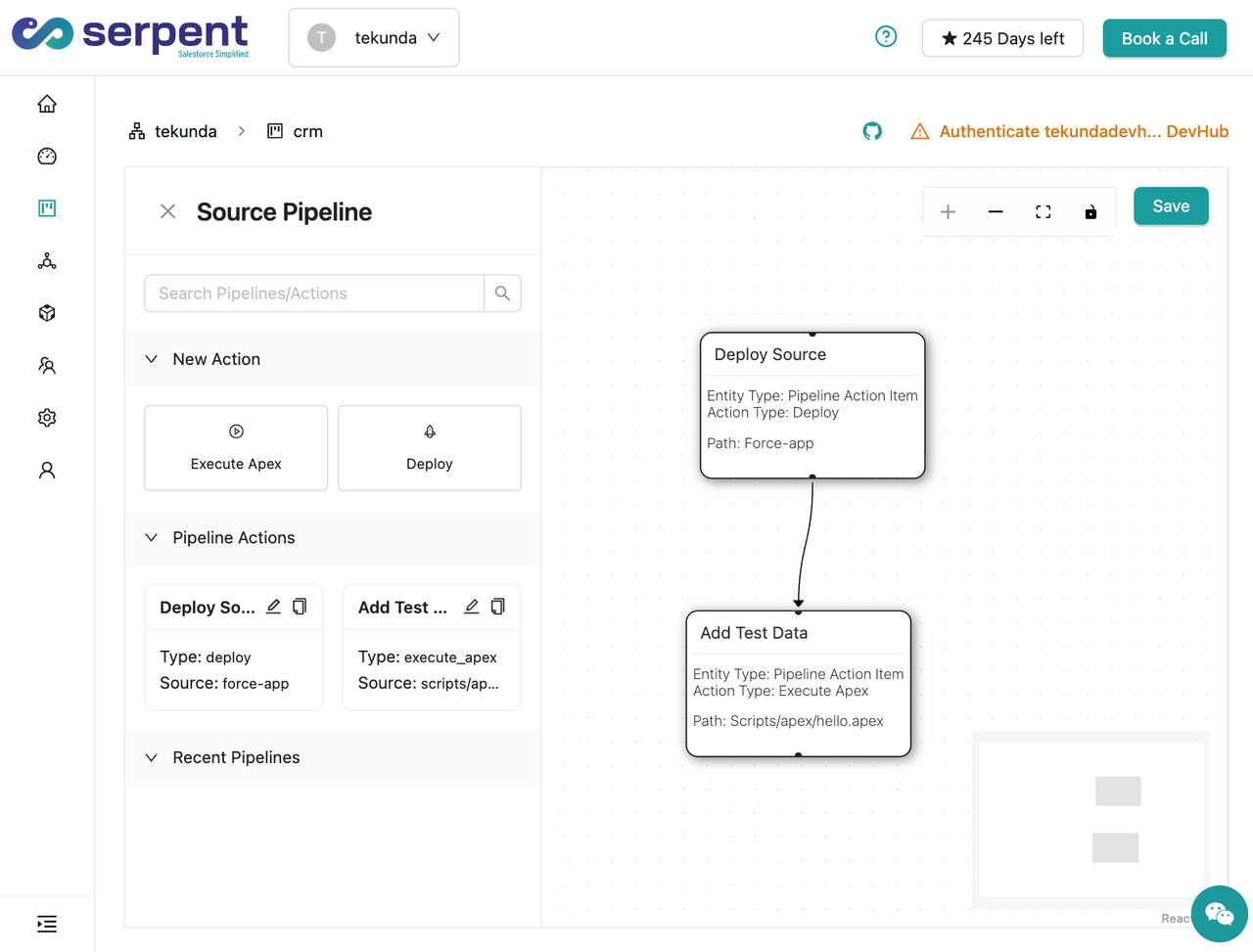
No-code CI/CD pipeline builder in Serpent

Prevention

Always insert test Users in @TestSetup, before any business-record DML
Structure test classes so setup-object creation happens in a dedicated @TestSetup method, fully separate from the business logic under test.
Isolate group and sharing membership changes in their own service method
Route all GroupMember and sharing-record DML through a single utility called asynchronously, so business logic never accidentally shares a transaction with it.
Flag setup-object DML in code review
Treat any insert or update on User, Group, or GroupMember as a review flag to confirm it's properly isolated from business-object DML in the same method.
Common questions

MIXED_DML_OPERATION, answered

Why does MIXED_DML_OPERATION only fail during deployment, not in normal usage?
It fails whenever the code path runs, but deployments to production require all Apex tests to pass, so a test that triggers this exception blocks the whole release even if the underlying code rarely executes that path in production.
Which objects count as setup objects for this rule?
User, Group, GroupMember, UserRole, and a handful of related sharing and permission objects. Most business and custom objects are unaffected and can mix freely with each other.
Does System.runAs() in a test avoid this error?
No, System.runAs() changes the running user context for permission testing; it doesn't isolate a transaction boundary the way a future call or Test.startTest() does.

Start free. No credit card, no install, no commitment.

Set up in under 15 minutes. No DevOps hire needed.

Curious about faster shipping before you dive in? Let's talk

Commitment free!