
Andrew Hanna

Andrew Hanna
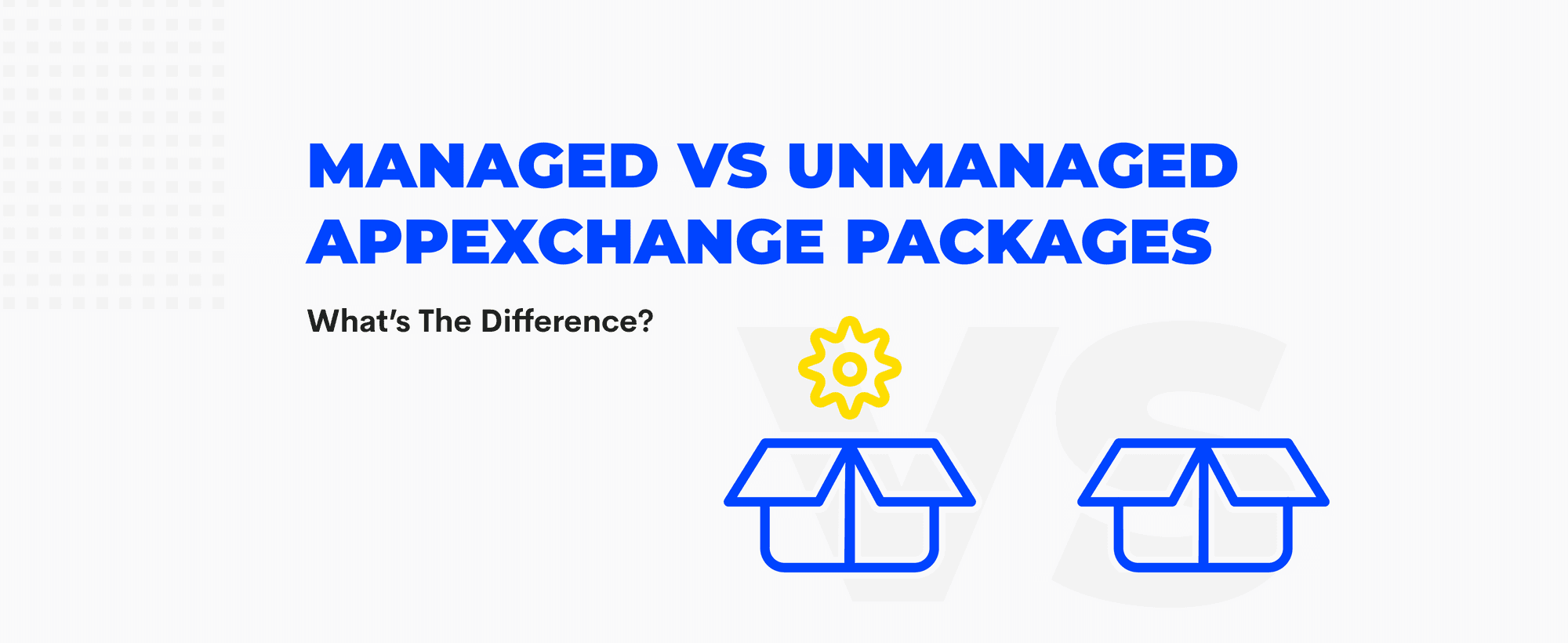
As a Salesforce Engineer or Consultant, choosing between creating managed or unmanaged packages is a strategic decision that can significantly influence your workflows and application lifecycle on Salesforce. This guide delves deeper into each type of package, offering insights into their use cases, benefits, and considerations to help you make an informed choice based on your specific needs.
Managed Packages are typically created by Salesforce partners and are available through the Salesforce AppExchange. They come with a namespace that completely isolates them from your org and other packages, ensuring no naming conflicts across Salesforce orgs, but that comes with it own limitations.
Unmanaged Packages are often used as a means to distribute open-source projects or templates that can be customized by developers. They do not include a namespace, making them fully editable but also susceptible to naming conflicts. Unmanaged packages are a great way to version control your org customisation and development while keeping it unlocked, allowing you to also reference metadata and code pre-existing on your target org.
At Tekunda, we've simplified the management and release processes of both Managed and Unmanaged packages with Tekunda Serpent. Our tool makes metadata and packages management effortless, allowing you to focus on innovation rather than administrative tasks. Ready to streamline your Salesforce development experience?
Start free - no credit card now and be among the first to transform your workflow with Tekunda Serpent!
Managed Packages
Unmanaged Packages
Managed Packages
Unmanaged Packages
Managed Packages
Unmanaged Packages
When deciding between managed and unmanaged packages, consider:
Continuous Integration and Continuous Deployment (CI/CD) are critical components of modern software development, especially in dynamic environments like Salesforce. The choice between managed and unmanaged packages can have significant implications on your CI/CD strategies.
Managed packages are typically created by developers aiming to distribute their applications on Salesforce AppExchange, often with an eye towards commercialization. Here are key considerations for CI/CD:
Unmanaged packages are more flexible and are often used for custom projects within a specific org or for distributing open-source projects where the developer does not retain any proprietary control. CI/CD considerations include:
Selecting between developing a managed or unmanaged package often depends on the intended use case and distribution strategy:
Both managed and unmanaged packages offer distinct advantages for Salesforce admins and developers. By carefully evaluating your organizational needs, resource availability, and long-term strategy, you can choose a package that not only fits your immediate requirements but also supports your Salesforce environment's growth and evolution.
Making an informed choice will empower your team to leverage Salesforce more effectively, ensuring that you maximize the platform's benefits while aligning with your business objectives.
What is the difference between managed and unmanaged packages?
A managed package carries a namespace that isolates it from everything else in the org, and its core components are locked. An unmanaged package has no namespace, is fully editable once installed, and can clash on naming.
Can you edit the code inside a managed package?
No. The locked components are what let the vendor guarantee integrity and ship upgrades safely. If you need to change every part of the code, an unmanaged package is the right choice.
Which package type do you need to sell on AppExchange?
A managed package. Commercial distribution relies on the namespace and on Salesforce's upgrade and release process, so plan your CI/CD around the stricter testing and compliance checks that come with it.
When should you choose an unmanaged package?
For work that stays inside one org, for consulting deliverables, and for templates or open-source projects the receiver is meant to adapt. You keep full control of the source, and you also own the maintenance.
At Tekunda, we've simplified the management and release processes of both Managed and Unmanaged packages with Tekunda Serpent. Our tool makes metadata and packages management effortless, allowing you to focus on innovation rather than administrative tasks. Ready to streamline your Salesforce development experience?
Start free - no credit card now and be among the first to transform your workflow with Tekunda Serpent!
Commitment free!