

← Integrations
Serpent + Azure Repos for Salesforce DevOps
Serpent connects to Azure Repos over OAuth: branches and pull requests become tasks automatically.
In practice
How to connect
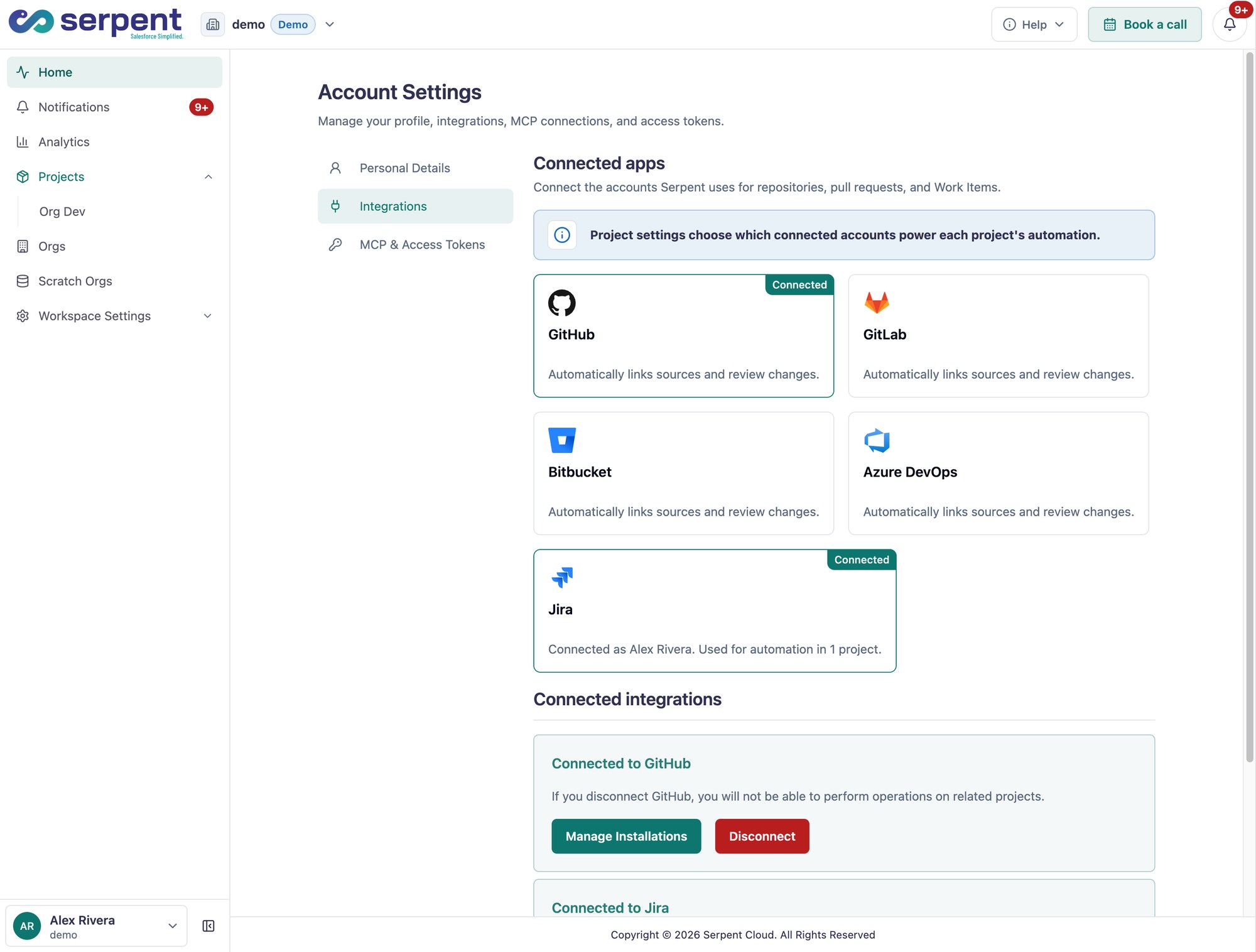
Connecting Azure Repos takes a few minutes:
- Open Source Control settings and choose Azure DevOps as your provider. Authorize Serpent over OAuth.
- Connect the repository that holds your Salesforce metadata.
- In Project Settings, point each project at its repository and default branch.
Serpent commits tracked changes to the repository automatically and keeps full history. Your repository stays the source of truth, and your team works from tasks while Serpent handles the branches underneath.
Common questions
Common questions
Is the Azure Repos integration live today?
Yes. Choose Azure DevOps in Source Control settings and authorize over OAuth.
Which Git hosts can I connect right now?
GitHub, GitLab, Bitbucket, and Azure Repos are live today through Serpent's task-based workflow. You can also use built-in Serpent source control.
Start free. No credit card, no install, no commitment.
Set up in under 15 minutes. No DevOps hire needed.