
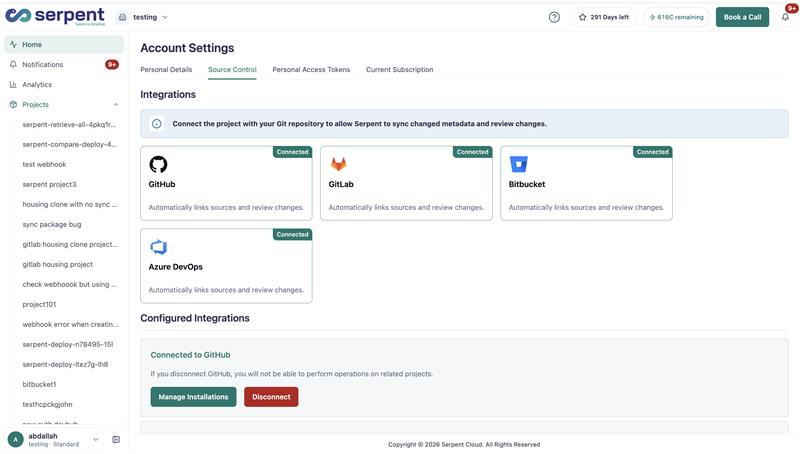
Serpent puts every Salesforce change under source control automatically. Your team works through Work Items instead of creating and merging branches by hand, while Serpent runs the underlying Git operations in the background against the repository you already use.
Git without the Git commands
Admins, developers, and testers all work the same way: pick up a Work Item, pull changes, and hand off for review. There are no CLI commands or manual branch management to learn. Serpent keeps full commit history so nothing about the audit trail is lost.
What Serpent tracks
- The metadata components each Work Item touches, tracked with source tracking rather than a hand-built manifest.
- A complete, timestamped history of what changed, who reviewed it, and when it deployed.
- The state of every branch and change, so releases are assembled from work that is already tracked.
Who it helps
Because Git runs in the background, admins who never touch a terminal work in the same flow as developers who do. Role-based permissions keep everyone scoped to what they need to see and do.