
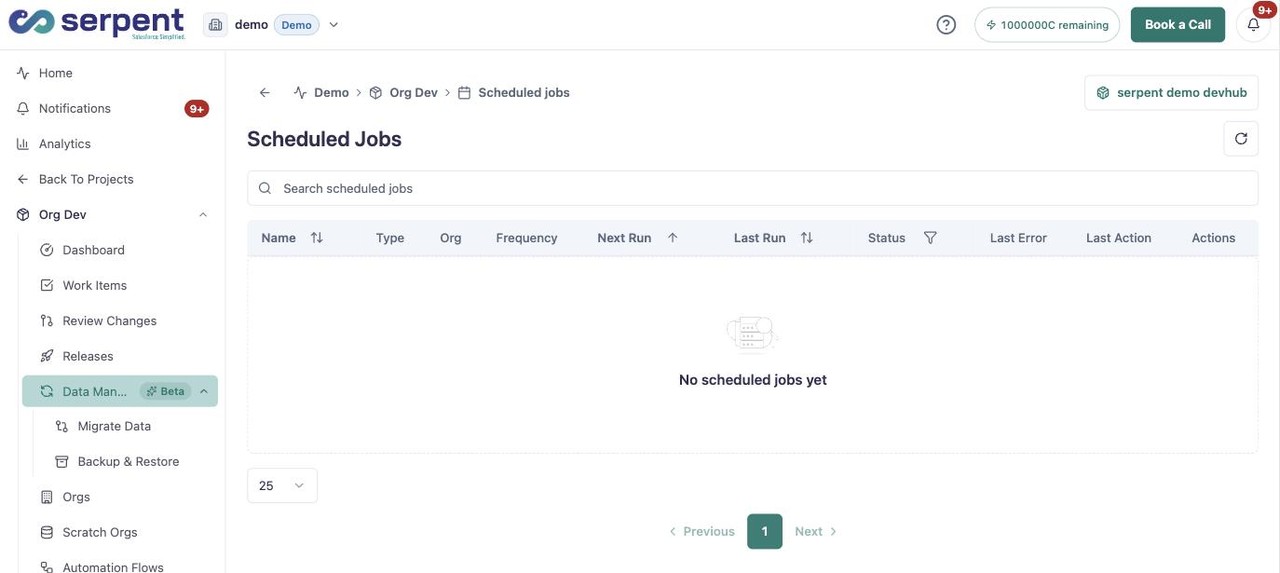
Scheduled jobs let you run actions automatically on a recurring basis, rather than triggering them by hand. They are useful for steps that should happen on a cadence, such as validations, environment refreshes, or data seeding.
Create one in Serpent
Open the Scheduled Jobs screen with the "Try it in Serpent" button above, then:
-
Pick the action
Choose the action to run on a schedule, such as a validation, environment refresh, or data seed.
-
Set the frequency
Choose how often the job should run. Serpent handles the timing from there.
-
Save the job
Save it, and the job runs on its cadence as part of the same automation that carries changes through review.
Manage existing jobs
- See which jobs are scheduled and when they last ran.
- Adjust or pause a schedule as your process changes.
- Review each run's log to confirm it completed as expected.