

Git Branching Strategy
How a team organizes parallel work in Git, and for Salesforce, how that maps to its org structure.
Definition
A Git branching strategy defines how a team organizes parallel work in version control: which branches exist (main, develop, feature, release), how changes merge between them, and when. Common models include GitFlow (long-lived develop and release branches alongside feature branches), trunk-based development (short-lived branches merged frequently into a single main), and environment branching, a branch per Salesforce org, common in Salesforce specifically. For Salesforce teams, branching strategy usually maps directly to org strategy, since each long-lived branch often corresponds to a sandbox, which means the model has to account for Salesforce's own environment structure, not just code organization. Getting this wrong causes real pain: merge conflicts in metadata files, deployments that don't match what's actually in an org, and confusion about which branch reflects production. Our Salesforce DevOps guide covers how branching strategy fits into a full release process.
How it works in Serpent
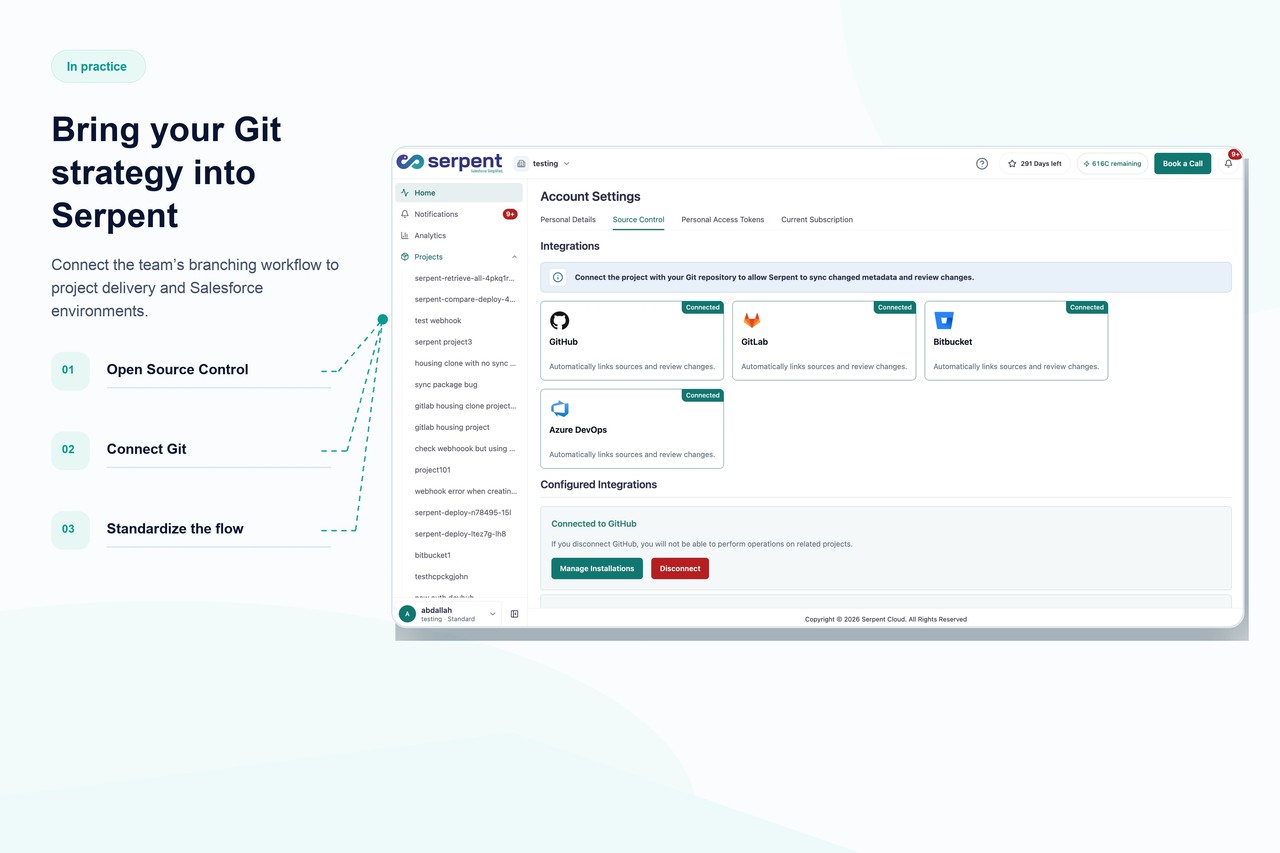
Serpent replaces branch management with Work Item-based tracking: admins, developers, and testers work through Work Items instead of manually creating and merging branches, while Serpent runs Git operations in the background, against the repository you already have on GitHub or another host, to keep history accurate. This removes the merge-conflict and branch-sprawl problems Salesforce teams hit with traditional branching models, without losing full commit history or the ability to trace any change back to its Work Item. Teams that want a Git-native workflow still get one; they just don't have to manage it by hand. See Work Item-based workflow in Serpent for how it replaces manual branching.
Git Branching Strategy, answered
Start free. No credit card, no install, no commitment.
Set up in under 15 minutes. No DevOps hire needed.