

How to fix PORTAL_USER_ALREADY_EXISTS_FOR_CONTACT in Salesforce deployments
A Contact already has an active Experience Cloud user, so a new portal user can't be created for it.
Surfaces during: runtime DML, in user-provisioning scripts and data migrationsWhat it means
PORTAL_USER_ALREADY_EXISTS_FOR_CONTACT means an attempt to create an Experience Cloud (community/portal) user for a Contact failed because that Contact already has one. Salesforce only allows a single active portal user per Contact per portal, so a second creation attempt is rejected rather than creating a duplicate identity.
The constraint is scoped per portal, not per org: a Contact can have separate portal users across multiple distinct Experience Cloud sites, and this error only fires when the specific target portal already has an active user tied to that Contact.
Common causes
The fix
- Query for an existing portal user before creating oneCheck the Contact for an existing active User record tied to the target portal before running the creation step.
List<User> existing = [ SELECT Id FROM User WHERE ContactId = :contactId AND IsActive = true AND IsPortalEnabled = true ]; - Reactivate or update existing users instead of re-creating themUse upsert-style logic that updates a Contact's existing portal user rather than always attempting a fresh insert.
- Dedupe Contacts before bulk user provisioningClean up duplicate Contact records so a provisioning script doesn't attempt to create two portal users for what should be one person.
How Serpent prevents this
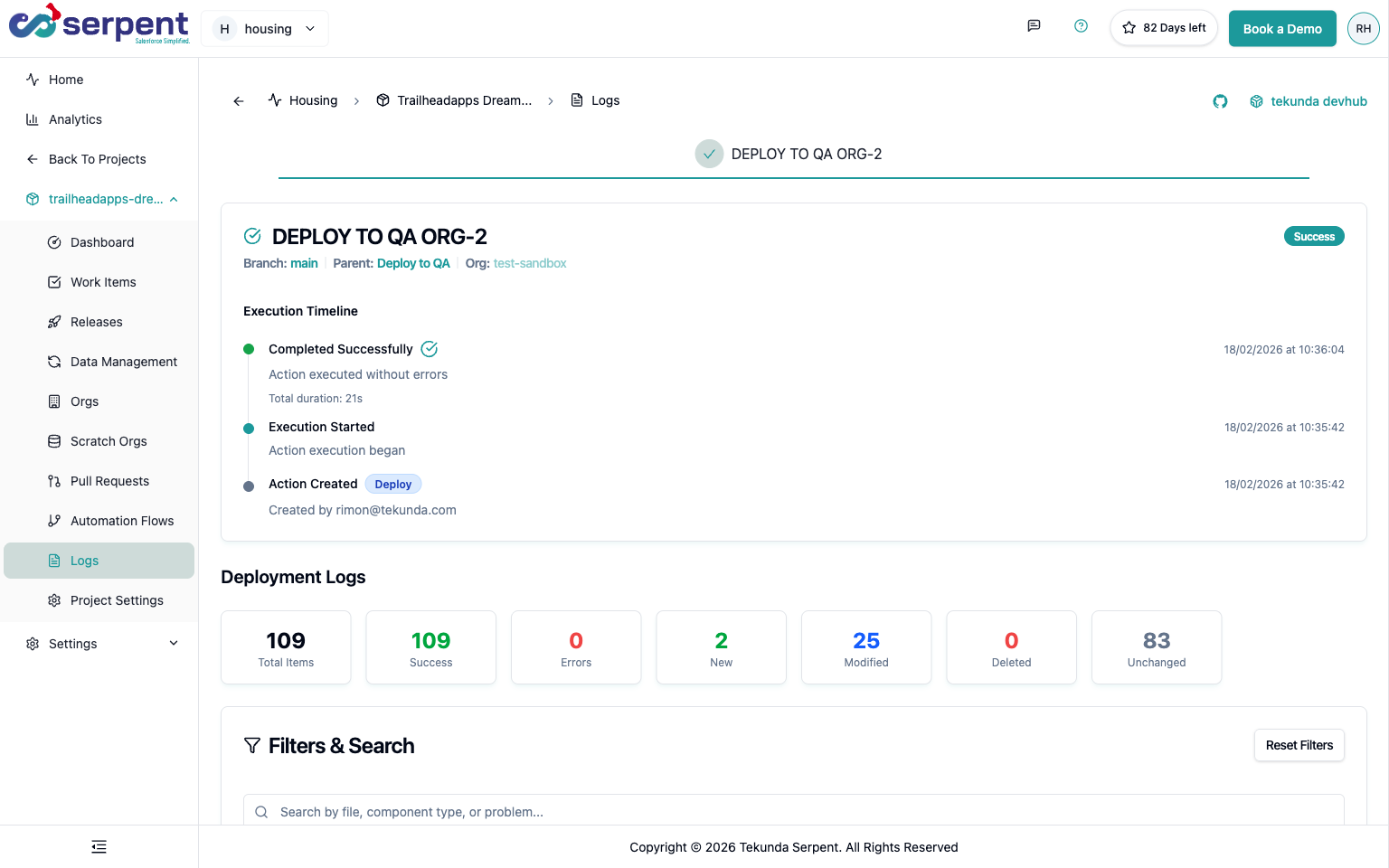
Serpent's pipeline runs data setup through the same task workflow as everything else, so a re-provisioning script that doesn't check for existing portal users fails visibly on the task instead of during a live onboarding run. See the Salesforce deployment error library.
Prevention
Related errors
PORTAL_USER_ALREADY_EXISTS_FOR_CONTACT, answered
Start free. No credit card, no install, no commitment.
Set up in under 15 minutes. No DevOps hire needed.