

Salesforce DevOps for Education Cloud
Education Cloud's trigger framework is configured through data records, not metadata. Here's how that trips up deployments.
What's hard to deploy
Education Cloud is built on the Education Data Architecture (EDA), and EDA's trigger logic runs through TDTM, Table-Driven Trigger Management, where each trigger handler is a row in a custom object rather than a metadata component. A metadata-only deployment can ship a new class meant to run through TDTM, but if the corresponding Trigger Handler record isn't migrated too, the class is simply never invoked, and the gap fails silently instead of blocking the deploy.
Where it gets hard
How Serpent helps
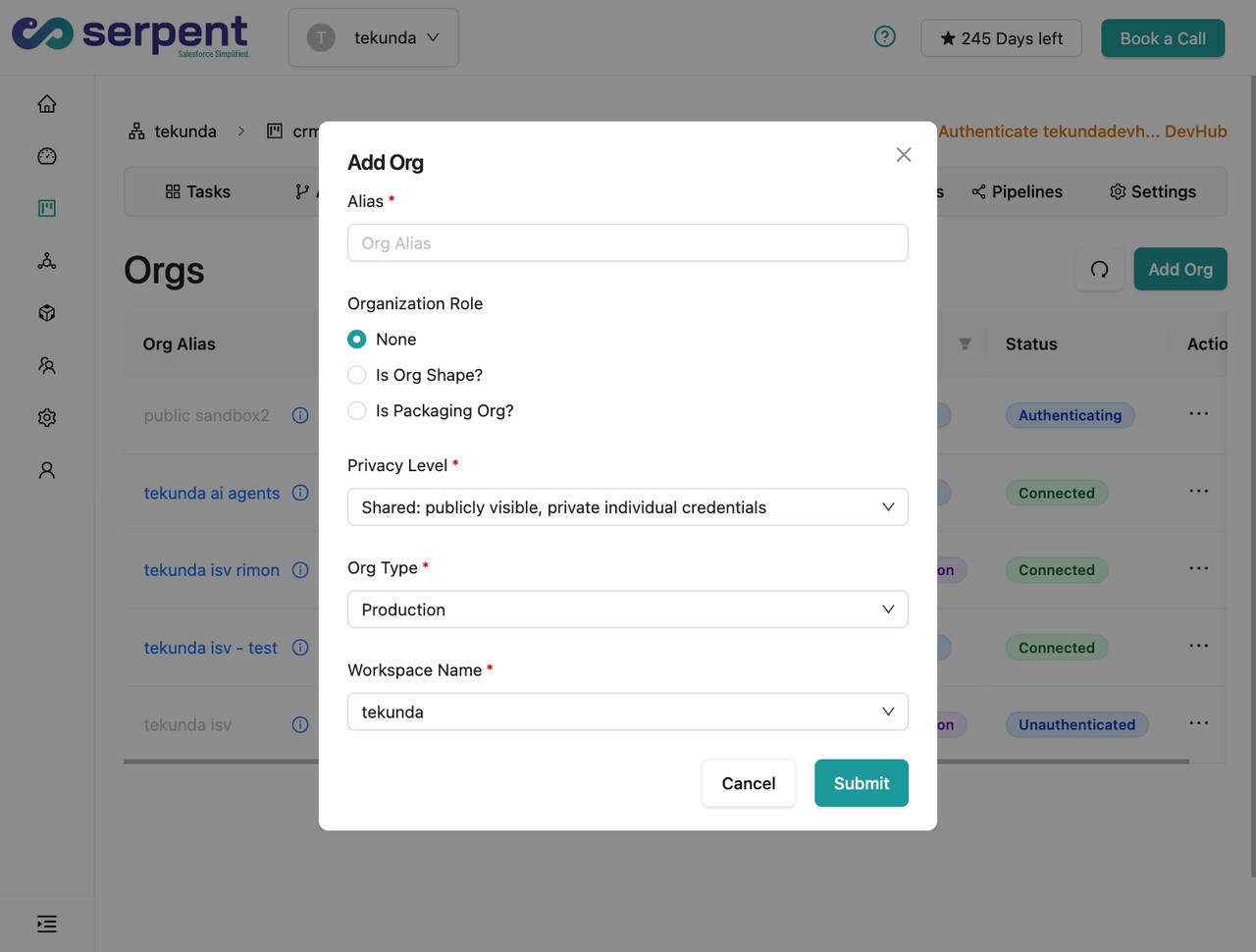
Serpent's dependency detection extends beyond metadata to catch these data-as-configuration patterns, so a TDTM handler record can be tracked and migrated as part of the same task as the class it activates. See org management in Serpent for how environments stay in sync. For a look at dedicated data-movement tooling, see how Serpent compares to Prodly.
Typical release for Education Cloud
- Task the class and its handler togetherA TDTM-driven change gets tasked as one unit: the Apex class plus the Trigger Handler record that activates it.
- Dependency detection catches the gapSerpent's dependency detection looks past metadata to flag when a class references a handler record that hasn't shipped yet.
- Migrate the handler record with the deployThe Trigger Handler data moves as a tracked step alongside the metadata, not a separate manual insert.
- Confirm the automation actually firesValidate in a synced sandbox that the new handler is active, since a silent gap here won't throw an error.
Education Cloud DevOps, answered
Start free. No credit card, no install, no commitment.
Set up in under 15 minutes. No DevOps hire needed.