
Project orgs are the Salesforce environments connected to a single project. They are the orgs that project develops against, retrieves from, and releases to.
Connect orgs to a project
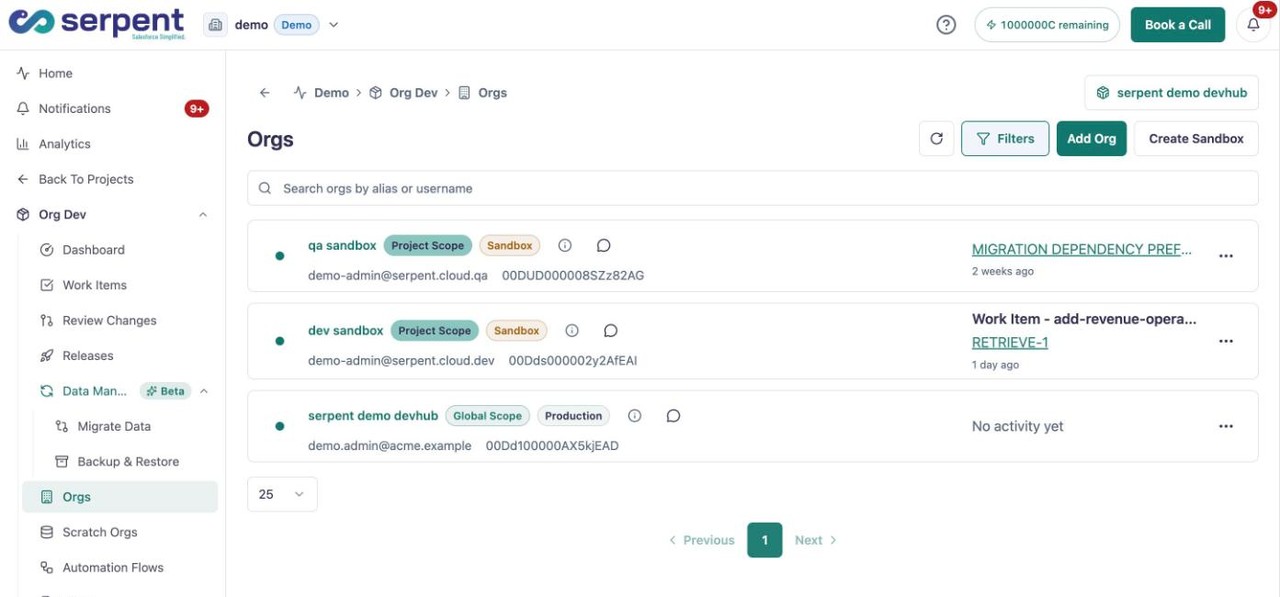
Open the project's Orgs list with the "Try it in Serpent" button above to manage the environments it uses. From there you can:
- Add the development, testing, and release orgs the project uses.
- Keep each org scoped to the project that owns it.
- Update the set of project orgs as the project's delivery path changes.
Project vs workspace orgs
Use project orgs for environments one project owns. For orgs shared across several projects, connect them at the workspace level as workspace orgs instead.