
Manage Files controls which metadata components appear in deploy and retrieve file selectors across a project. Ignored files stop showing up entirely, so noisy auto-generated or irrelevant components stop cluttering every selection.
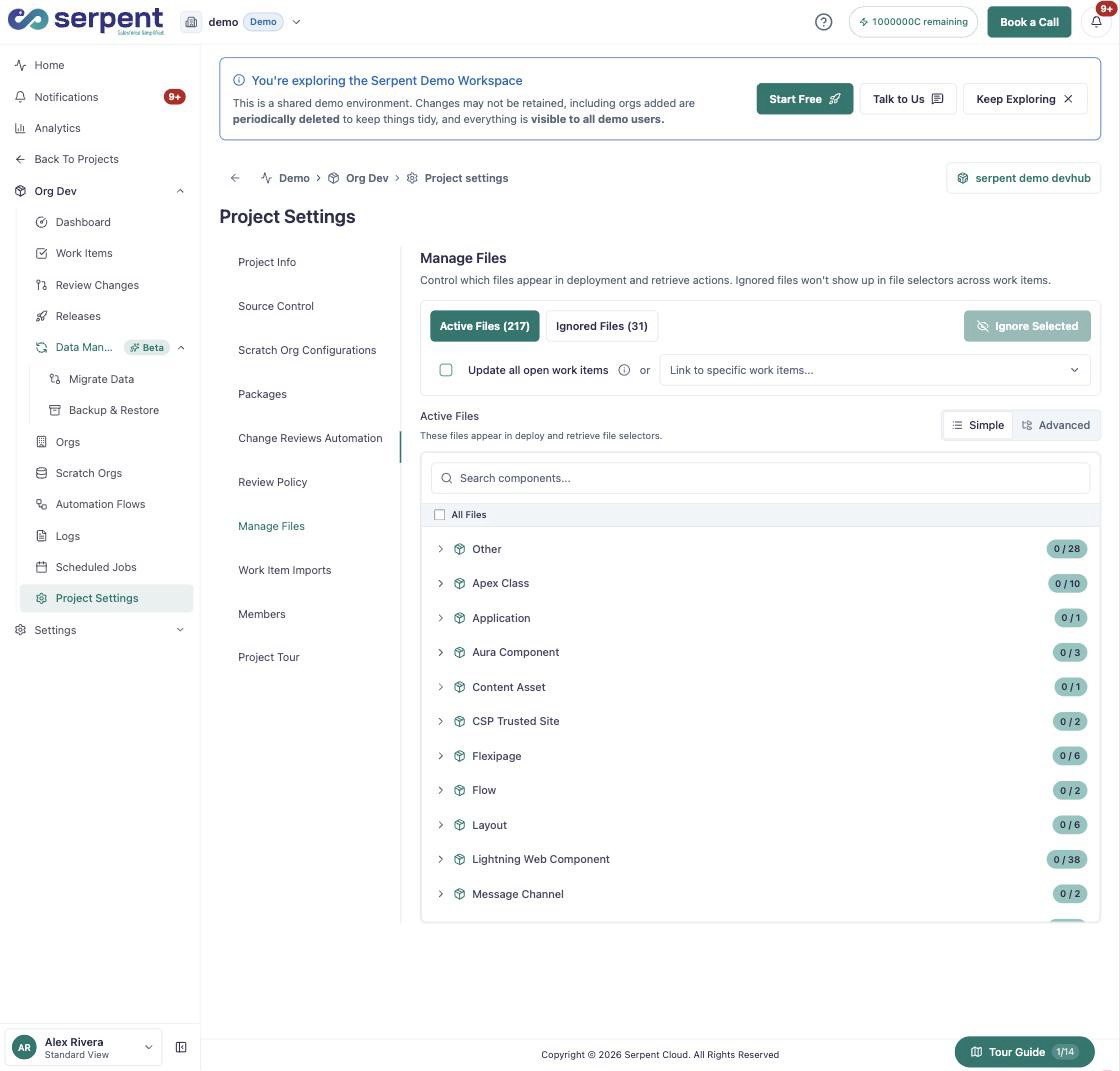
Active vs ignored files
Open Project Settings Manage Files with the "Try it in Serpent" button above, then:
-
Browse by metadata type
Files are grouped by type - Apex Class, Flow, Lightning Web Component, and more - and searchable by name.
-
Ignore what you do not need
Select files and click Ignore Selected. Switch to the Ignored Files tab any time to bring one back.
Apply to open work items
A change here can update every open Work Item's file selectors at once, or you can link it to specific Work Items only, so in-progress selections stay exactly as they were.