
Creating a release gathers the Work Items marked ready and assembles them into a single, ordered deployment. You get the same stabilization benefit as cutting a release branch, without anyone managing branch creation, merges, and cleanup by hand.
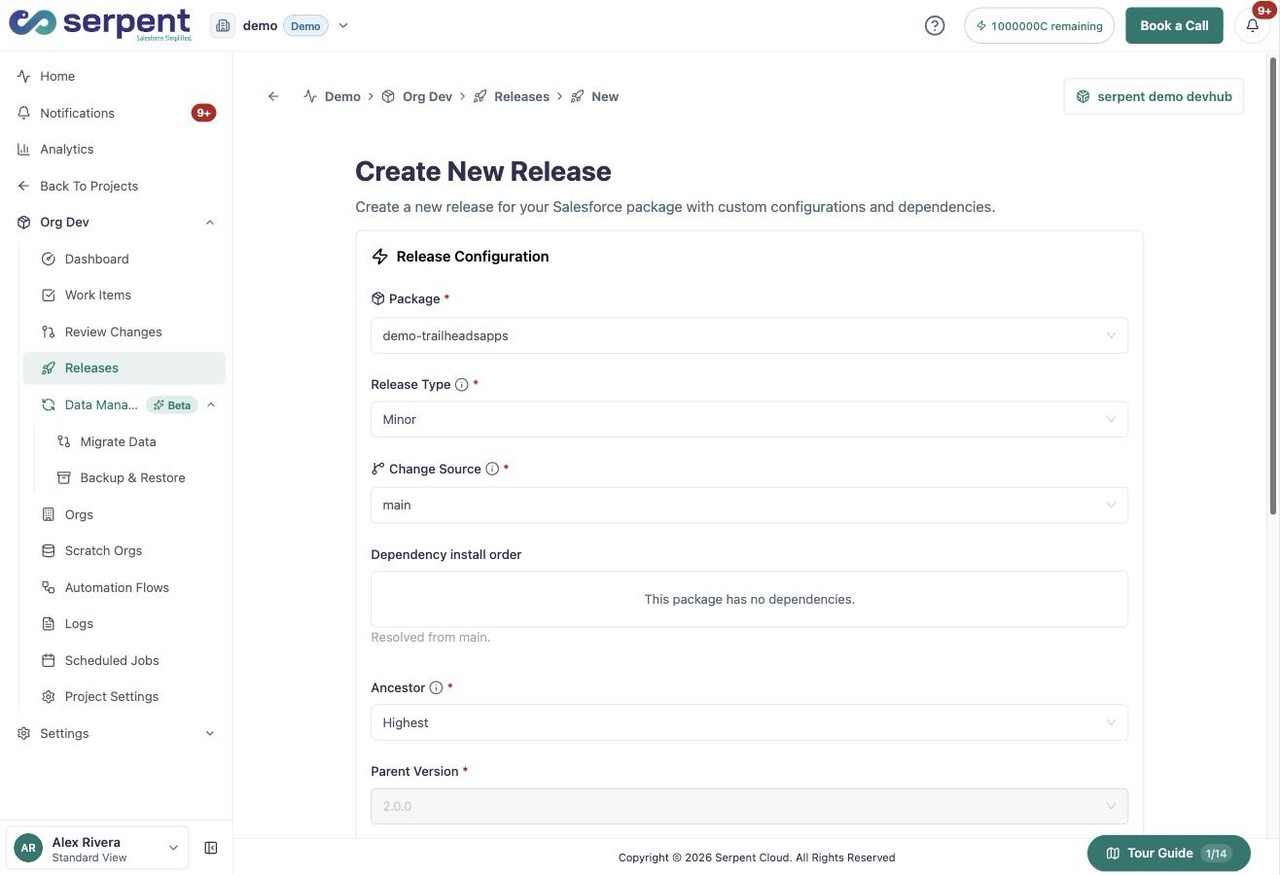
Create it in Serpent
Open the release screen with the "Try it in Serpent" button above, then:
-
Pick what is ready
Choose the reviewed and tested Work Items to include in the release.
-
Review the deployment plan
Serpent builds the plan from that set, ordering components by dependency and surfacing any manual steps up front.
-
Validate against the target
Run the preflight checks, then wait for them to validate the release against the target org.
-
Deploy
Deploy once the plan is clean. Rollback stays available if you need it.
What stays synced
Staging and UAT environments stay synced as part of the process, so testers keep working against current data.