
Serpent moves Salesforce data between orgs and masks sensitive values as part of the same flow that delivers metadata. This keeps development and testing environments realistic without exposing real production data.
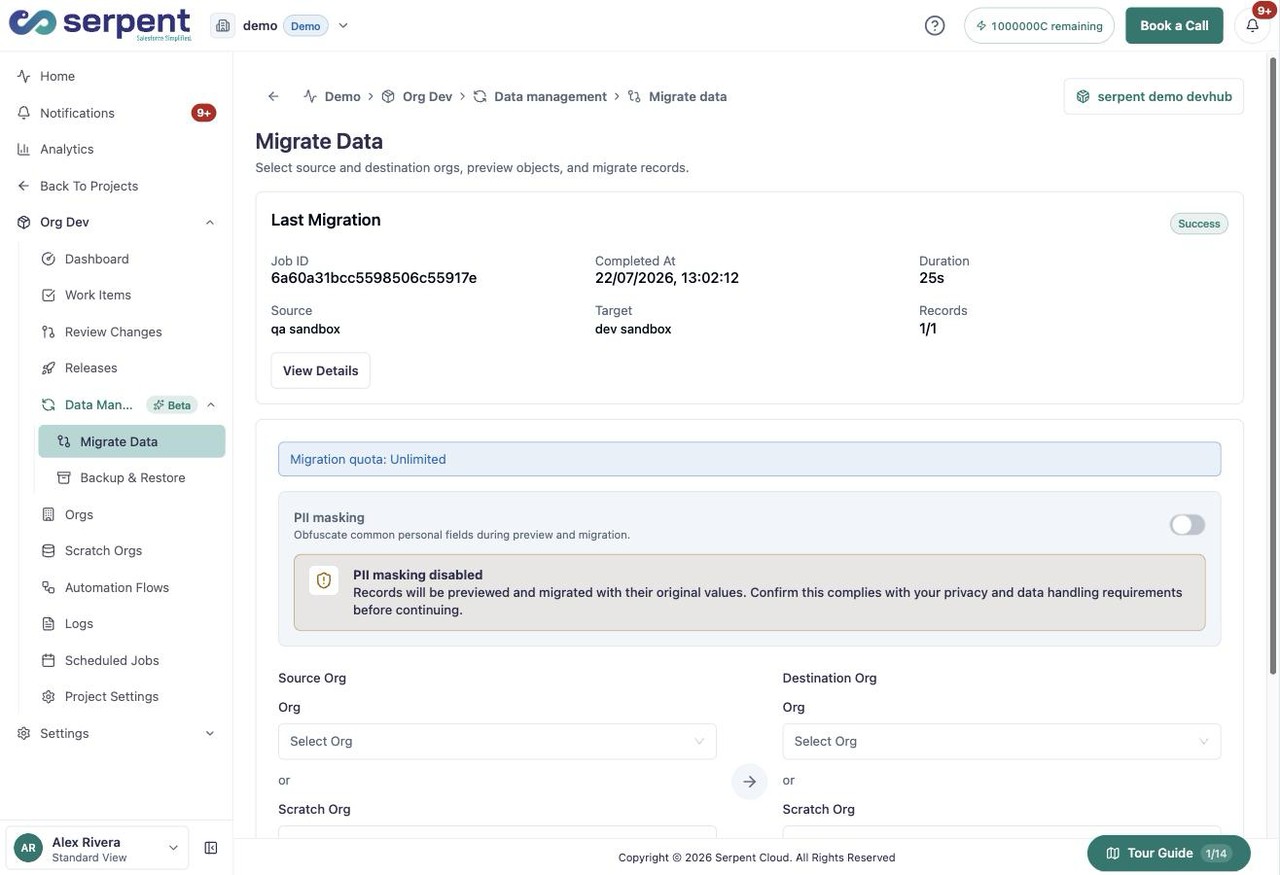
Migrate data in Serpent
Open the Migrate Data screen with the "Try it in Serpent" button above, then:
-
Choose the orgs
Pick the source and destination org for the data you are moving.
-
Mask sensitive values
Turn on PII masking to obfuscate common personal fields during preview and migration.
-
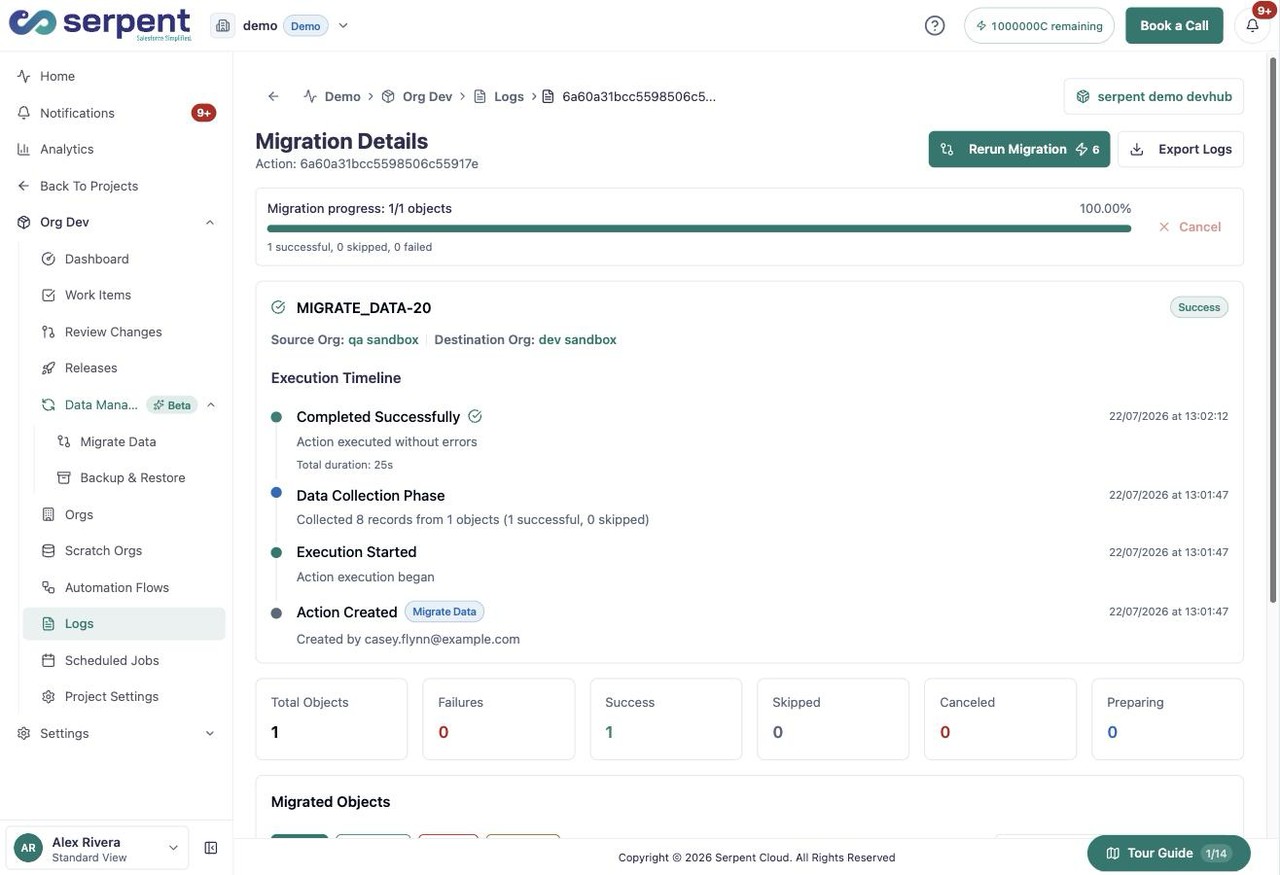
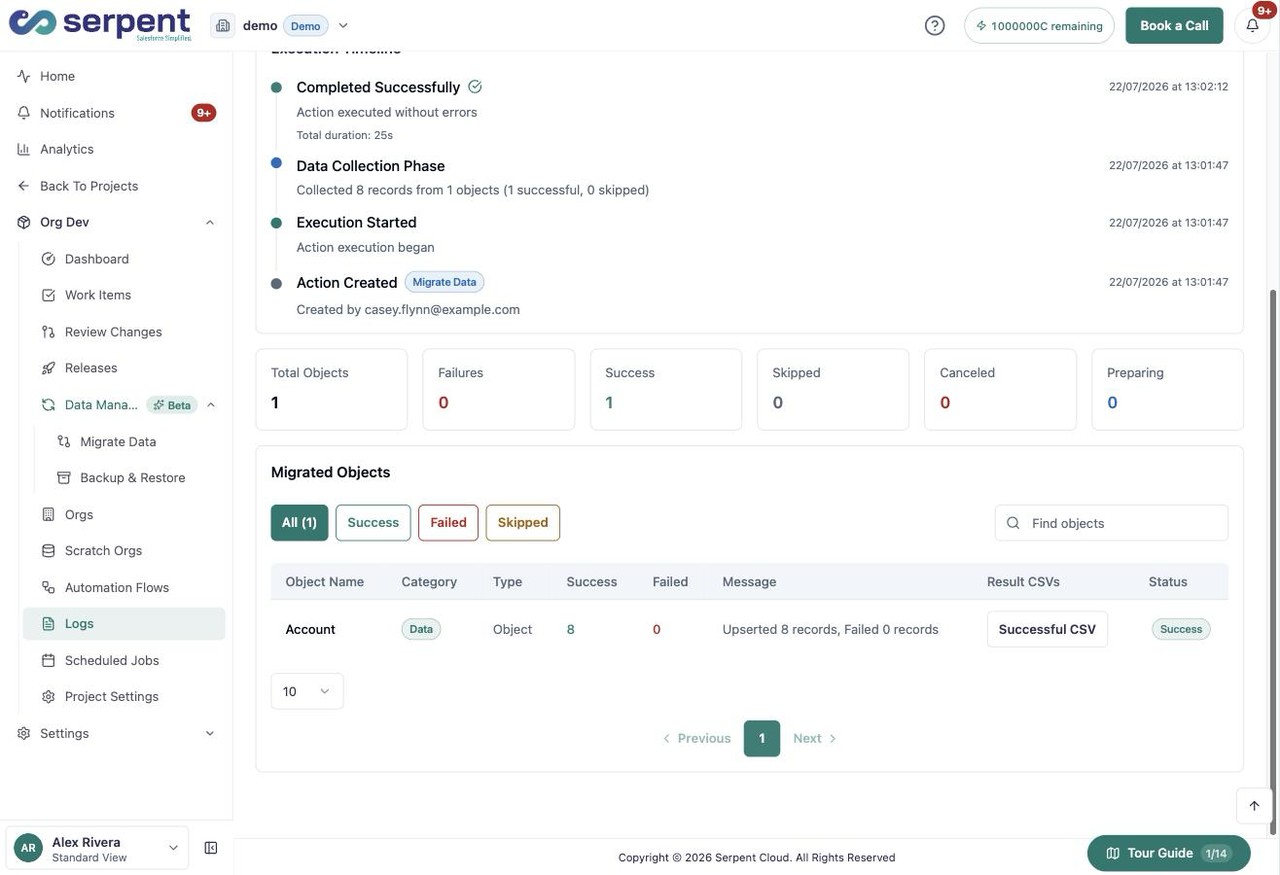
Run the migration
Start the migration, then review its progress and results.
Why seeding and masking matter
- Sandbox seeding loads sample or masked data so testing reflects real conditions, not an empty org.
- Serpent seeds as part of environment setup and release pipelines, so refreshed orgs come back populated.
- Masking keeps production-shaped data usable in lower environments while meeting GDPR and similar rules.