

Package Alias
A readable name in sfdx-project.json that maps to a package or package version ID, so scripts and CI don't hardcode opaque IDs.
Definition
A package alias is an entry in a project's sfdx-project.json that maps a human-readable name to the actual package ID (starting with 0Ho) or package version ID (04t) Salesforce assigns. Instead of a build script or CI pipeline referencing a package by its opaque ID, it references the alias, and Salesforce CLI resolves it at runtime. Running sf package version create automatically adds a new alias entry for the version it produces, so the mapping stays current as a package evolves through its release history. Skipping aliases and hardcoding raw IDs in scripts is a common source of confusion once a package has several active versions, since nothing in the ID itself indicates what it represents. Our Salesforce CLI guide covers how packaging commands fit into a build.
How it works in Serpent
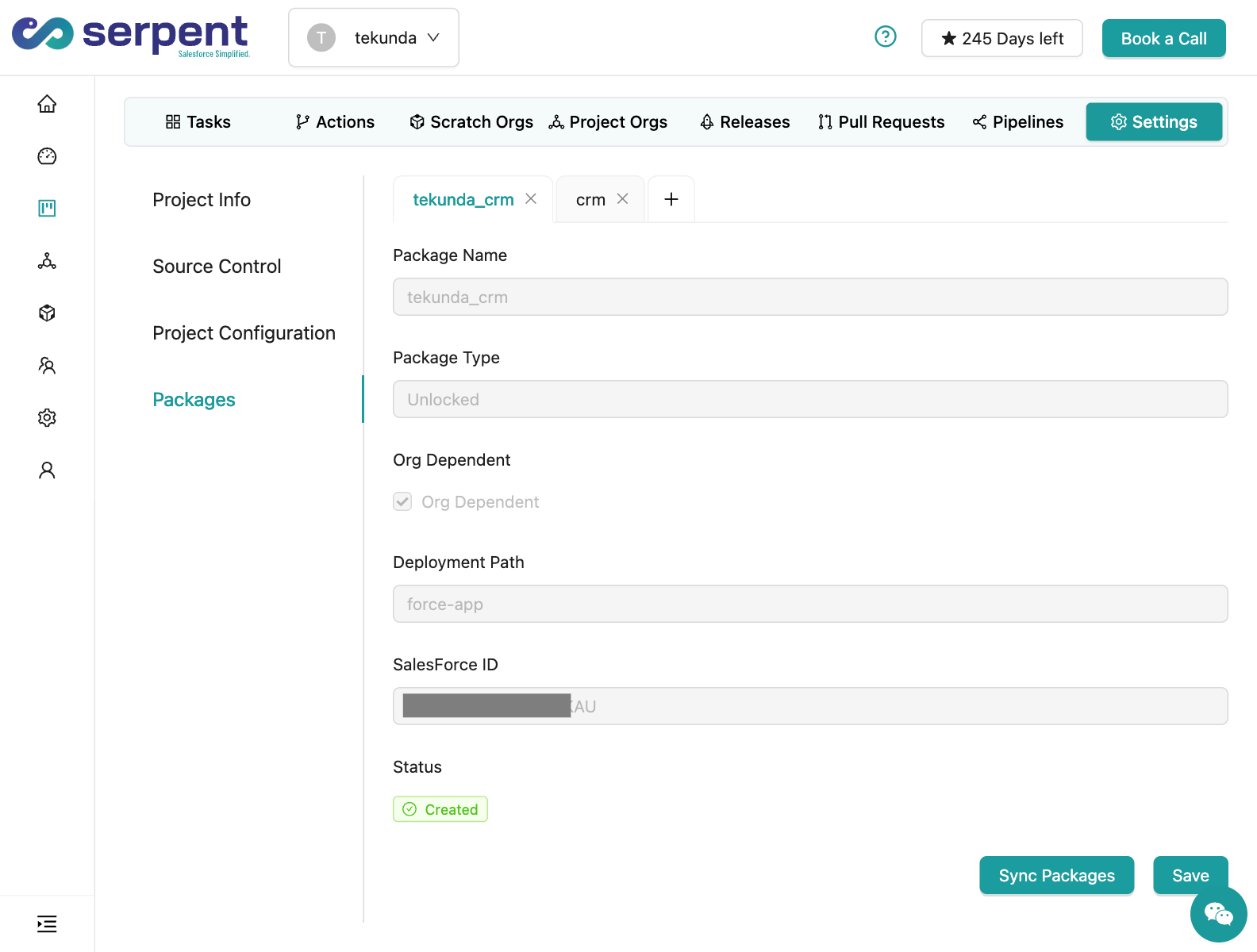
Serpent tracks package and version identity internally, so release dashboards and promotion history show readable names rather than raw IDs, without a team needing to hand-maintain alias entries across every project file. See release management in Serpent for how package versions are tracked.
Package Alias, answered
Start free. No credit card, no install, no commitment.
Set up in under 15 minutes. No DevOps hire needed.