

Ancestry
The declared lineage between package versions that tells Salesforce which prior version a new one is meant to upgrade from.
Definition
Ancestry is the required lineage a managed package version declares to the version it upgrades from, set through ancestorId or ancestorVersion in sfdx-project.json. Salesforce uses it to validate that an upgrade path is safe: fields can't be deleted and re-added incompatibly, required-ness can't tighten unexpectedly, and other destructive-upgrade patterns get caught before a version reaches subscriber orgs. Unlocked packages don't require ancestry the same way, since Salesforce assumes teams control both sides of the upgrade; managed packages enforce it because a subscriber org upgrading blind has no other safety net. Skipping or misdeclaring ancestry is a common cause of confusing validation failures when creating a new managed package version. Our 2GP gotchas guide covers ancestry mistakes that cost ISVs real release time.
How it works in Serpent
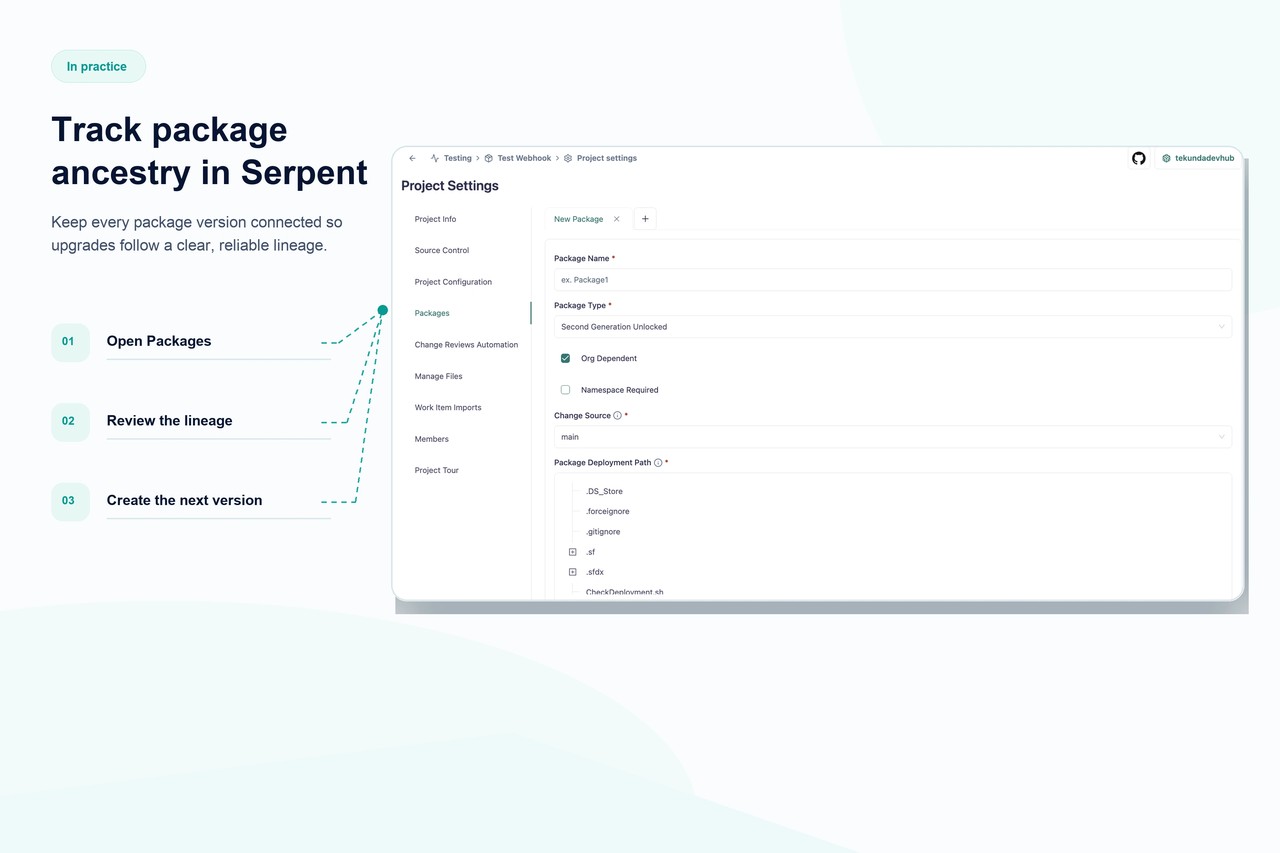
Serpent tracks package version ancestry automatically as part of its promotion workflow, so upgrade paths stay valid without a release engineer manually declaring ancestor versions for every build. When a version's declared ancestor doesn't match the actual upgrade chain, Serpent flags it before creation rather than after a failed Salesforce validation. See 2GP CI/CD in Serpent for how version ancestry fits the pipeline.
Ancestry, answered
Start free. No credit card, no install, no commitment.
Set up in under 15 minutes. No DevOps hire needed.