
Try Serpent Free

How to fix INVALID_OR_NULL_FOR_RESTRICTED_PICKLIST in Salesforce deployments

A record is being saved with a picklist value, or no value, that isn't in the field's restricted value set in the target org.

Surfaces during: runtime DML, in data loads, integrations, and Apex test setup

What it means

INVALID_OR_NULL_FOR_RESTRICTED_PICKLIST fires when a picklist field is set to restrict values to those defined, and a record tries to save a value outside that list, or a required restricted picklist is left blank. The value might be perfectly valid in the source org; the problem is the target org's value set doesn't match.

Restricting a picklist is opt-in per field; an unrestricted picklist silently accepts any string, including ones with typos, while a restricted one enforces the defined value set strictly, which is exactly why this error tends to appear the moment a field's restriction is turned on for the first time.

Diagnosis

Common causes

Value set differs between source and target org
The picklist's active values were edited in one org's field metadata, but the change never deployed to the other.
Record type doesn't include the value
A record type's picklist value mapping excludes a value that the global picklist otherwise allows.
Data load sends a deactivated value
A value was deactivated on the picklist, but incoming data or an API integration still sends it.

The fix

  1. Deploy the picklist value set with the field
    Include the full active value list, and any record type value mappings, in the same deployment as the field or record type change.
  2. Add the missing value to the target org's picklist
    If the value should be valid there too, add it to the picklist's value set before retrying the deploy.
  3. Map or clean the data before load
    Update the incoming data to use an active, mapped value instead of one the target org's picklist no longer accepts.
In practice

How Serpent prevents this

Serpent syncs picklist value sets and record type mappings alongside the sandboxes it manages, so a restricted picklist stays aligned across every org instead of drifting silently. See the Salesforce deployment error library.
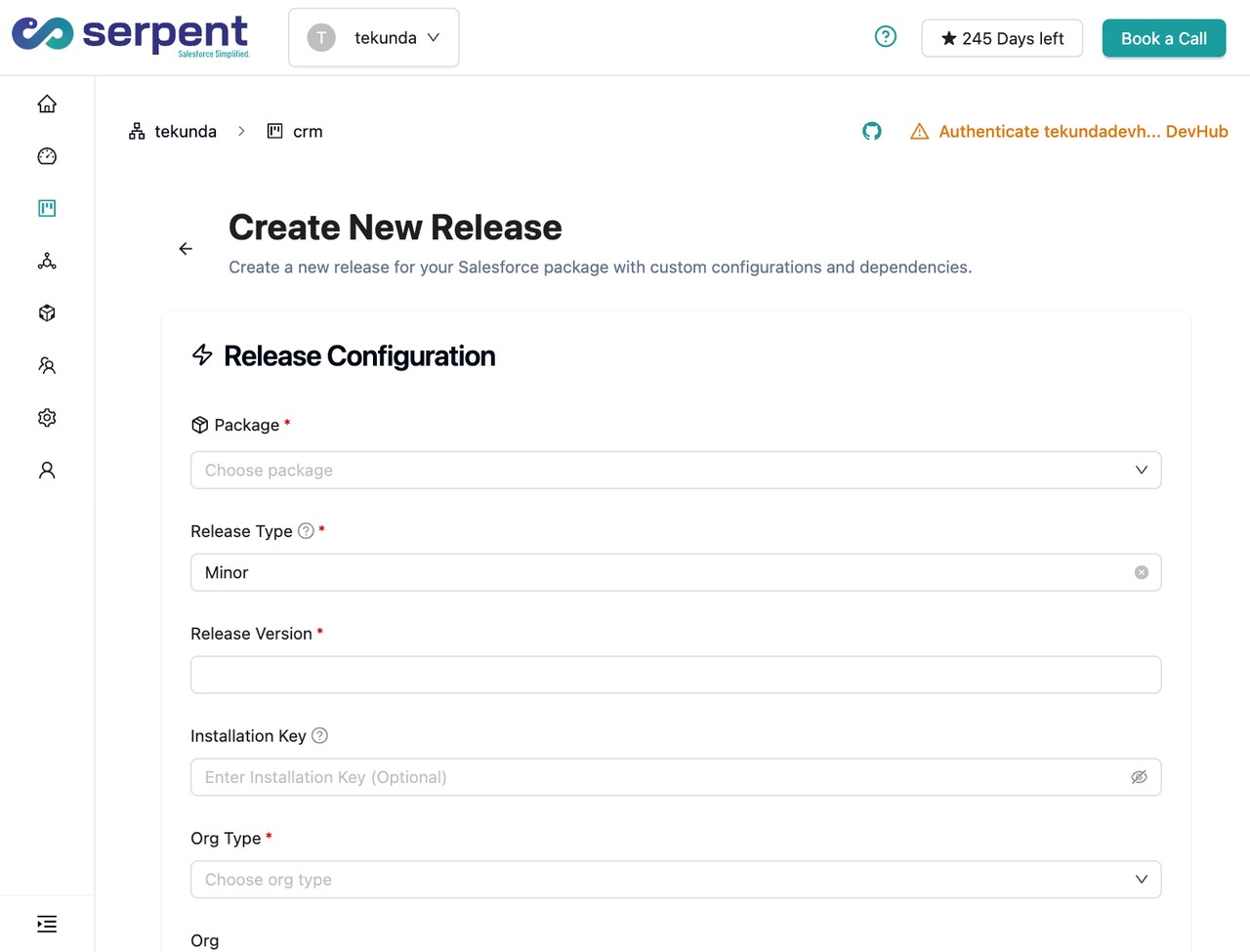
Metadata and data in one deployment flow in Serpent

Prevention

Version-control picklist value sets and record type mappings together
Track the field's value set and every record type's business process or value mapping as one unit in source control, not as separate ad hoc Setup edits.
Never deactivate a picklist value without checking active integrations first
Search integration mappings and Flow logic for any reference to a value before deactivating it, so a downstream system doesn't keep sending a value the org no longer accepts.
Validate incoming picklist values against a lookup table before load
Cross-check every incoming picklist value against the target org's active value set during data load transformation, rather than discovering the mismatch at insert time.
Common questions

INVALID_OR_NULL_FOR_RESTRICTED_PICKLIST, answered

Why does the same data load work in one sandbox but fail in another?
The two orgs almost certainly have different active values or record type mappings on the picklist. Compare the field's value set and record type assignments between the two orgs.
Can I turn off the restriction instead of fixing the values?
Yes, unchecking "Restrict picklist to the values defined in the value set" removes the constraint entirely, but it also removes the data-quality guarantee the field was designed to enforce, so treat it as a last resort.
Does a deactivated picklist value still show on existing records that already have it?
Yes. Deactivating a value doesn't strip it from records that already carry it; it only blocks new saves from using that value going forward, which is why old records and new saves can behave differently.

Start free. No credit card, no install, no commitment.

Set up in under 15 minutes. No DevOps hire needed.

Curious about faster shipping before you dive in? Let's talk

Commitment free!