

How to fix CIRCULAR_DEPENDENCY in Salesforce deployments
Two or more metadata components reference each other, so Salesforce can't determine a valid deploy order.
Surfaces during: metadata deploy validation, before any test executesWhat it means
CIRCULAR_DEPENDENCY happens when two components, most often Apex classes, custom metadata records, or record types, each require the other to exist first. The Metadata API deploys components in dependency order, and a cycle means there is no valid order that satisfies both.
Apex is the most common trigger because the compiler resolves class references at deploy time: if Class A's signature references Class B and Class B's signature references Class A, neither can compile first standalone, only together in the same deploy transaction.
Common causes
The fix
- Deploy a stub first to break the cycleDeploy one side of the pair with a minimal or empty implementation, then deploy the real logic in a second pass.
- Combine both components into a single deployPackage the interdependent classes or metadata into one deployment so Salesforce resolves the whole set together instead of ordering them individually.
sf project deploy start --source-dir force-app/main/default/classes/ClassA.cls force-app/main/default/classes/ClassB.cls - Refactor to remove the mutual referenceExtract the shared logic into a third class or interface so neither original component depends directly on the other.
How Serpent prevents this
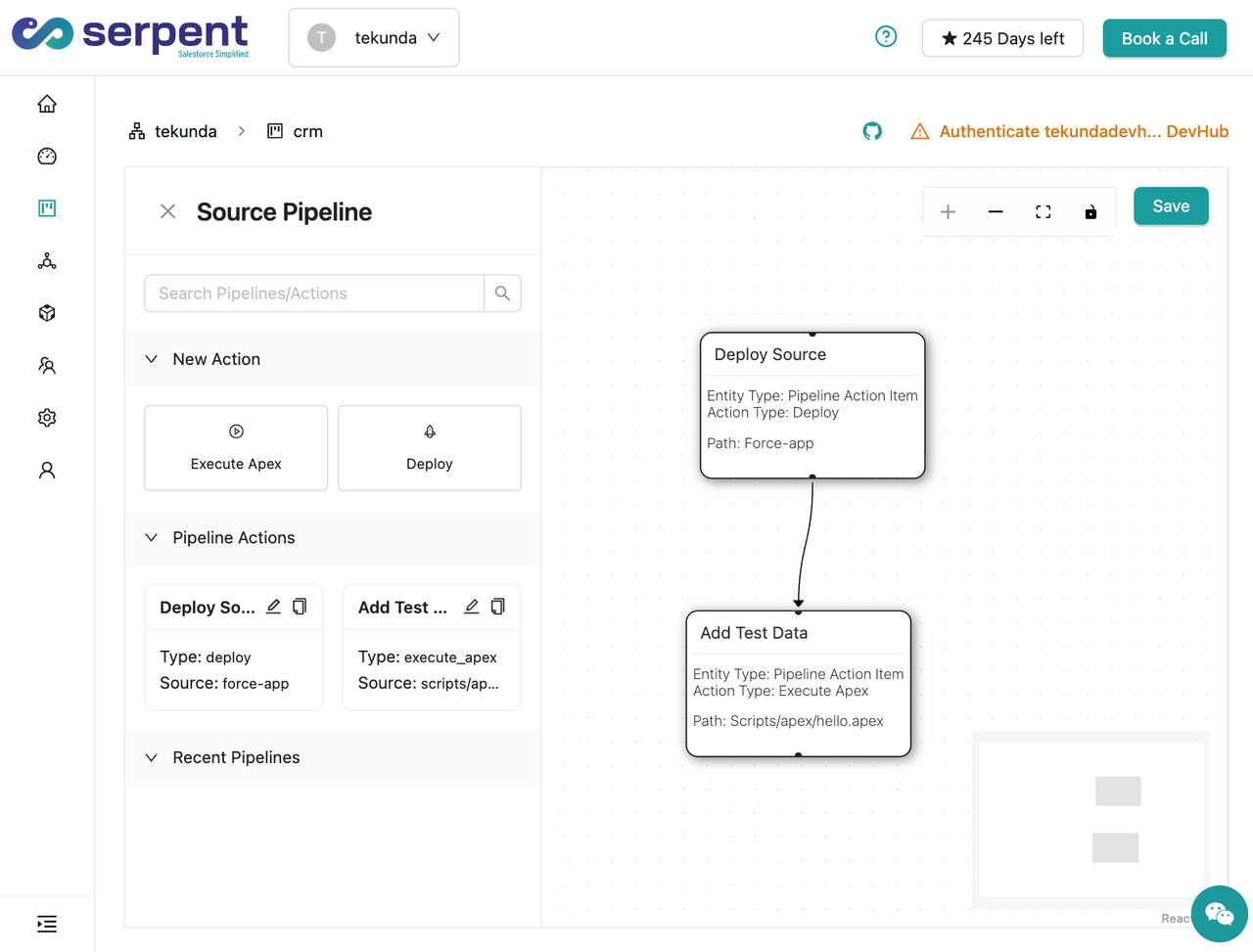
Serpent tracks which components a task touches and flags interdependent components before they're split across separate tasks, so a circular pair deploys together instead of failing halfway. See the Salesforce deployment error library.
Prevention
Related errors
CIRCULAR_DEPENDENCY, answered
Start free. No credit card, no install, no commitment.
Set up in under 15 minutes. No DevOps hire needed.