

How to fix CANNOT_MODIFY_MANAGED_OBJECT in Salesforce deployments
The deployment tries to change a component that belongs to an installed managed package, which subscriber orgs can't directly modify.
Surfaces during: metadata deploy validation, before any DML runsWhat it means
CANNOT_MODIFY_MANAGED_OBJECT means the deployment is trying to alter metadata that's owned by a managed package, a field, object, or Apex class installed from the AppExchange or an internal managed package. Subscriber orgs can extend managed package objects in specific, package-defined ways, but can't directly edit the package's own protected components.
It fires at deploy time, before any records are touched, because the Metadata API checks component ownership as part of validating the package you're deploying.
Common causes
The fix
- Remove the managed component from the deployment packageExclude any metadata whose namespace prefix belongs to the installed package, and deploy only org-native changes.
- Use the package's supported extension points insteadExtend managed objects through custom fields, custom metadata, or APIs the package vendor exposes, rather than editing the package's own components.
- Align package versions across orgs before deployingUpgrade or downgrade the managed package so source and target orgs run the same version before retrying.
How Serpent prevents this
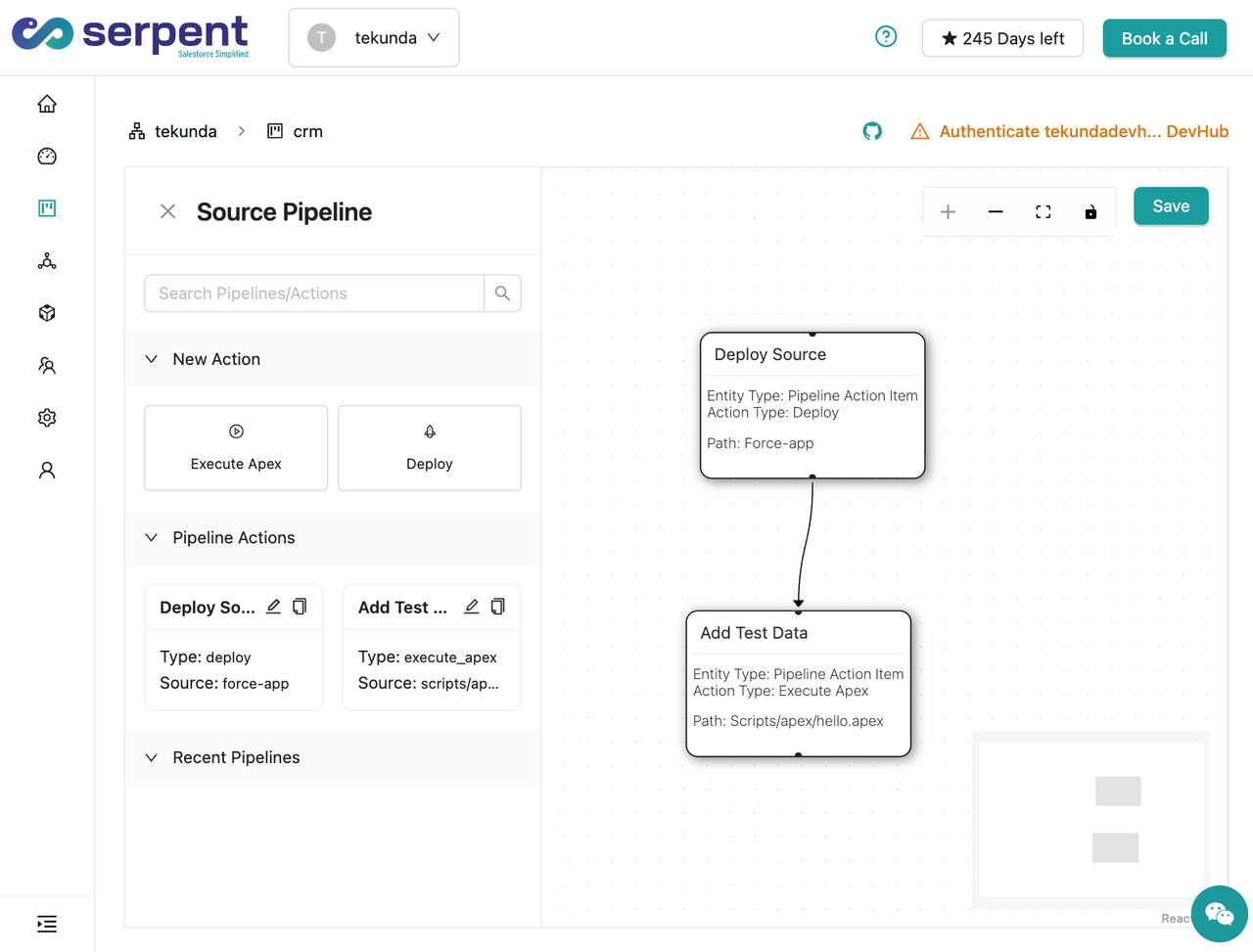
Serpent AI recognizes namespaced managed package components when scoping a task, so they're excluded from a deployment package automatically instead of causing a failed release. See the Salesforce deployment error library.
Prevention
Related errors
CANNOT_MODIFY_MANAGED_OBJECT, answered
Start free. No credit card, no install, no commitment.
Set up in under 15 minutes. No DevOps hire needed.