
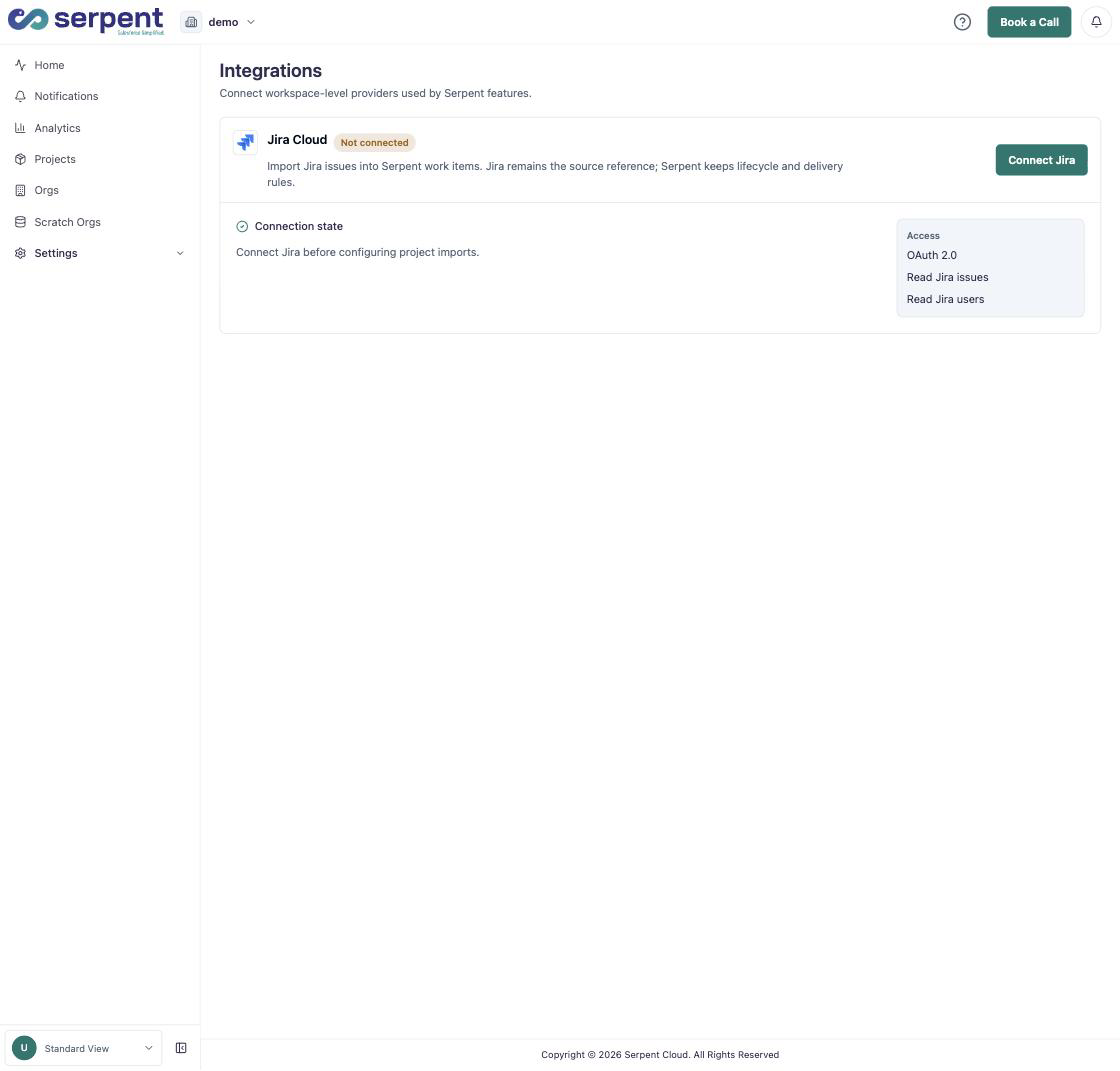
Connect Jira Cloud
Open Settings Integrations with the "Try it in Serpent" button above, then:
-
Connect Jira
Click Connect Jira and authorize Serpent over OAuth 2.0. No password or API token is stored.
-
Review the access it needs
Serpent requests read access to Jira issues and users, only what it needs to import work.
What happens after connecting
Connecting Jira here is workspace-level and shared across projects. Jira remains the source reference for each issue; Serpent keeps Work Item lifecycle and delivery rules on its side rather than mirroring Jira's workflow. Each project then chooses which Jira issues to import under its own settings.